How to connect Tawk.to to a Turbosite website
Tawk.to is a completely free online chat for websites with no limits on operators, chats, or history. It is one of the most popular free chats in the world. They monetize through paid options (removing the logo, hired operators). Installation takes 5 minutes.
What you will need
- A Tawk.to account — free registration at tawk.to
- A published website on Turbosite
- 5 minutes
Step 1. Get the widget code
- Register at tawk.to and log in to the dashboard.
- Upon your first login, the service will guide you through a setup wizard — add a website (Property) and a chat widget.
- After setup, go to Administration → Channels → Chat Widget (or directly to the widget settings).
- Find the
</> Widget Codeblock — this is the JavaScript snippet. - Click on it or copy the entire code.
📷 Screenshot: Administration → Chat Widget page with the code copy button.
⚠️ Check for updates: the tawk.to interface is updated frequently. If the sections are named differently, look for “Property”, “Chat Widget”, or “Widget Code”.
Step 2. Insert the code into Turbosite
-
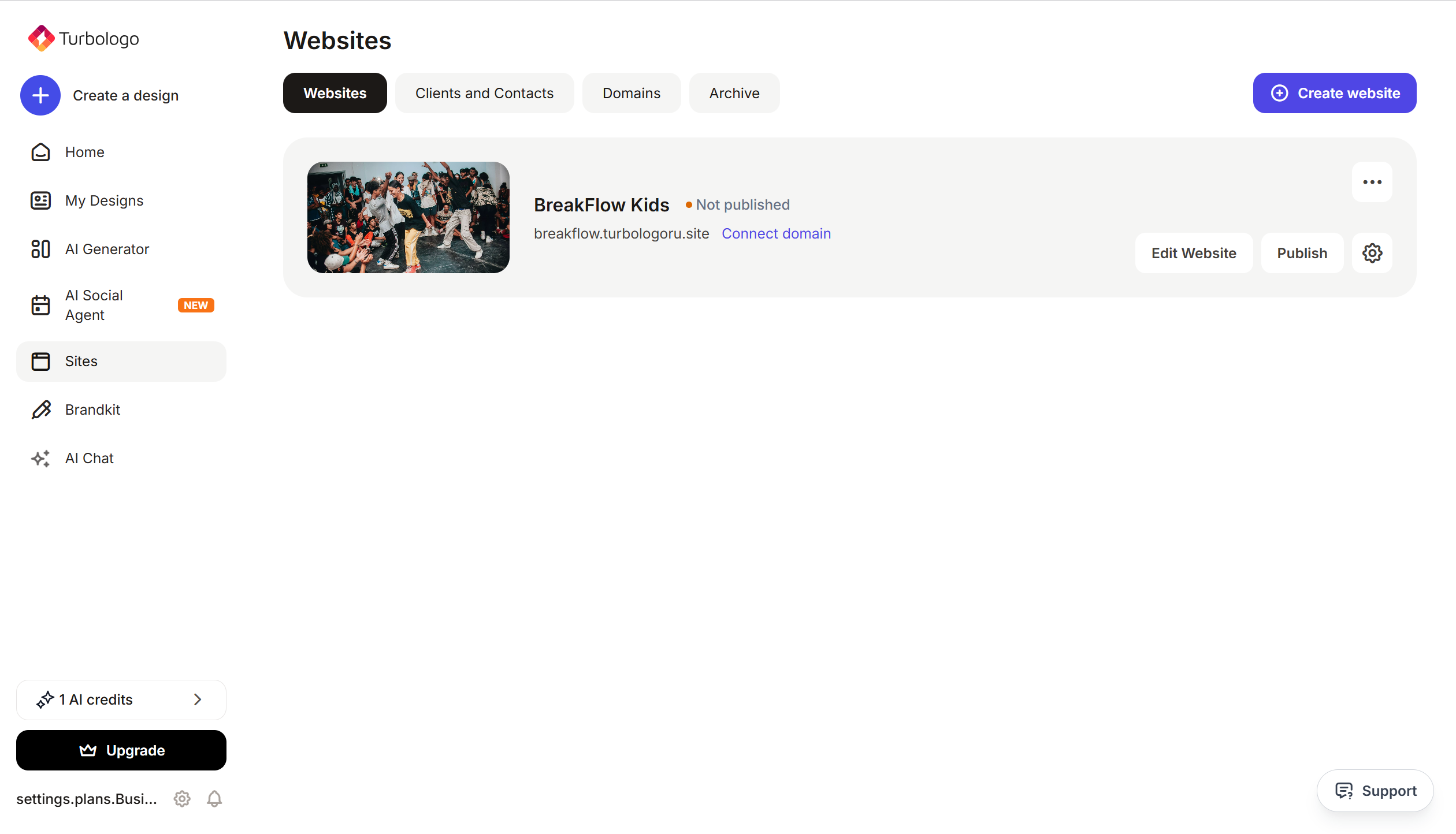
Open your website in Turbosite.
-
Go to Site Settings → Integrations → HTML code in
<head>(this is the service part of the page — visitors do not see it, but scripts from there are loaded when the site is opened).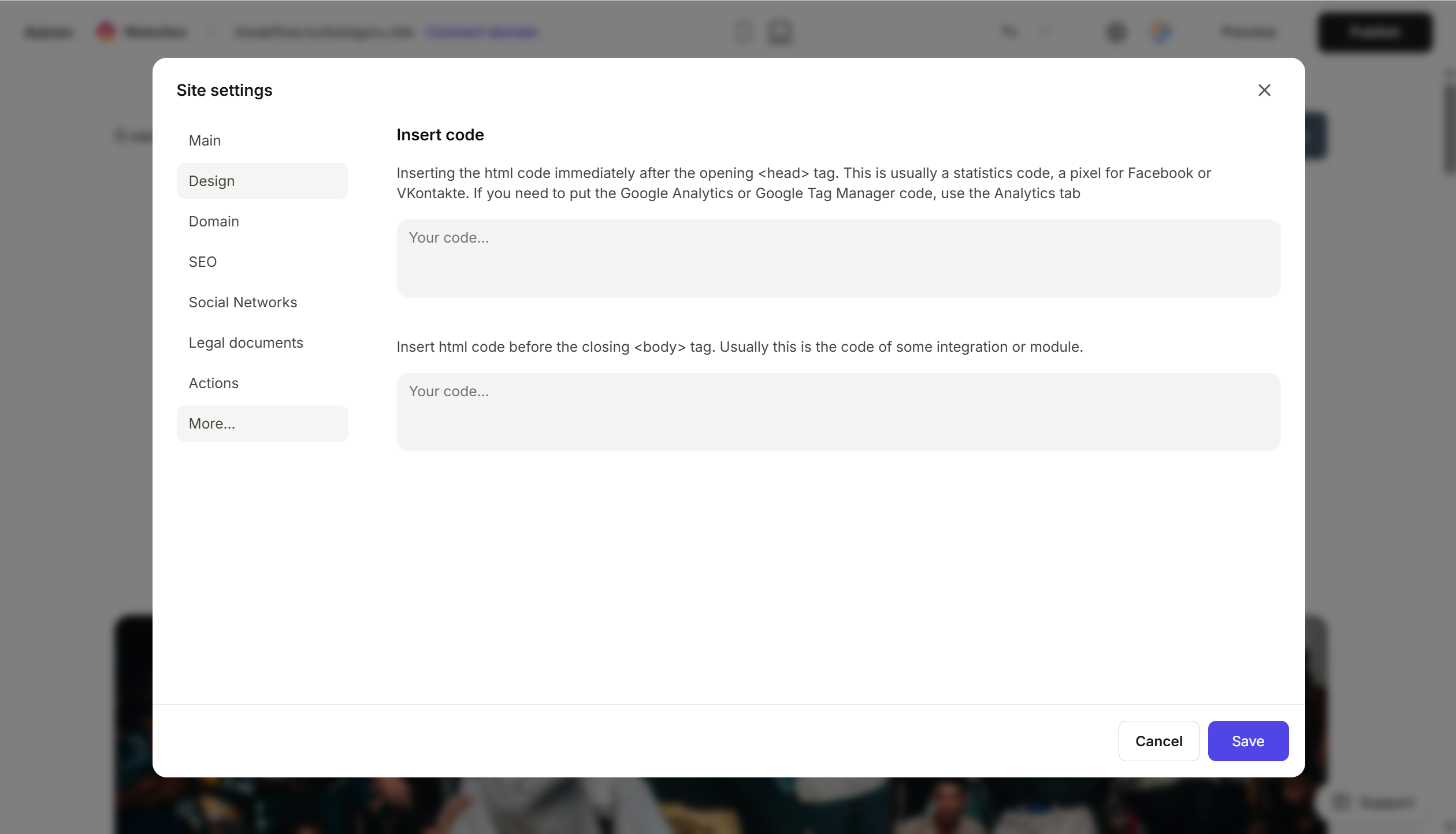
- Paste the Tawk.to code into the field.
- Save the changes.
- Publish the site.
Tawk.to documentation recommends inserting it before
</body>, but the widget also works from<head>— this is a functional option for Turbosite.
Step 3. Verify that the chat is working
- Open your published website in a new tab (preferably in incognito mode).
- A green chat icon will appear in the bottom right corner after 2–3 seconds.
- Click it and send a test message.
- The message will arrive in the Tawk.to dashboard or the mobile app.
FAQ
Is Tawk.to really completely free? The chat itself is, yes, without limitations. Paid options include: removing the “Powered by tawk.to” logo ($19/mo), hired operators ($1/hr), and an AI assistant. See the comparison on the pricing page.
The widget does not appear on the site. Check that the code is complete, the site is published, and there are no ad blockers active. If you are using Content Security Policy (CSP), add the tawk.to domains to your whitelist.
Can I connect multiple websites? Yes. In tawk.to, each Property is a separate website with its own code. Create a new Property for each landing page.
Where are the messages visible? In the tawk.to dashboard (web.tawk.to), in the desktop app (Windows/Mac/Linux), or in the mobile app (iOS/Android). Notifications arrive in real-time.
Can I set up trigger messages? Yes. In the widget settings → Triggers, you can configure automatic messages (e.g., “Hello! How can I help?” after 30 seconds on the page).
Where to look next
- Help Center tawk.to — official documentation
- Adding the widget to your website — step-by-step guide
- Pricing — description of paid options