
Social media posts
with your logo
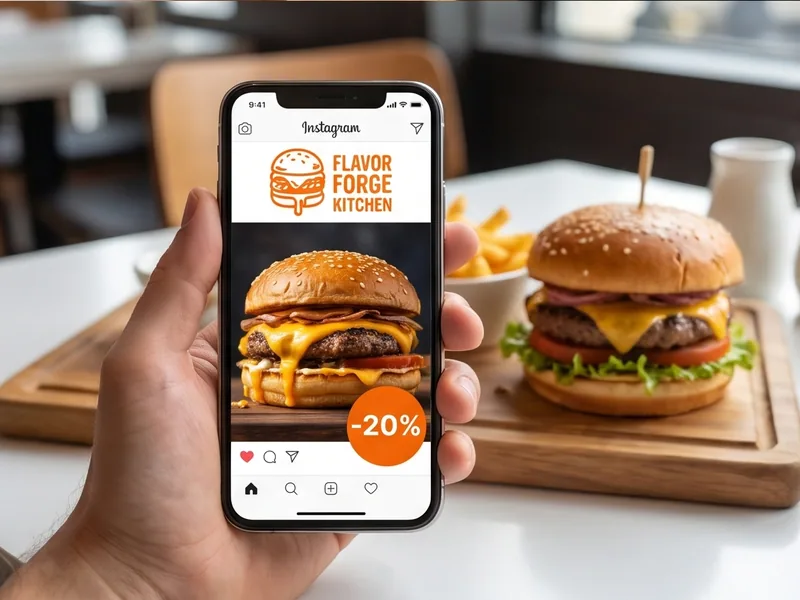
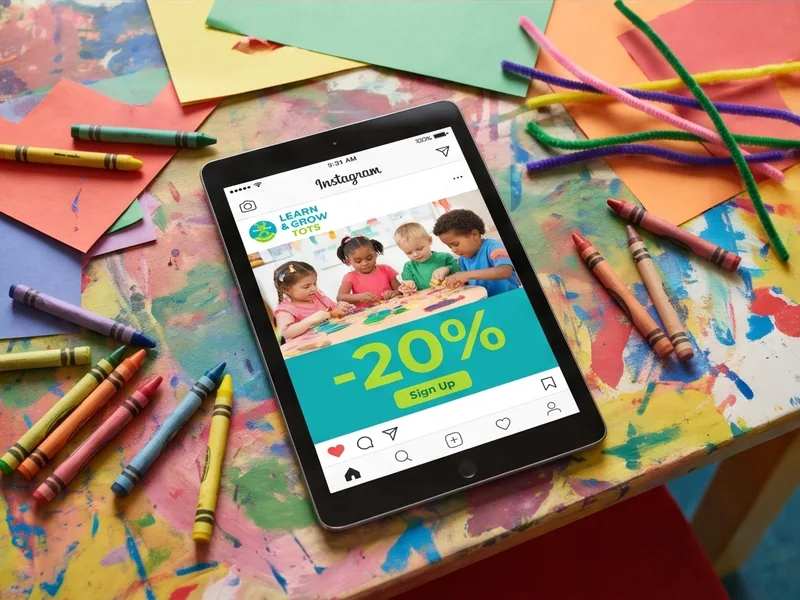
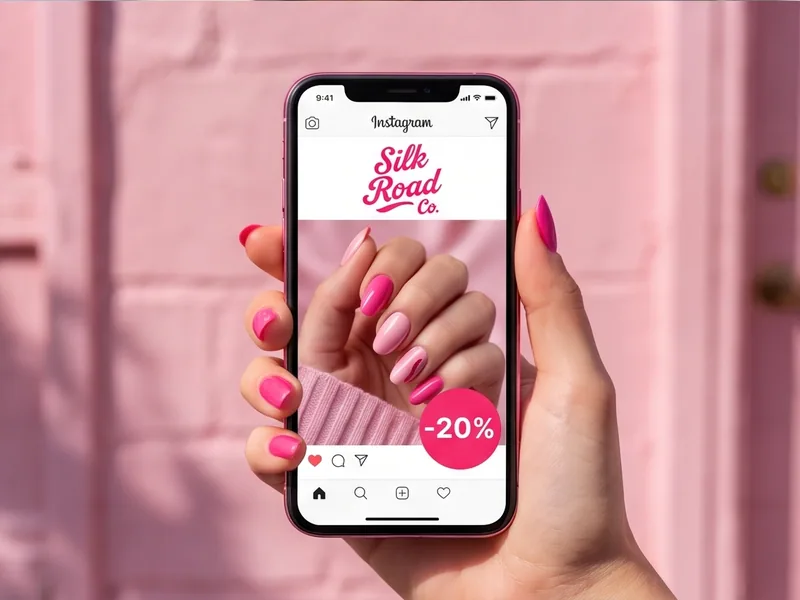
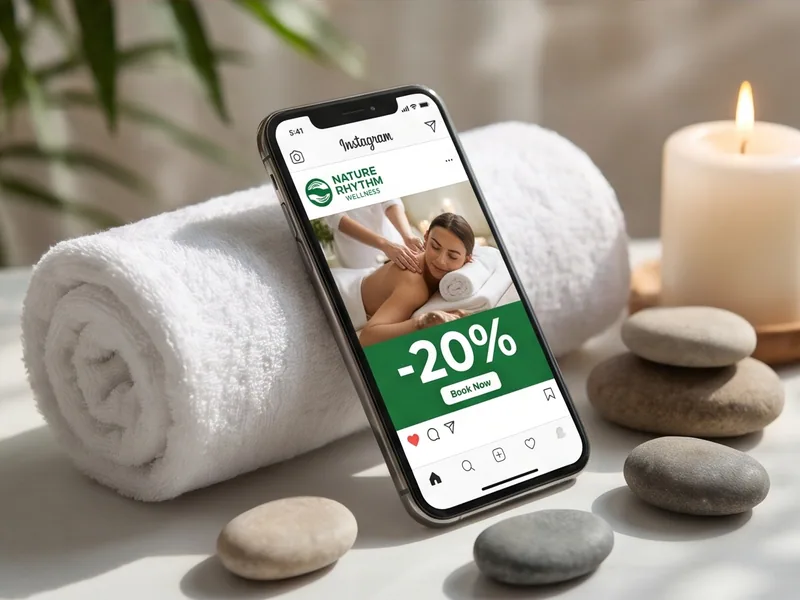
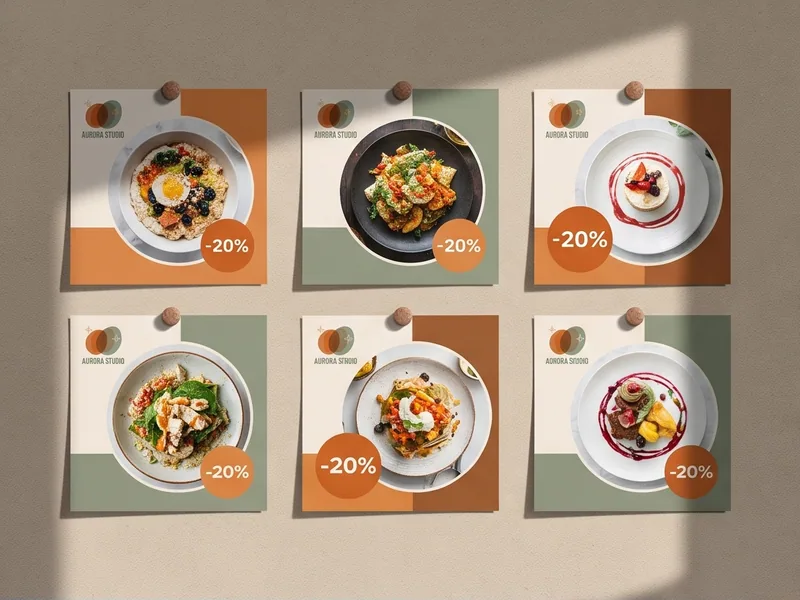
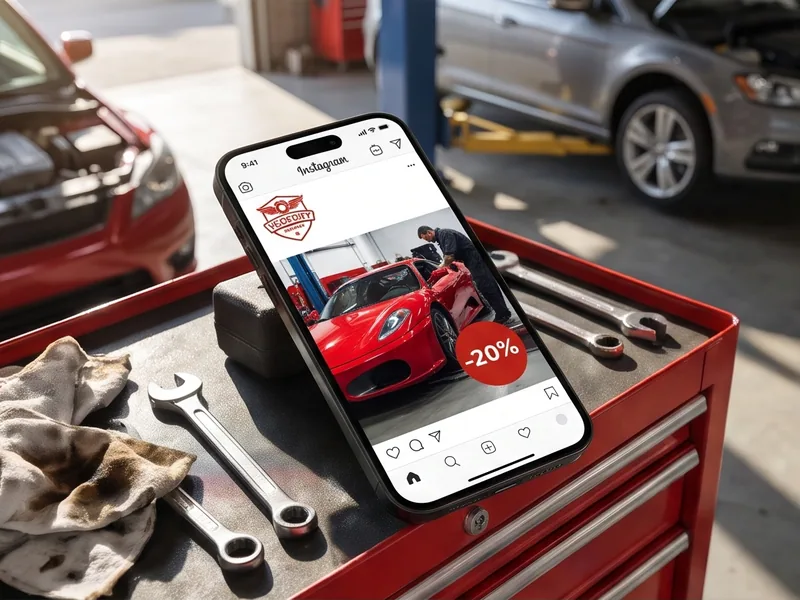
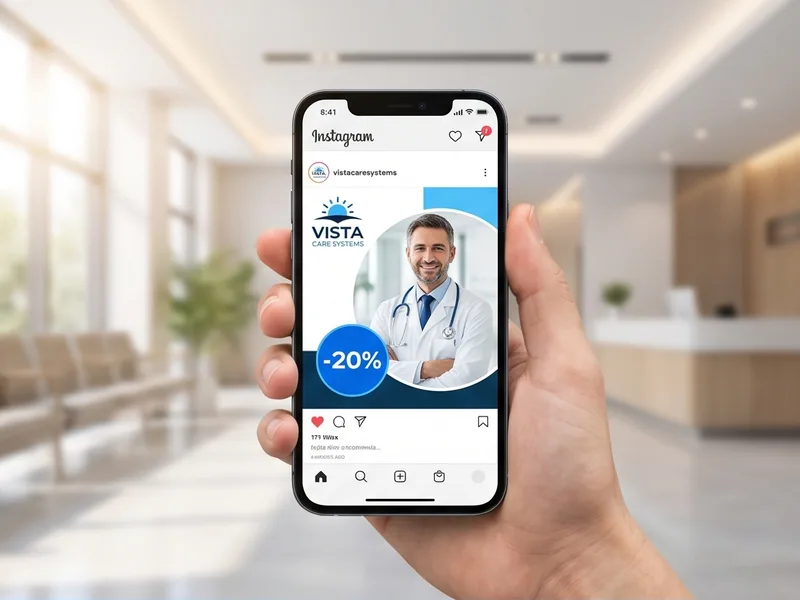
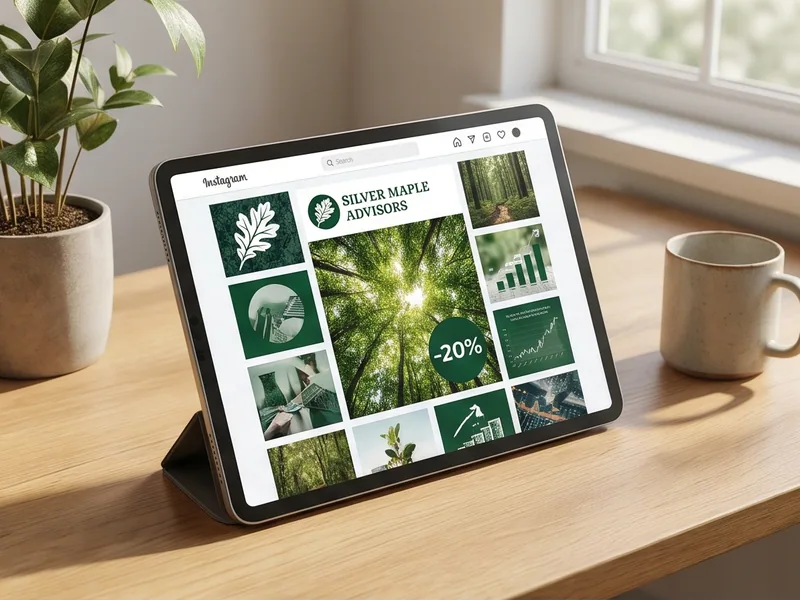
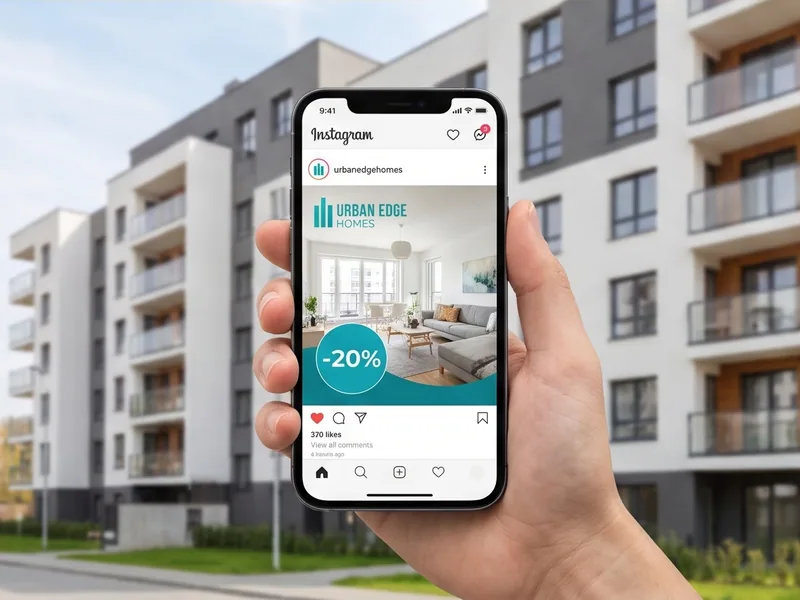
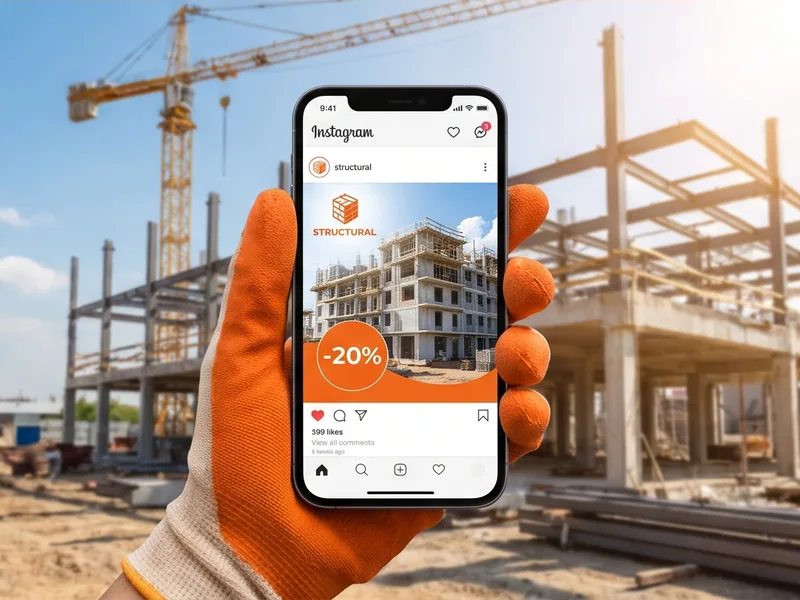
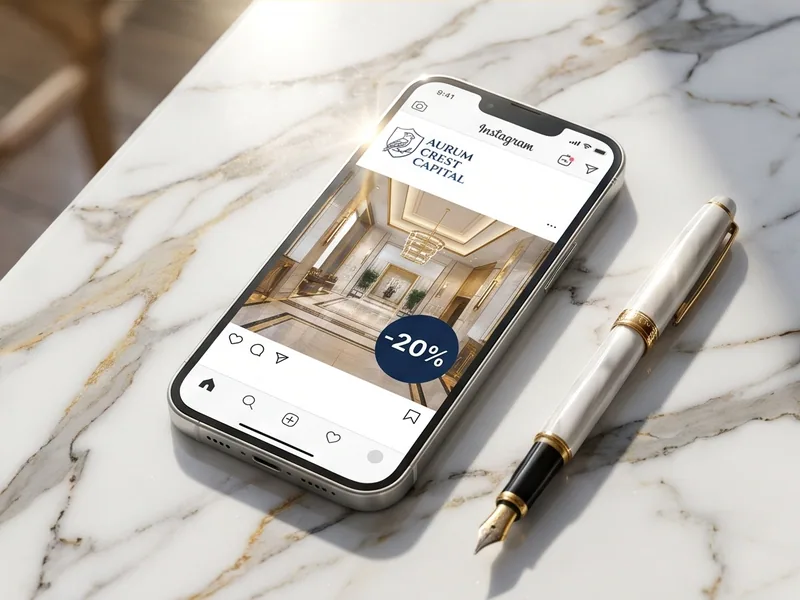
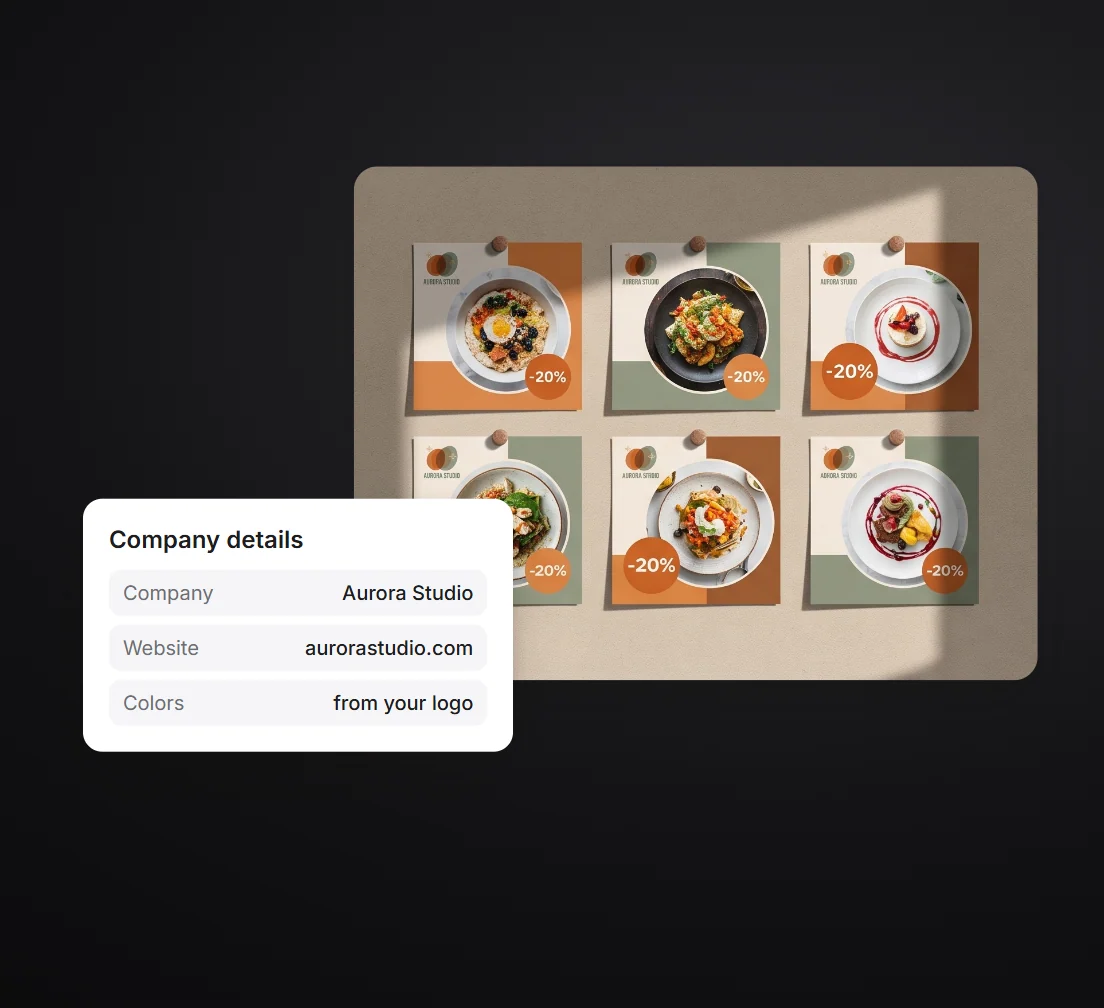
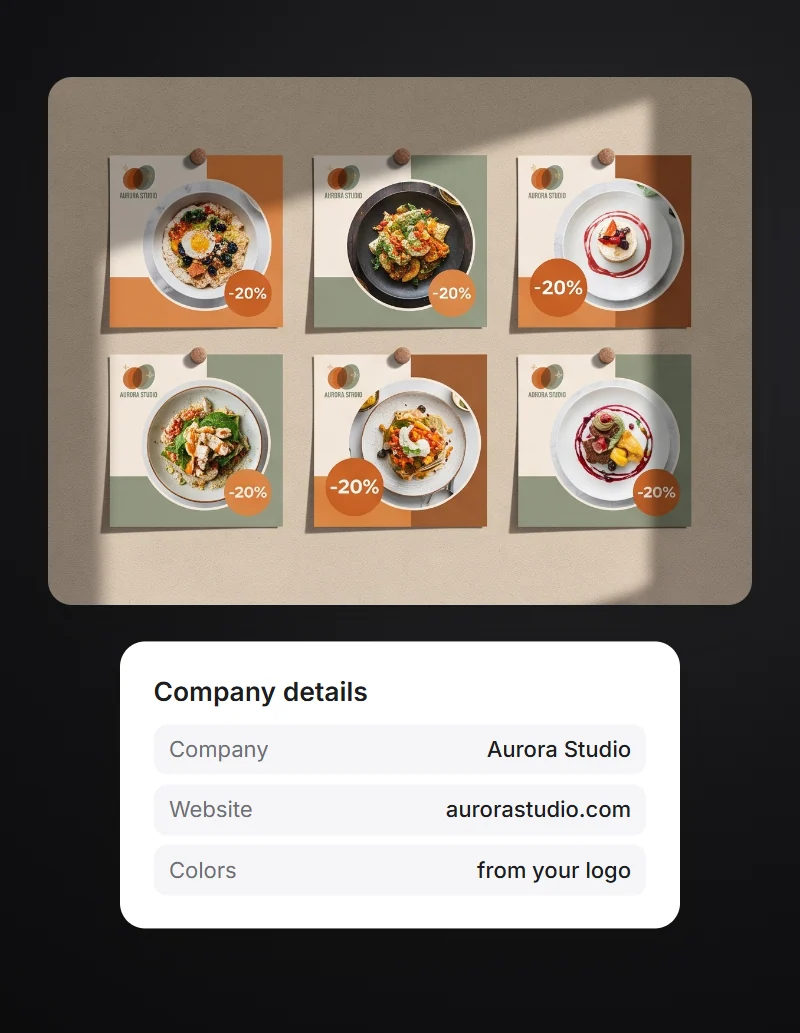
Upload your logo, and posts for promotions, news and reviews come together in its colors. Edit the text and photo and download in the right size for each platform.
- First posts for free
- Posts and stories in one style
- No logo? We'll make one in a minute

How to make a social media post
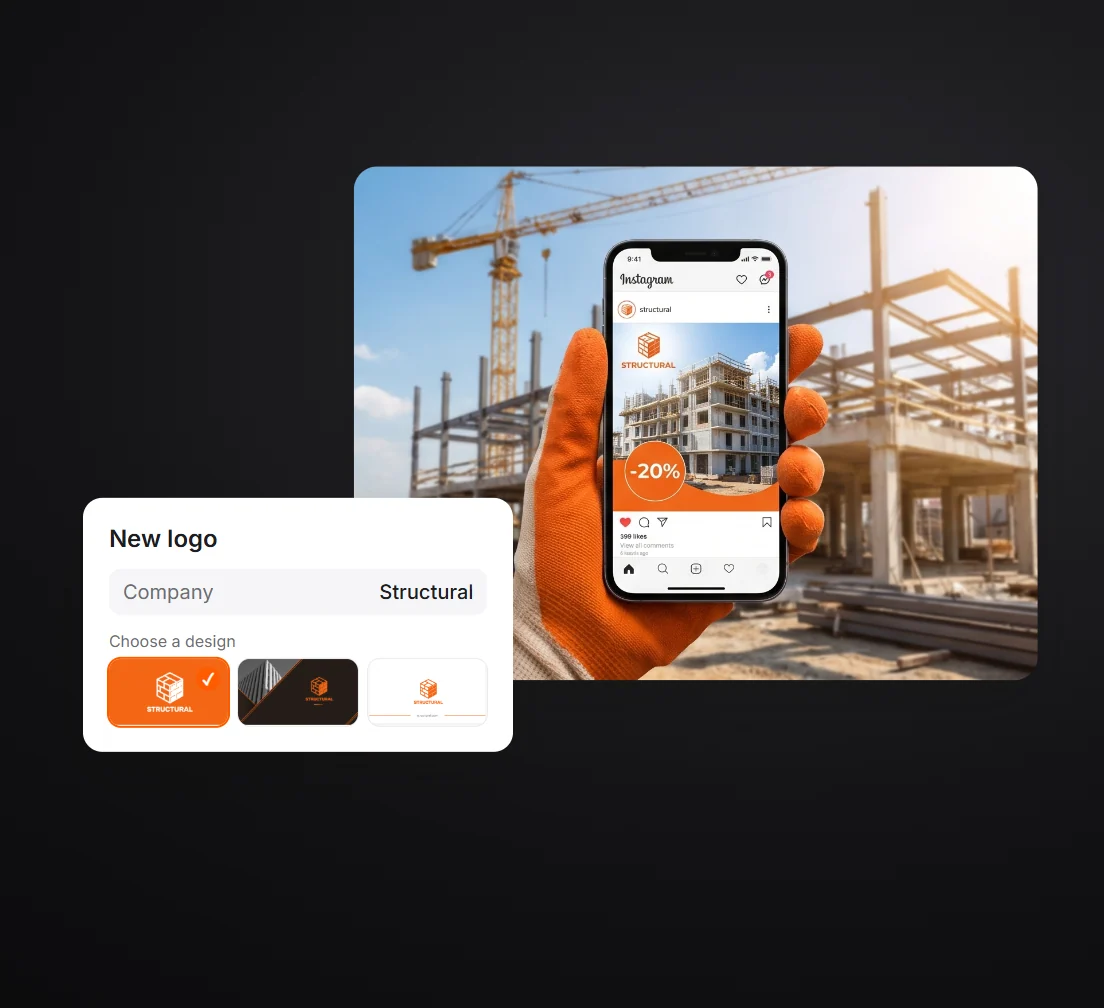
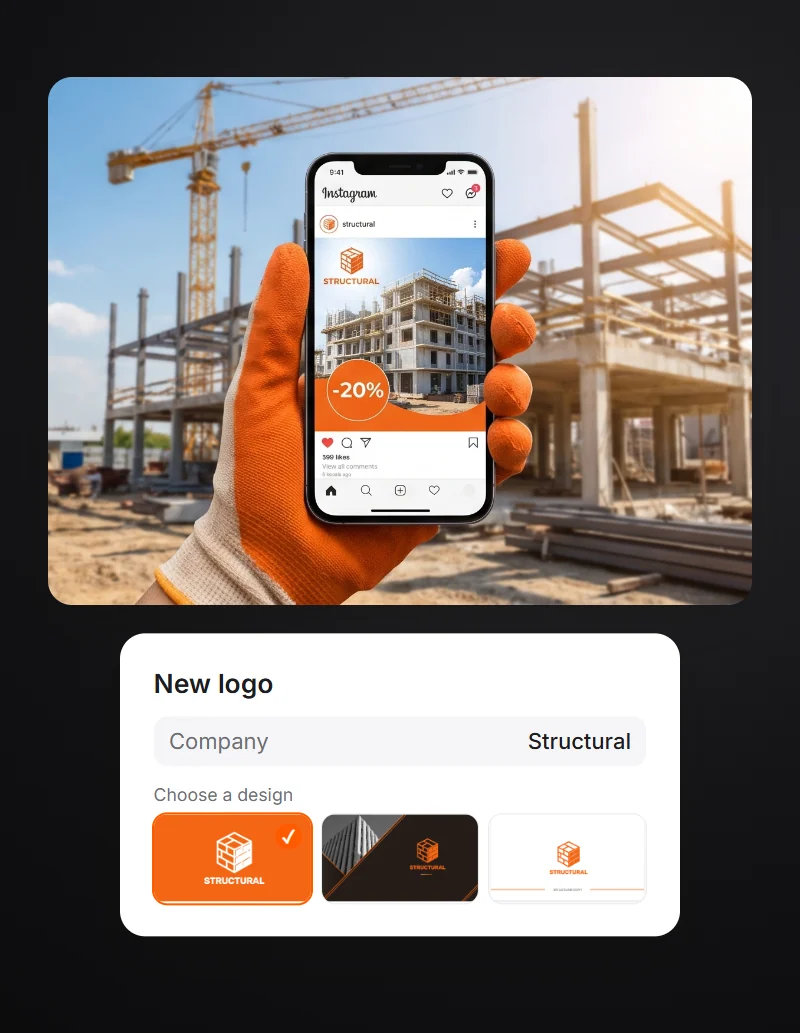
All you need is a logo. If you don't have one, create it in Turbologo.
Logo
Upload a file or enter your website address. No logo? Make a new one in the generator.
Ready posts
Promotions, news and reviews in your logo colors. Preview them for free.
Text and photo
Edit the text, add your own photo and download the post without a watermark. Prices start at $39.99.
Social media posts you can make online
The generator builds posts and stories with your logo in your logo colors. Edit a finished post and download it in the right size for each platform.
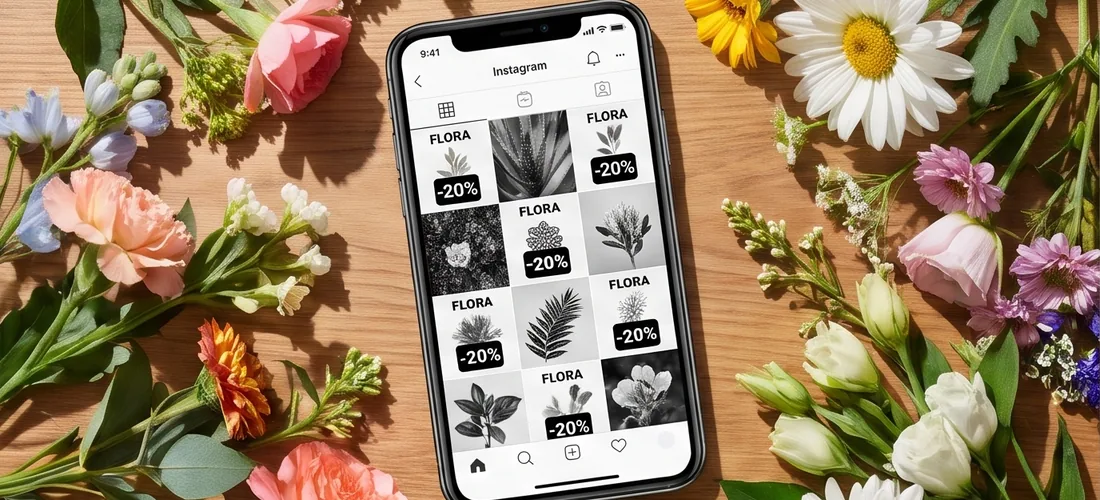
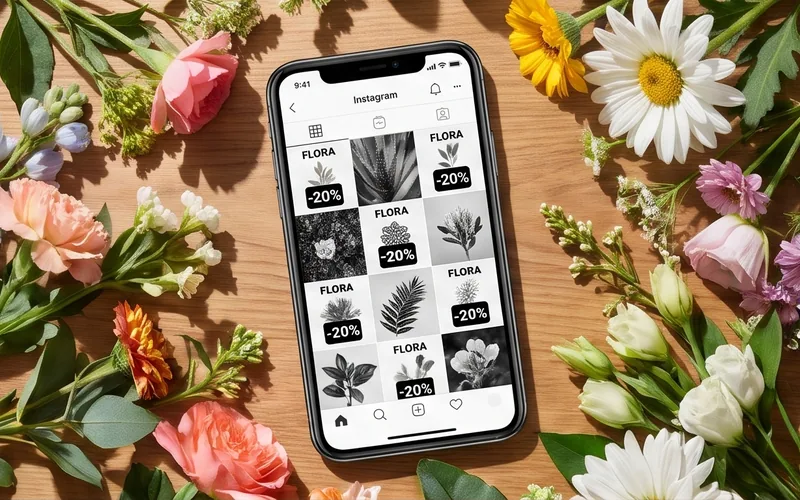
Posts in your logo colors.
The palette comes from your logo, so your posts match your sign, website and business cards.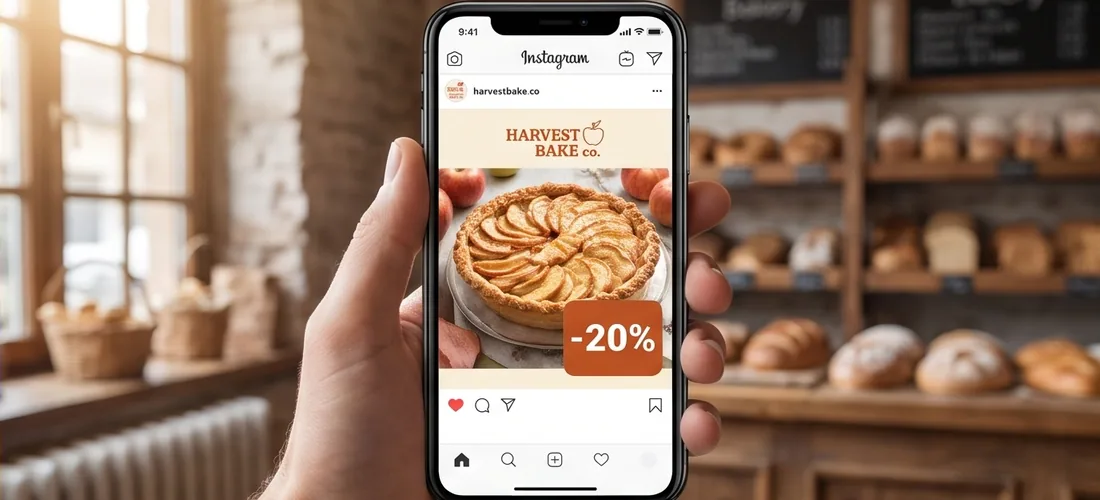
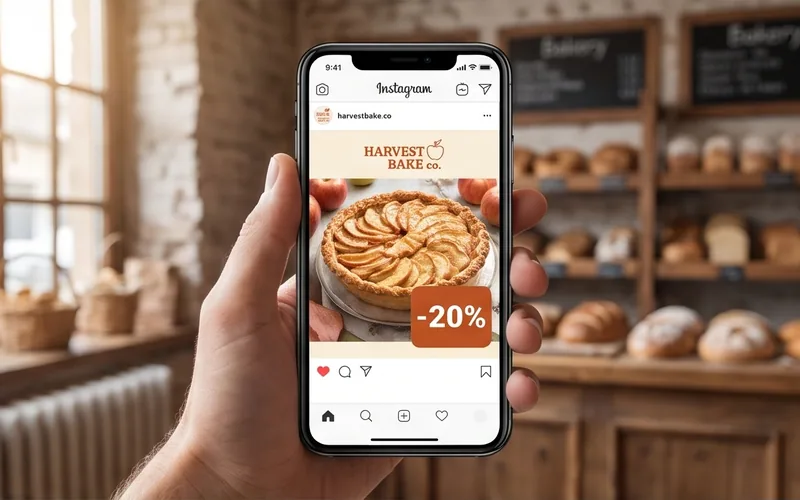
Promotion post.
The discount, end date and phone number are already in the layout. Just add your numbers.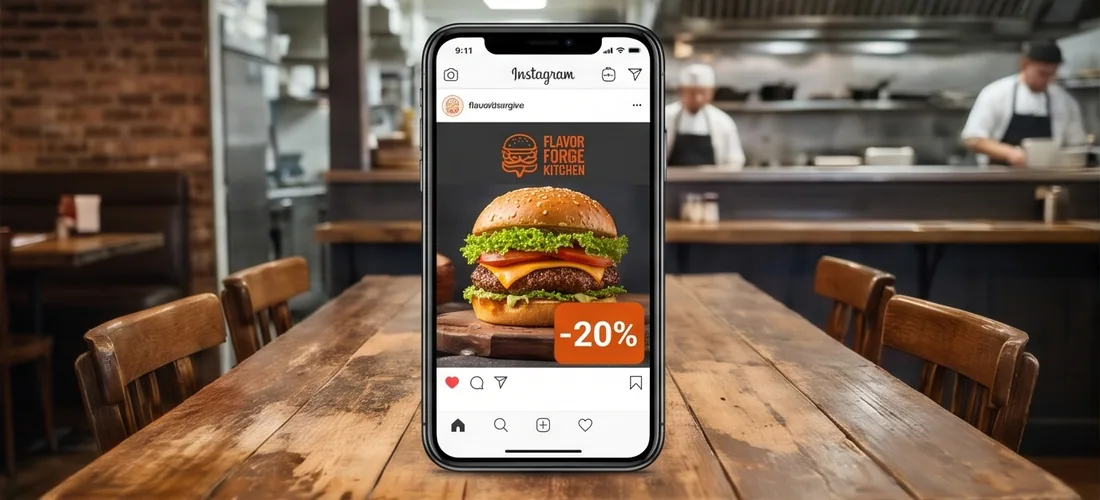
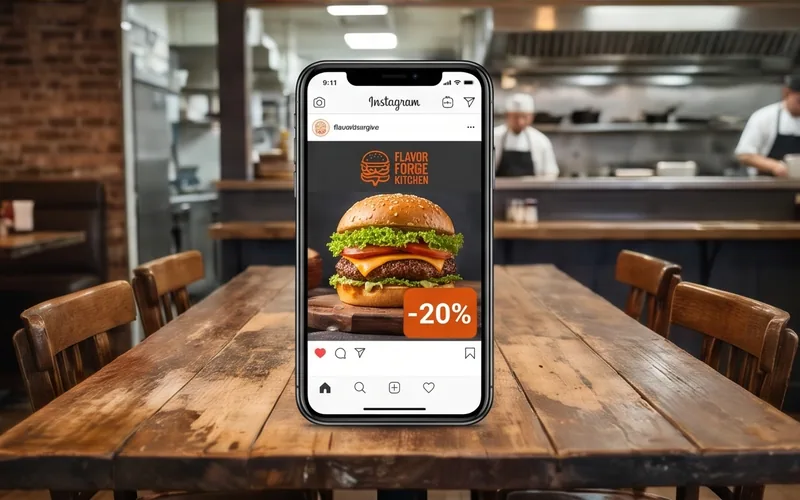
News and openings.
“We're open”, “Coming soon” and company news posts with your logo.
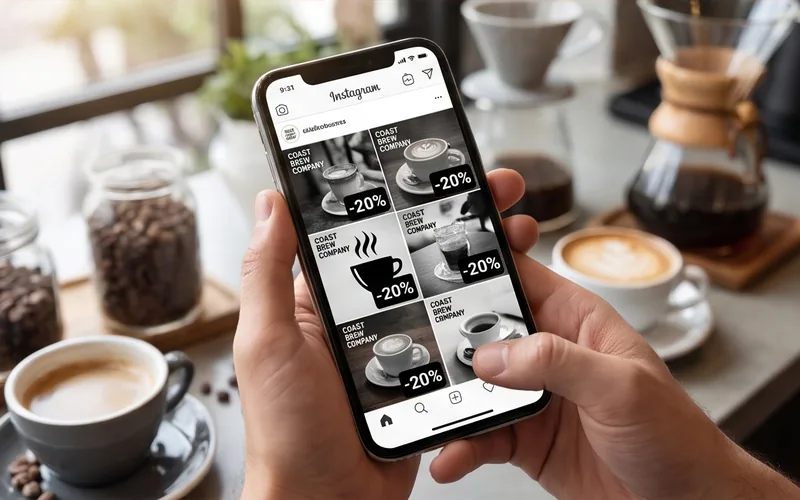
A feed in one style.
Posts, stories and covers with one logo look like one series in your feed.A post with your logo, not a template
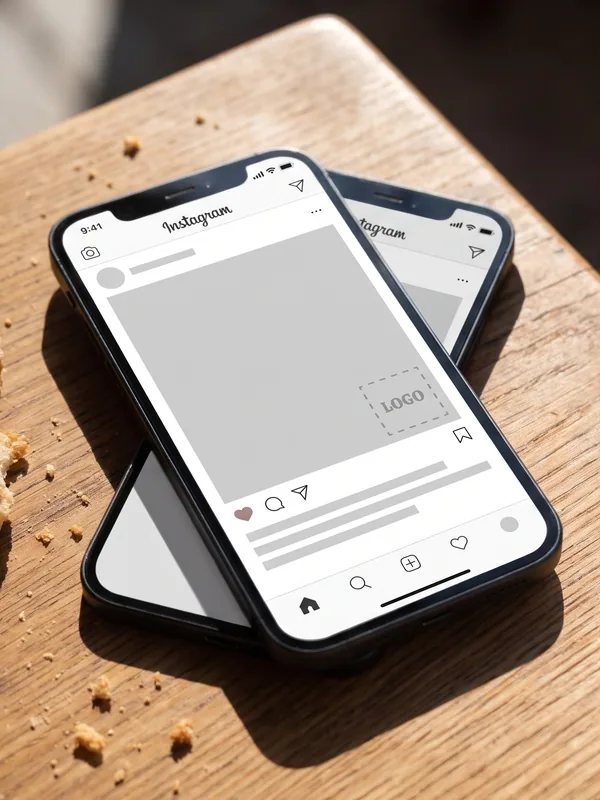
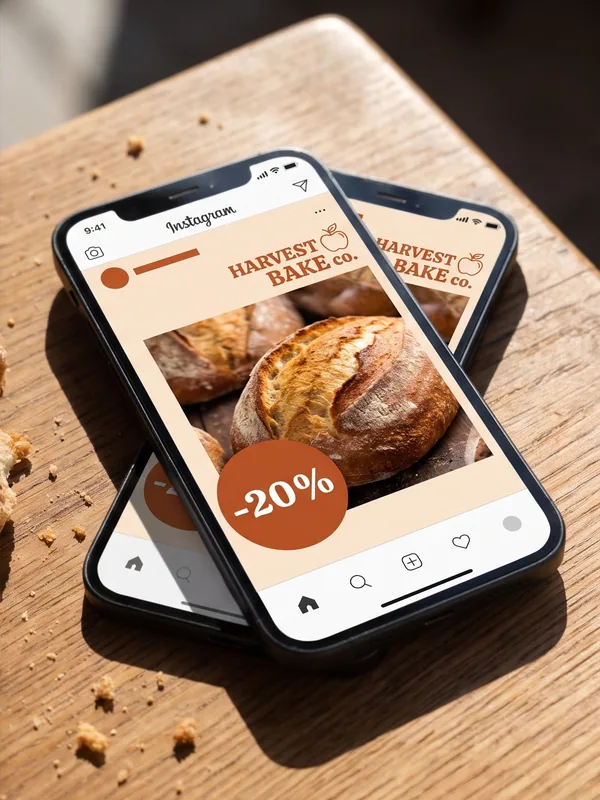
A template leaves an empty spot for the logo and uses someone else's colors and text. The generator puts your logo in right away and picks colors from it.
-
Regular template
An empty logo spot and someone else's colors and fonts. You adjust all of it yourself.
-
Post from the generator
Your logo and its colors on every post. Just add your text.
Social media posts in your brand style
A Brand Kit in the same colors, templates for promotions and news, and tips on what to write in a post.
A Brand Kit built on your logo
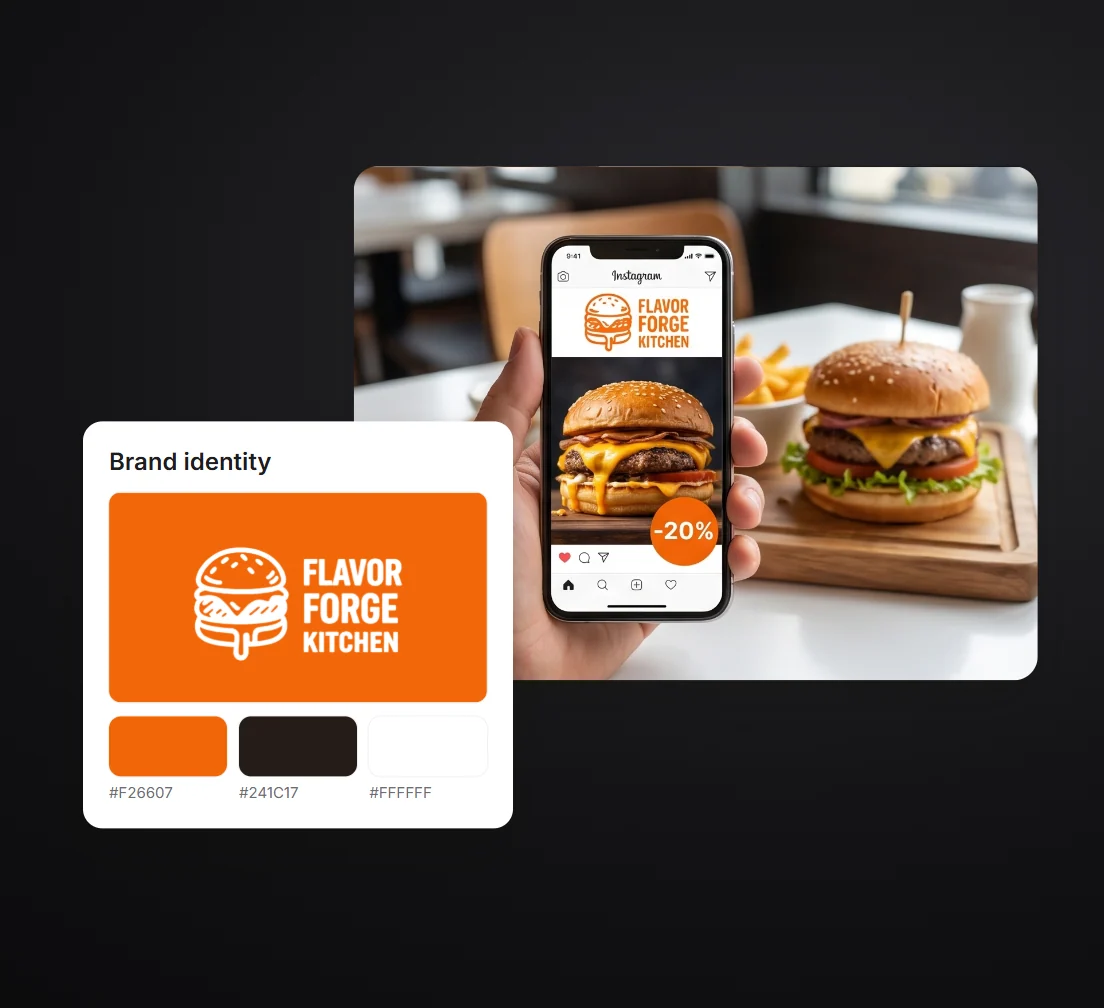
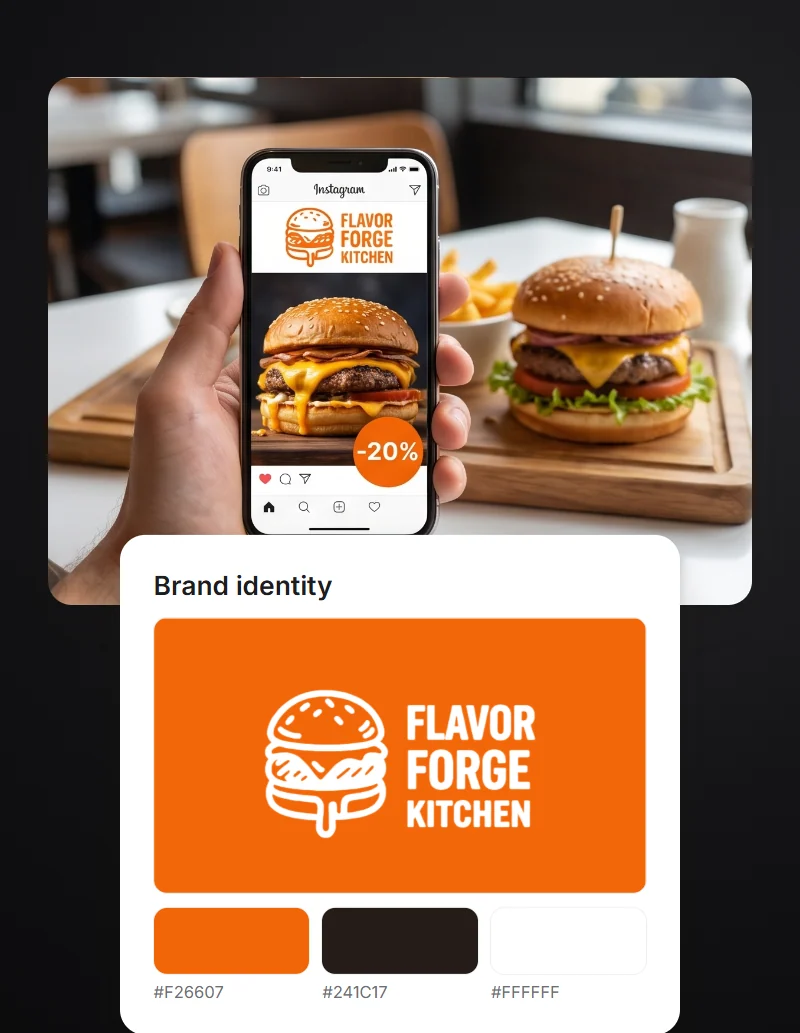
Templates for promotions, news and reviews
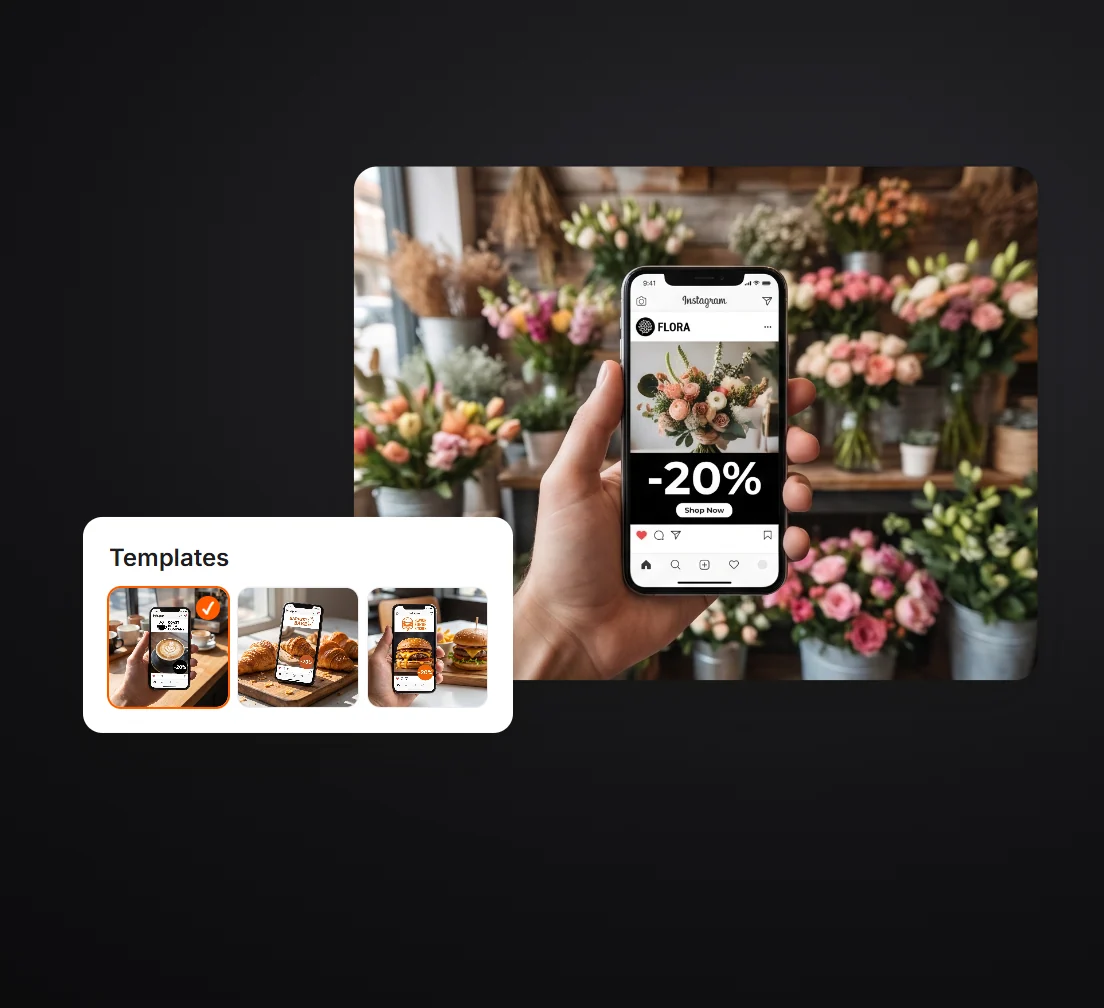
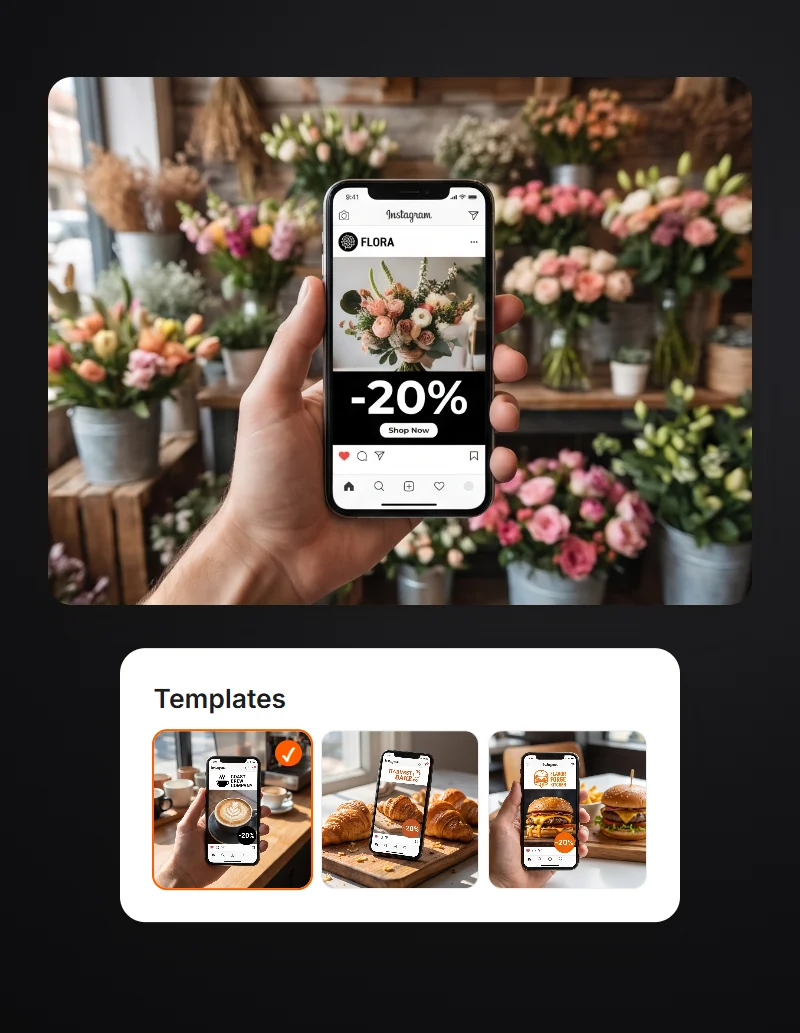
What to write in a post
Posts for cafes, beauty salons and gyms
Every business has its own reasons to post. Here's where to start.
-
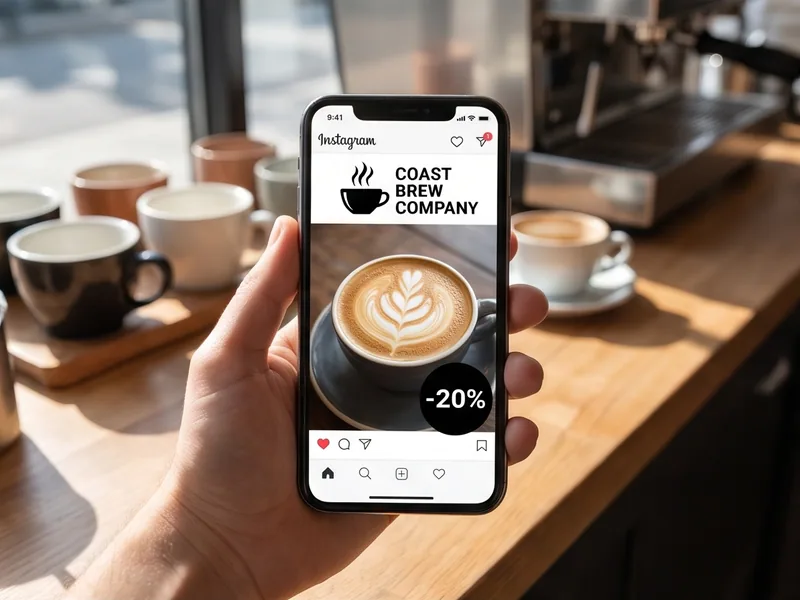
Posts for coffee shops
New menu items, a morning deal and opening hours. A large photo of the drink, the logo in the corner.
-
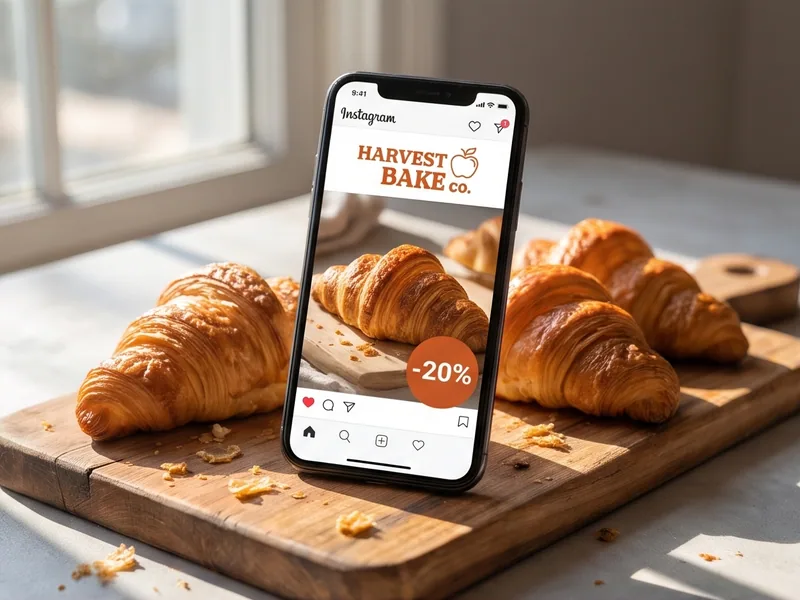
Posts for bakeries
Fresh bakes of the day, holiday cake pre-orders and the bakery address.
-
Posts for restaurants
A new dish, weekend table reservations and guest reviews.
-
Posts for beauty salons
Your stylists' work, open booking slots and a deal on a service.
-
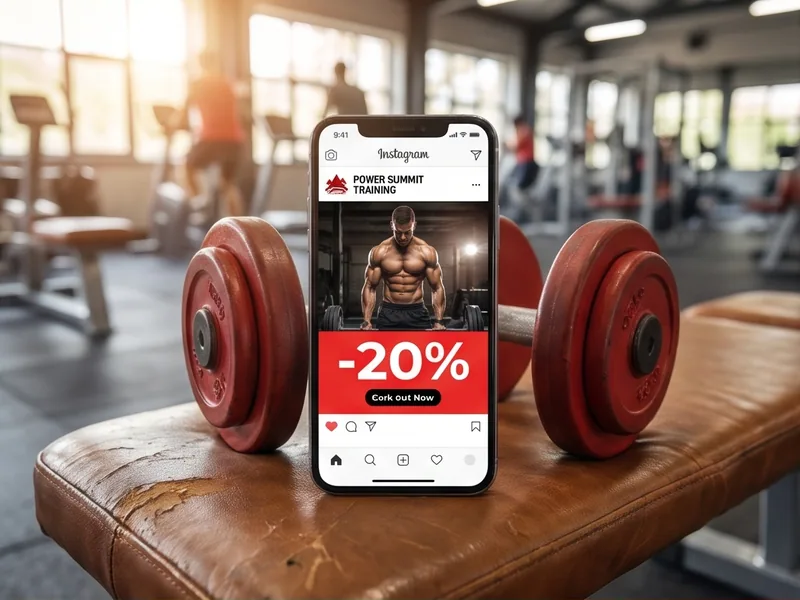
Posts for fitness trainers
Class schedule, group sign-ups and client reviews.
-
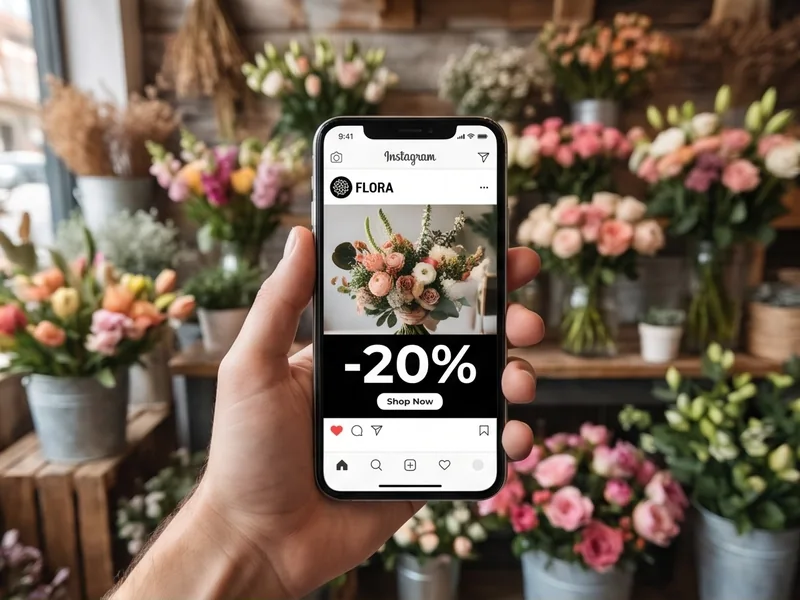
Posts for flower shops
Holiday bouquets, delivery and prices. A large photo of the bouquet and a phone number for orders.
-
Posts for schools and kids centers
Group sign-ups, class schedules and news for parents.
-
Posts for massage studios
Services and prices, gift cards and open appointment times.
No logo? Create one in Turbologo
Turbologo reviews
Trusted by 500,000+ small businesses.

Olivia, aspiring blogger

Sofia, freelancer

James, owner of an online store

Emma, SMM manager

Michael, entrepreneur
Social media post FAQ
Create a postMore materials with your logo
Business cards, letterheads, email signature and flyers in the same style as your posts.
-

Business card generator
Business cards with your logo for the whole team.
-

Letterheads
An A4 letterhead in PDF and Word.
-

Email signature
A signature with your logo for Gmail, Outlook and Apple Mail.
-
Flyer maker
Flyers, brochures and posters for print.
-
Brand Kit
All your company materials in one style.
-

AI logo generator
A logo from your business name and industry.
Create posts with your logo
Upload your logo and see the first posts for free.

Logotypes, websites, socials, marketing kit. AI tools you need to shine.


- Business Card Generator
- Email Signature Generator
- Business name generator
- AI logo generator
- Custom logo design
- AI Design Generator
- PostPost.ai — AI social media manager
- About Us
- How it works
- Pricing
- Support
- Help Center
- Reviews
- Services
- FAQ
- Logo maker
- Affiliate program
- Logo Templates
- Blog
- Privacy policy
- Cookie policy
- Terms of service