How to connect Carrot quest to a Turbosite website
Carrot quest is a Russian service for online chat, pop-ups, chatbots, and email marketing in one platform. It is suitable for online schools, SaaS, and online stores: it can capture leads via trigger messages and automate nurturing. There is a trial period; paid plans start from basic packages. Connection takes 5–10 minutes.
What you will need
- A Carrot quest account — register at carrotquest.io
- A published website on Turbosite
- 5–10 minutes
Step 1. Get the script in Carrot quest
- Register at carrotquest.io and log in to your account.
- Upon your first login, the service will suggest installing the script. If you skipped this step, go to “Settings” → “Visitor data collection” (or “Installation script”).
- Select the “Install script manually” option.
- Copy the entire code.
📷 Screenshot: “Visitor data collection” section in Carrot quest with the script and copy button.
⚠️ Check for updates: Carrot quest sometimes renames sections. If you can’t find it, look for “Script”, “Installation”, or “Track code”.
Step 2. Insert the code into Turbosite
-
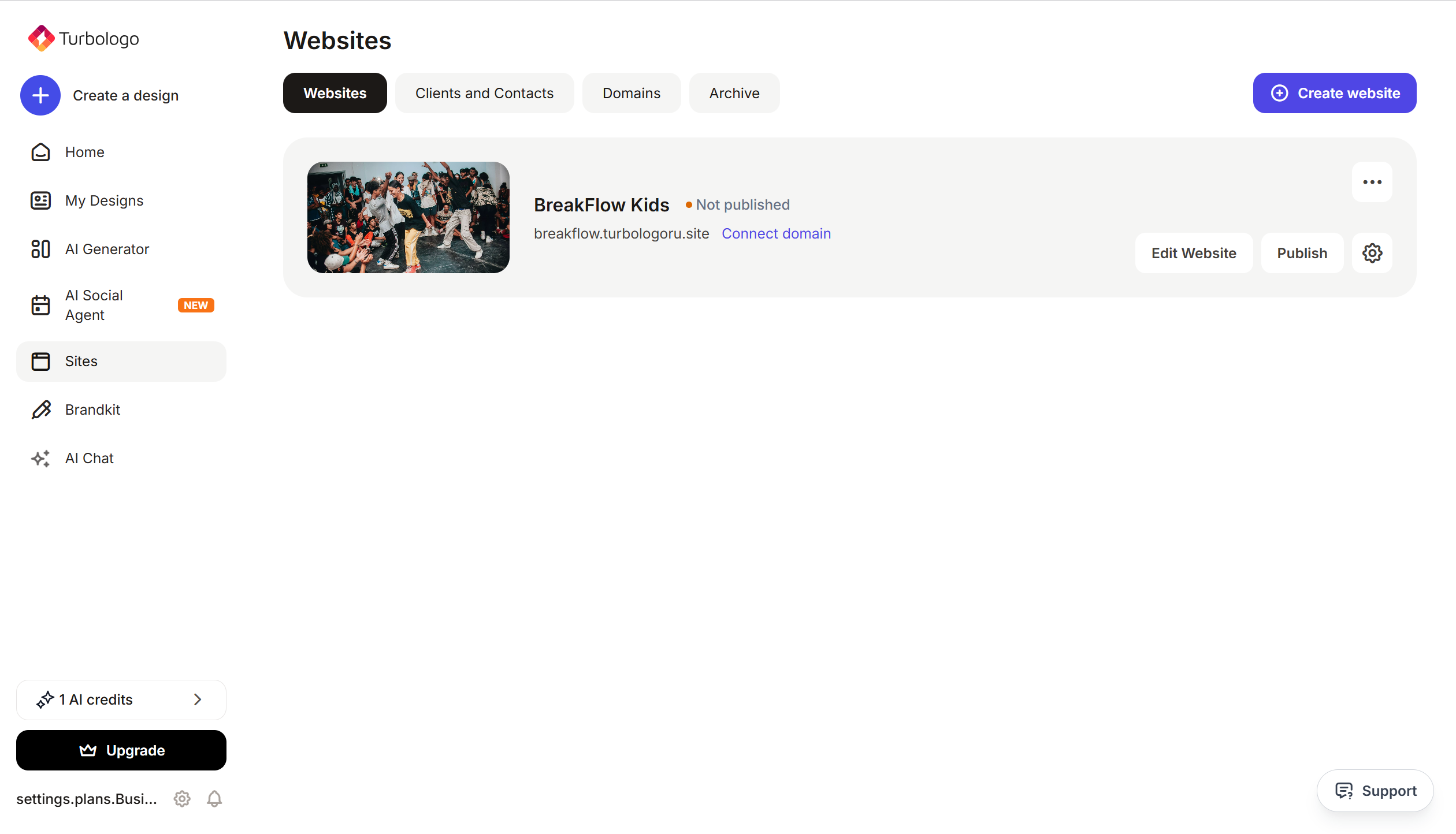
Open your website in Turbosite.
-
Go to Site settings → Integrations → HTML code in
<head>(this is the service part of the page — visitors don’t see it, but scripts are loaded from there when the site opens).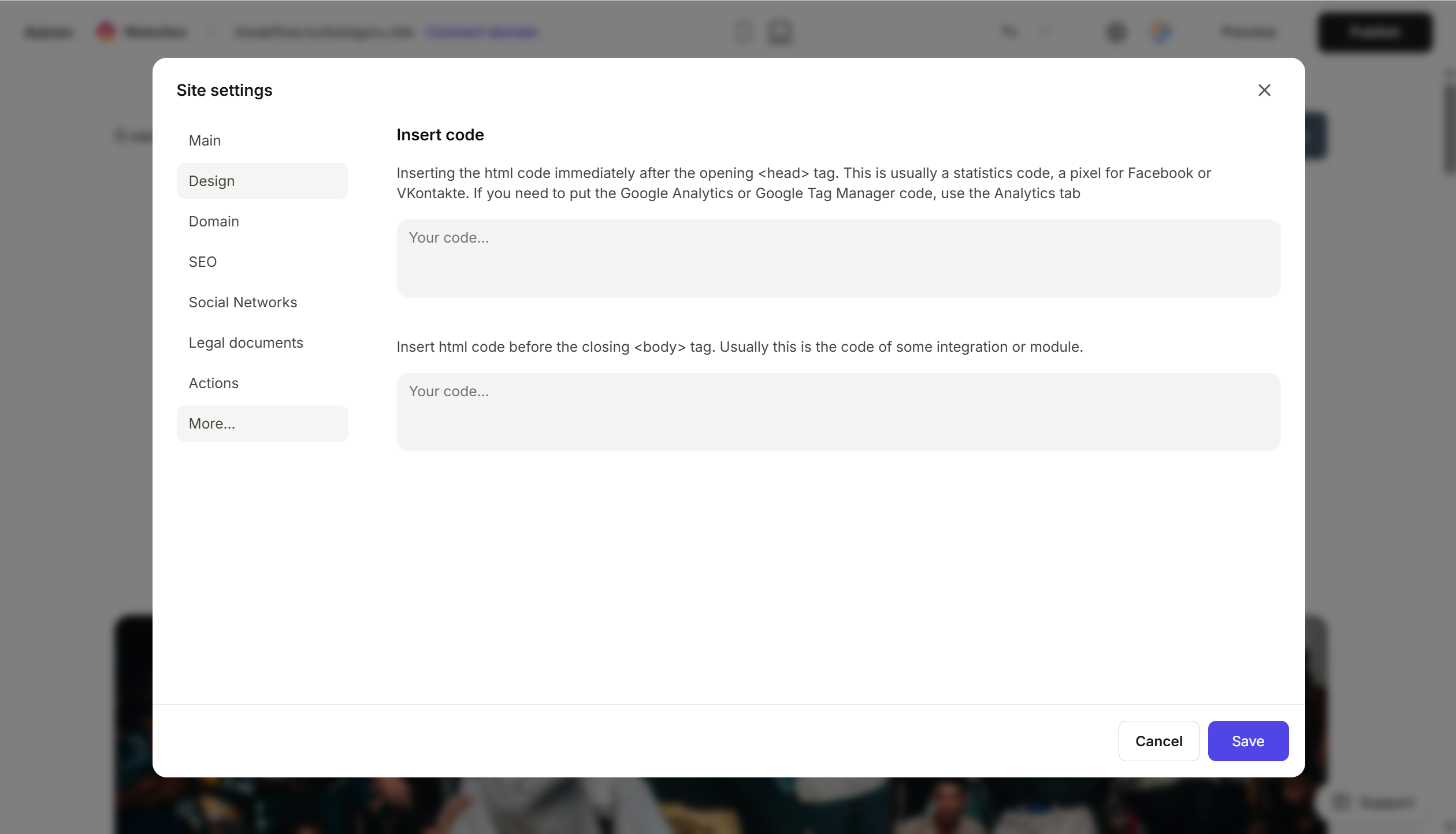
- Paste the copied Carrot quest code into the field.
- Save the changes.
- Publish the site.
Step 3. Verify that Carrot quest is working
- Open the published site in a new tab (preferably in incognito mode).
- In the bottom right corner, a chat icon will appear after 2–3 seconds (if the chat widget is enabled).
- Additional check: in Carrot quest, go to “Settings” → “Installation script” → enter your website address → click “Check if the script is installed”.
If the script is not detected, check the publication, the completeness of the code, and any ad blockers.
FAQ
The chat does not appear on the site. Check that it is enabled in the chat settings and not configured to be shown only to a specific audience. Also, make sure the code is inserted correctly — it must load on every page.
I want to set up a pop-up to collect emails. In Carrot quest, open the “Trigger messages” section → create a “Pop-up” type message. You do not need to change the code in Turbosite — the pop-up will trigger automatically based on the specified conditions.
How do I link leads to my CRM? Carrot quest has ready-made integrations with amoCRM, Bitrix24, and others — this is configured in your personal account without editing the site code.
How much does it cost? A free trial period is available. After that, there are paid plans based on the number of unique visitors and the set of features. See current prices on the pricing page.
What to look at next
- Carrot quest Knowledge Base — official documentation
- Service installation — original article
- API for developers — for advanced configuration