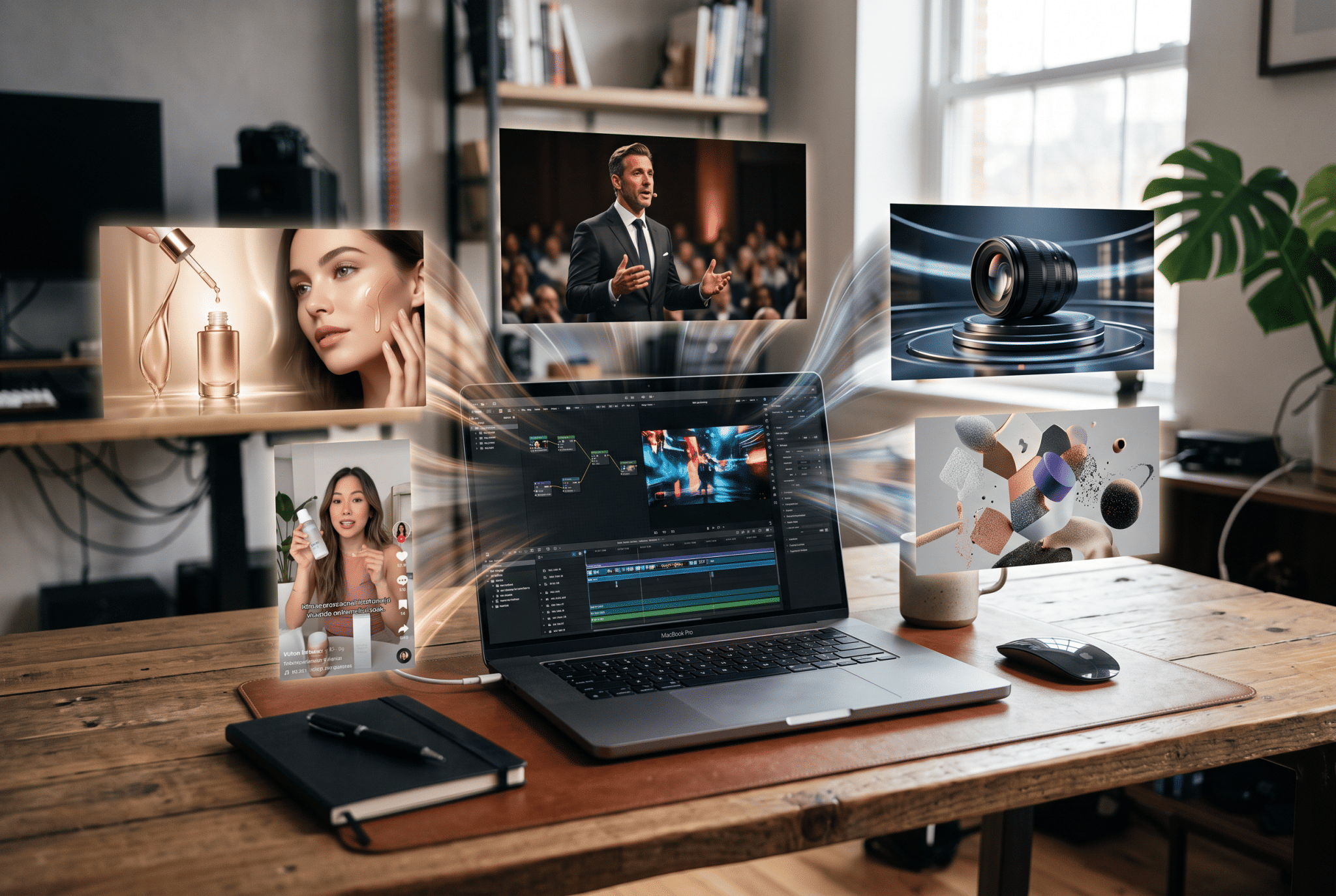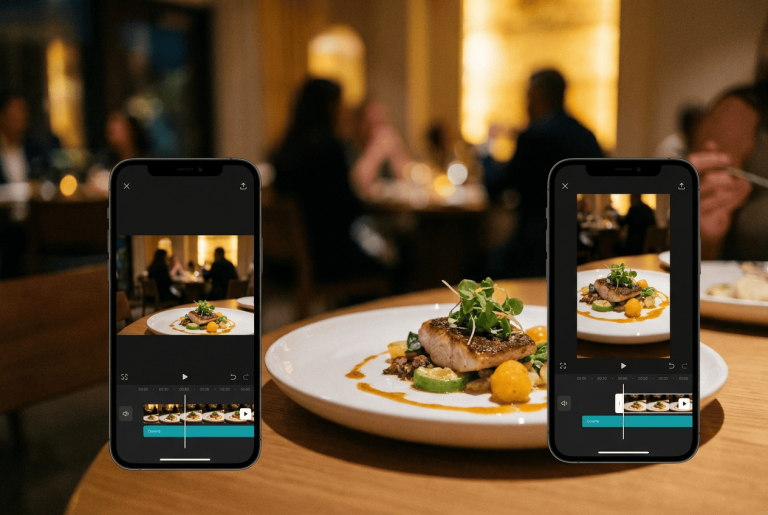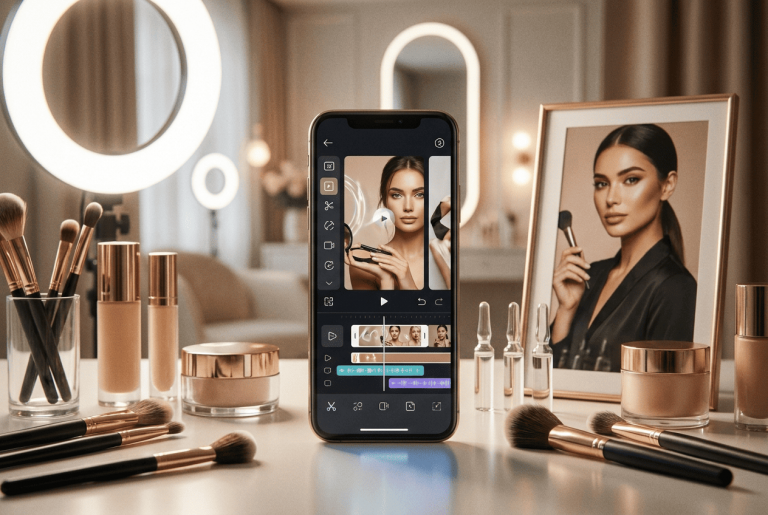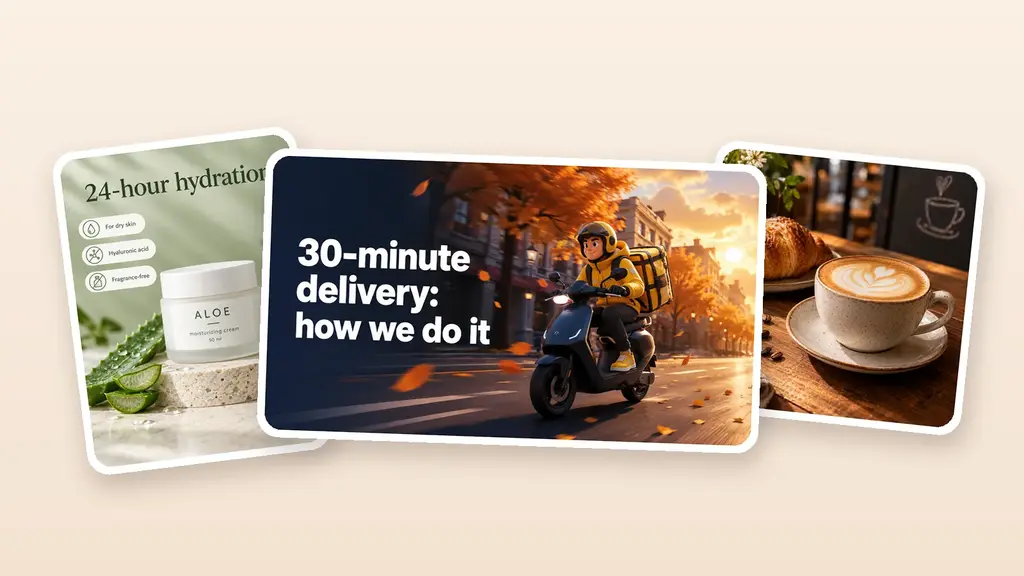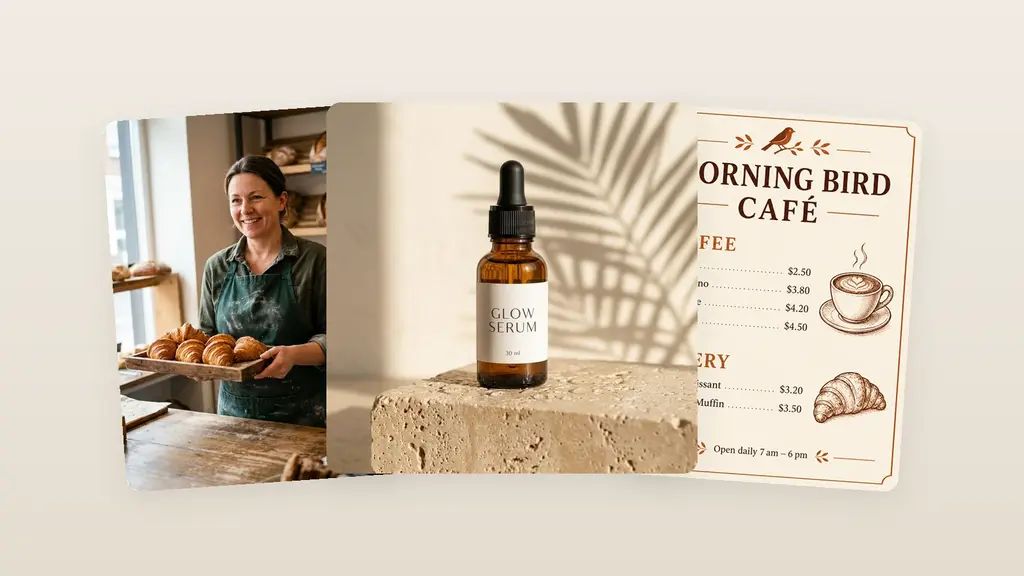
In ten years of working with design, I’ve seen the same situation play out again and again. A business has a good product, tidy packaging, and dozens of photos, yet an ad still calls for a brand-new video. The hunt begins for a videographer, a studio, lighting, and an editor. In the end, a short video for a single product listing turns into a separate project. In this guide, I’ll break down how to create a video from a product photo, where this kind of content works, and how to keep the neural network from ruining the product itself.
Table of Contents
Why turn a product photo into video
A static photo does a good job of showing shape, color, and packaging. But it offers no motion, which means it holds attention less well in Reels, Shorts, clips, and the ad feed. A short product video solves a different problem: it helps stop the scroll, bring the product closer, highlight details, and show it in a more lifelike scene.
This format is especially useful when launching a new item. The catalog photos are already done, but the team hasn’t run a full shoot yet. Instead of waiting, you can bring a still image to life, prepare a few variations, and test which visual scenario works best in advertising.
A single photo also provides the basis for a whole series of materials. From it you get a vertical clip for social media, a square version for the feed, a horizontal splash for the website, and a short promo shot for the product listing. That’s not four shoots. It’s four variations on one idea.
Working with video should start not with effects, but with understanding its role among the other types of content in marketing. A product listing needs an accurate display of the product, an ad depends on the first frame, and social media calls for a storyline or the right atmosphere.
How AI video differs from a slideshow
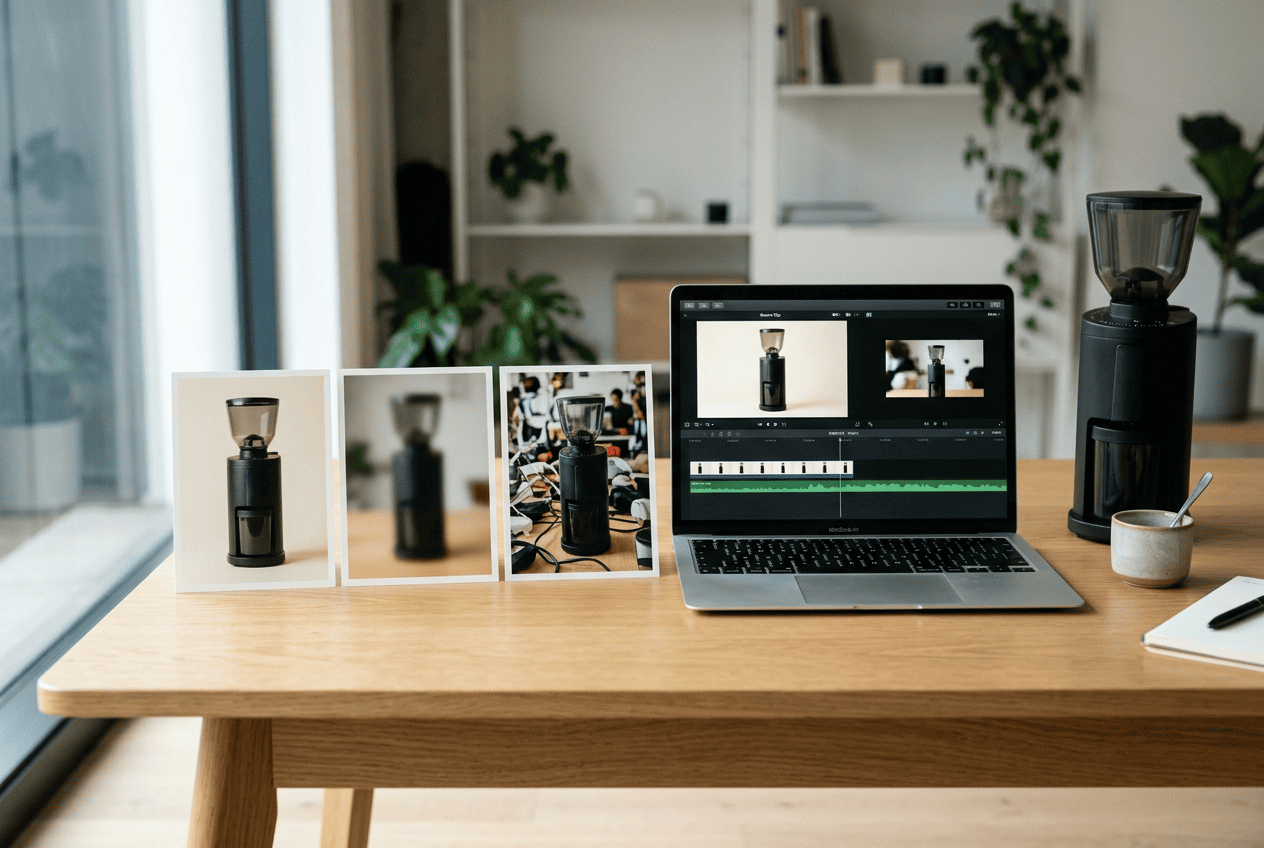
A slideshow moves the finished image as a whole. The camera nominally zooms in, adds a transition, or changes the scale. The object itself gains no new depth in the process.
Image-to-video works differently. The model analyzes the source frame and builds out a sequence of new frames. It changes the light, perspective, background, or the position of individual elements. That’s why the bottle looks as if the camera is genuinely moving toward it, and the fabric shifts slightly in the air.
It sounds convincing, but there’s a price. The neural network doesn’t know what the unseen side of a box or an armchair looks like. It invents it. The more active the camera movement, the higher the risk of getting the wrong logo, an extra button, a different fabric shade, or a lid of the wrong shape.
That’s why you can’t judge an AI product video by its beauty alone. The first question is always a different one: has the real product been preserved?
Expert tip. For a commercial video, it’s better to choose boring but controlled motion than a flashy fly-around with an invented back side of the product. The buyer should see the product they’ll receive after ordering.
How to choose the source photo
The quality of the result is largely set by the first frame. The neural network doesn’t fix poor product photography automatically. More often, it amplifies its flaws.
The product must fit fully within the frame. The edges of the packaging, handles, furniture legs, and other important elements must not be cropped. Small text should be legible, and the background should not compete with the object. The simpler the composition, the fewer random details the model will start to move.
Don’t use a shot with a heavy filter. The buyer will compare the video with the actual product listing, so the color has to match. Outdated packaging won’t work either: animation will make it more noticeable, but not more current.
| Good for generation | Better to replace |
|---|---|
| Sharp photo in good resolution | Blurry shot |
| Simple or neatly blurred background | Cluttered scene |
| Fully visible product | Cropped edges |
| True product color | Aggressive filter |
| Legible packaging | Small, smudged text |
Before uploading, it’s worth checking the resolution and the graphic image format. For the source, what matters is not the file extension itself, but sharp outlines, natural color reproduction, and the absence of noticeable compression.
Which movements suit different products
There is no universal effect. A perfume bottle, an armchair, and a dress each call for different scenarios.
For cosmetics, a smooth zoom-in works well. Light glides across the packaging, the camera emphasizes the label, and the bottle itself barely changes position. Jewelry can handle a slow fly-around and a play of highlights, as long as the source clearly shows the shape of the stones and settings.
Clothing suits a light movement of the fabric and a vertical camera pass. It’s easy to overdo it here: the neural network alters the cut, adds folds, and even reworks the print. For furniture, it’s safer to move the camera forward or shift the light slightly. A full fly-around an armchair would require inventing the parts you can’t see.
Food looks best with steam, a gentle zoom-in, and slight background movement. But you can’t give the model the freedom to change the makeup of the dish. If there are three berries in the frame, there shouldn’t be five in the video.
| Category | Suitable movement | What to check |
| Cosmetics | Zoom-in, light highlights | Label and lid |
| Jewelry | Slow fly-around | Stones, settings, shape |
| Clothing | Fabric movement | Cut, color, print |
| Furniture | Zoom-in, changing light | Geometry and material |
| Food | Steam, close-up | Ingredients and plating |
| Electronics | Highlights, a slight turn | Buttons and ports |
How to write a prompt for a product video
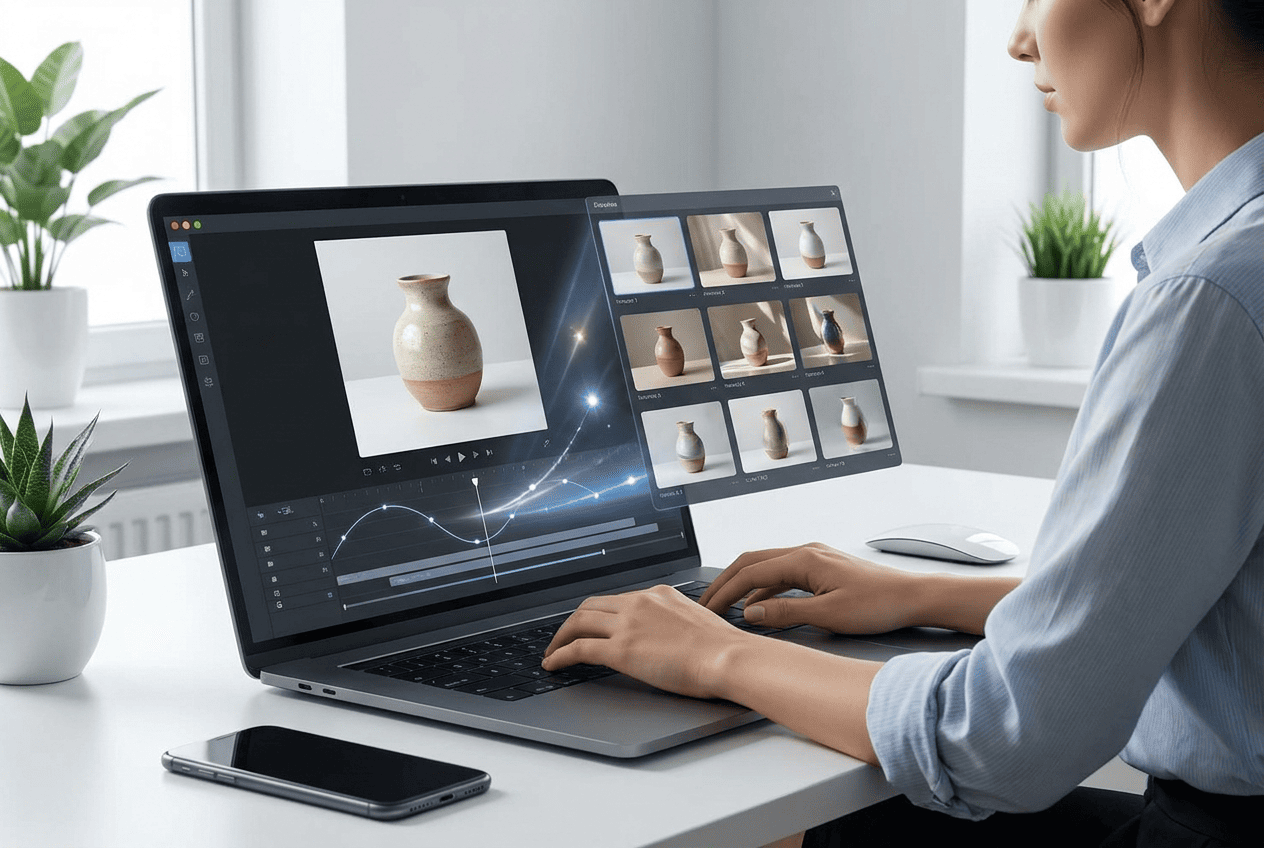
A prompt doesn’t have to read like a film studio’s technical brief. To start, four parts are enough: the object, the camera movement, the atmosphere, and the constraints.
A bad request sounds like this: “Make a beautiful ad for a face cream.” The word “beautiful” explains nothing. The model will decide on its own what to move, what background to add, and how to change the packaging.
A working version is more precise: “The camera slowly moves toward the cream bottle. Soft studio highlights pass across the packaging. The background stays light and blurred. Do not change the shape of the bottle, the color of the lid, the logo, or the text on the label.”
For an armchair, the request would be different: “A smooth zoom-in toward the armchair in a calm interior. Soft daylight. The armchair stays still. Do not change the proportions, the upholstery, the legs, or the fabric shade.”
For electronics, it’s worth listing the structural elements separately: “A slow camera movement from left to right. Light highlights on the body. Keep the exact placement of the screen, buttons, ports, and logo.”
I usually advise locking down the product first, and only then adding atmosphere. It seems like a minor thing, but the order of your thinking shapes the prompt. When the author starts with smoke, particles, neon, and rotation, the product quickly becomes a prop for the effects.
How to create a video in Turbologo
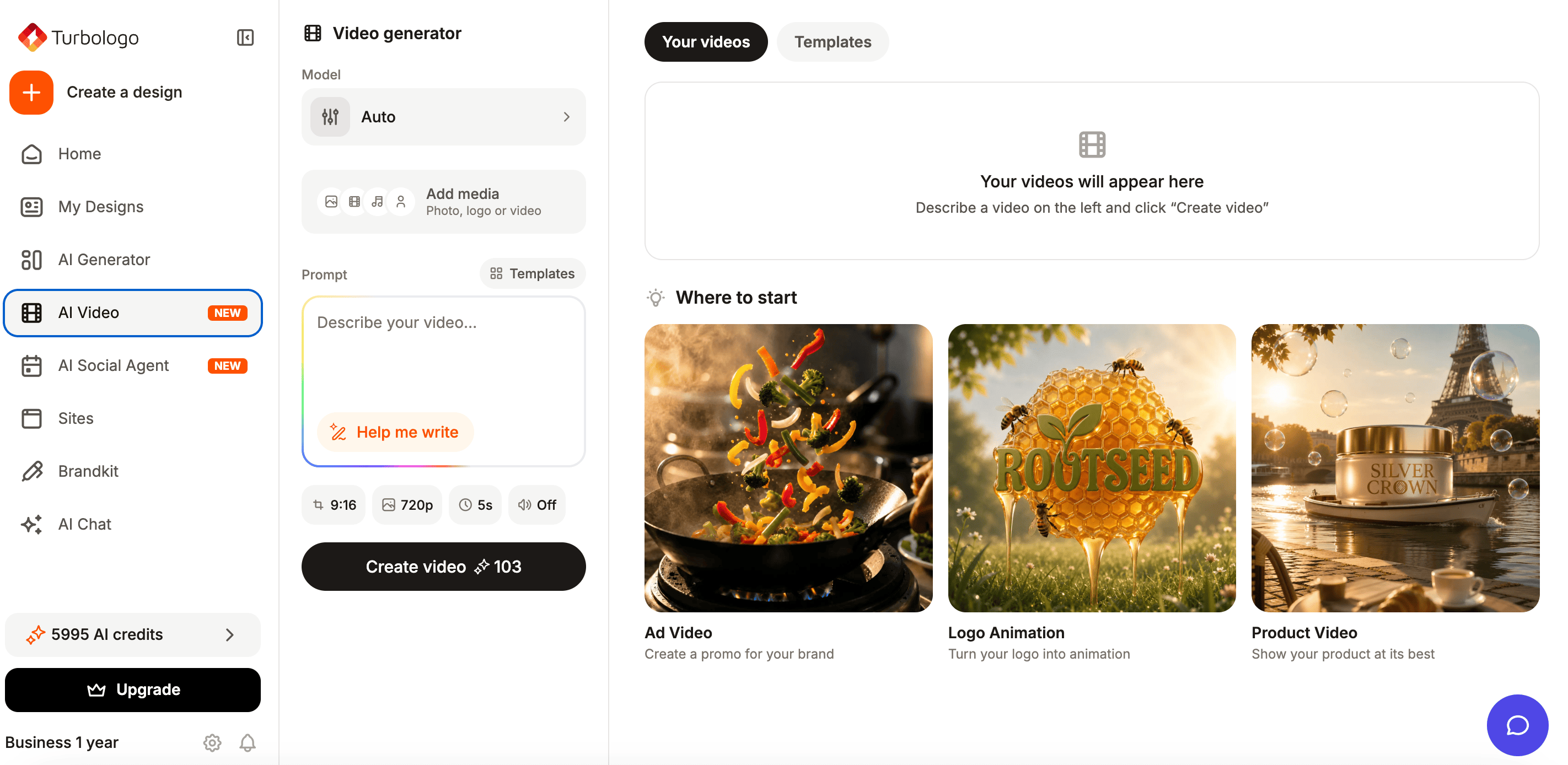
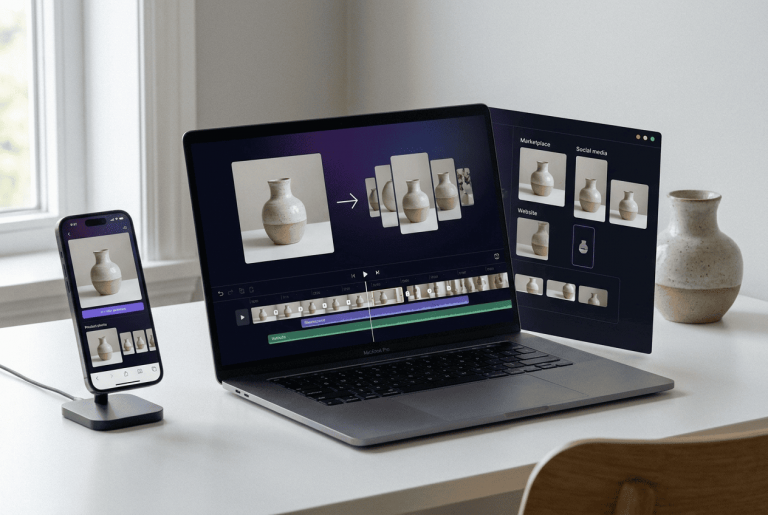
The Turbologo AI video generator turns text, a logo, or a photo into a finished clip. For a product scenario, it’s enough to upload a shot, describe the idea, or pick a template. The built-in assistant fills out the prompt, so an entrepreneur doesn’t need to study prompt engineering.
Next, our service selects a video model to match the specific scenario. At Turbologo, we use Veo, Kling, Seedance, and Hailuo. The finished clip can be downloaded in MP4 format and adapted to a vertical, square, or horizontal aspect ratio. This lets you prepare versions for the website, ads, Reels, TikTok, and Shorts without a separate rebuild.
The practical process looks like this. First you upload a photo or the brand kit from your account. Then the user describes the movement in plain words. If the wording is too short, the AI assistant adds details. After generation, it’s worth making one or two more versions and comparing them by how well the product is preserved, not just by how spectacular they look.
In terms of budget, this format is also more convenient for a business. A motion designer has to be paid separately for creating each clip and for the subsequent edits. With Turbologo, you can choose a plan or a credit package, generate different video versions yourself, and re-run the variants that didn’t work out. This is especially handy for a large catalog, when a single visual technique needs to be applied to dozens of products at once. On paid plans, we provide clips without a watermark, and they can be used in commercial projects.
Turbologo grew out of a branding platform, so a clip doesn’t remain a standalone file disconnected from the visual system. On the Turbologo homepage you’ll find tools for your logo and brand materials, and in your account you can use the brand kit. This approach helps preserve the colors, the logo, and the overall character of your communication.
Video works better alongside listings, banners, and posts designed in a single style. The Turbologo AI design generator helps prepare such a set of creatives without moving each element between different editors.
How to turn one photo into a series of videos
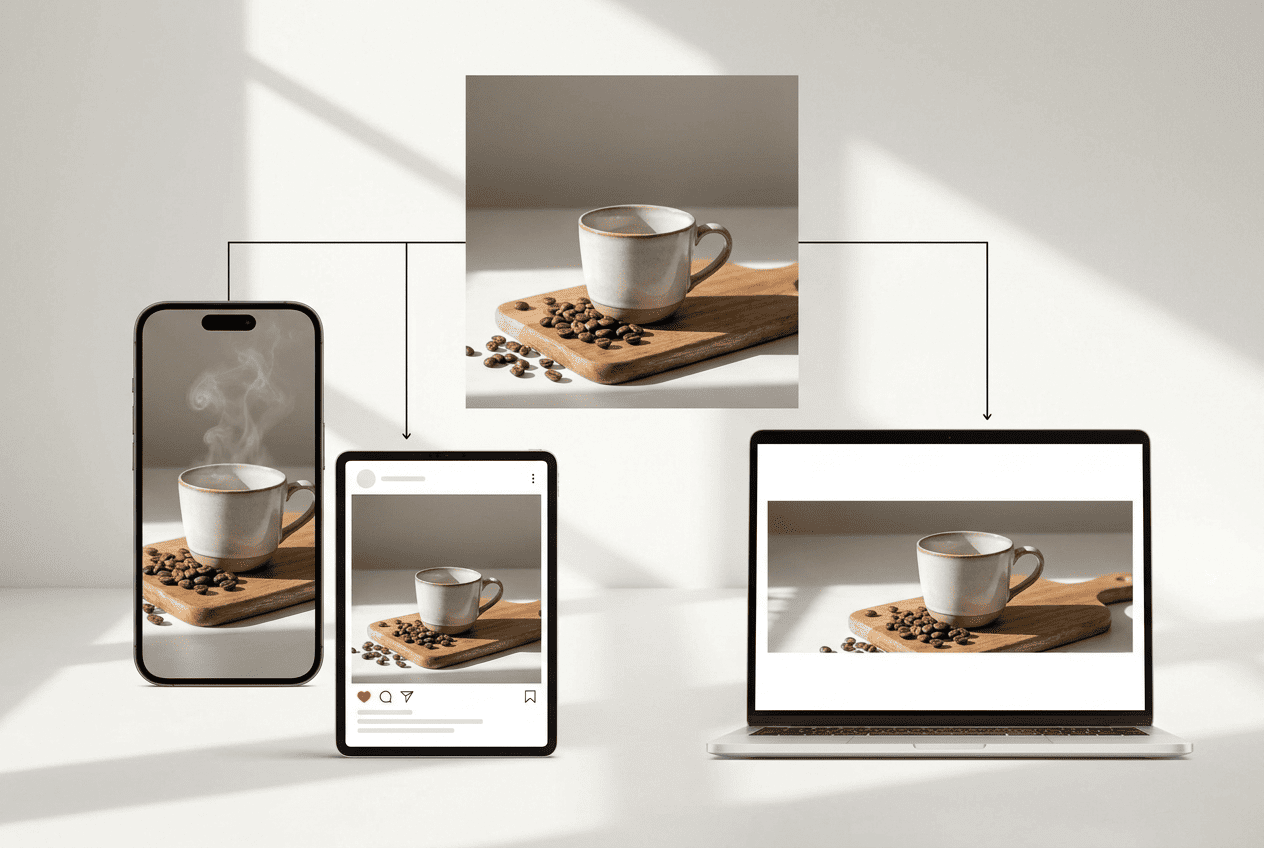
The main savings appear not when a single clip is made. They appear when a repeatable scenario is found.
For a single product, you can prepare three versions. The first shows the packaging in close-up. The second creates atmosphere through light and background. The third opens with an active first frame for advertising. From there, each version is adapted to the required aspect ratio.
You shouldn’t simply crop a horizontal clip to fit a vertical screen. In a narrow frame, the product often runs into the edges, and the logo or an important detail disappears. It’s better to create versions for 9:16, 1:1, and 16:9 from the start, taking social media content sizes into account.
The series should look coherent. You shouldn’t place the same product in a neon galaxy today, a Scandinavian kitchen tomorrow, and a golden palace the day after. If a brand uses calm light, natural materials, and a muted background, those traits are worth repeating.
A series of videos should look coherent. You shouldn’t place the same product in a neon galaxy today, a Scandinavian kitchen tomorrow, and a golden interior the day after. Consistent social media branding is built on repeating the palette, the character of the light, the graphics, and the overall mood of the posts.
Expert tip. Save your successful prompts by product category. In a month, such a library will prove more useful than a random collection of flashy clips. It turns generation into a process that an employee can repeat without lengthy training.
Where to use the finished video
A product listing needs a calm clip. It shows the packaging, the texture, and the details, but it doesn’t invent features. Before uploading, you should check the technical requirements of the specific marketplace: duration, file size, and the allowed aspect ratio all vary.
For advertising, it’s better to prepare several variants with different first frames, camera movements, and backgrounds. Then it’s worth running an A/B test of the creatives and comparing not only views, but also clicks, add-to-cart actions, and inquiries.
For social media, the product can be woven into a small storyline: the arrival of a new collection, a seasonal launch, an unboxing, or a visual demonstration of a detail. More noticeable dynamics are appropriate here, but the product still has to remain recognizable.
On a website, the clip works as a video cover, a first-screen background, or an illustration on a listing. Don’t place a heavy file without optimization. It will slow down loading and worsen the visitor’s experience.
How to check the video before publishing
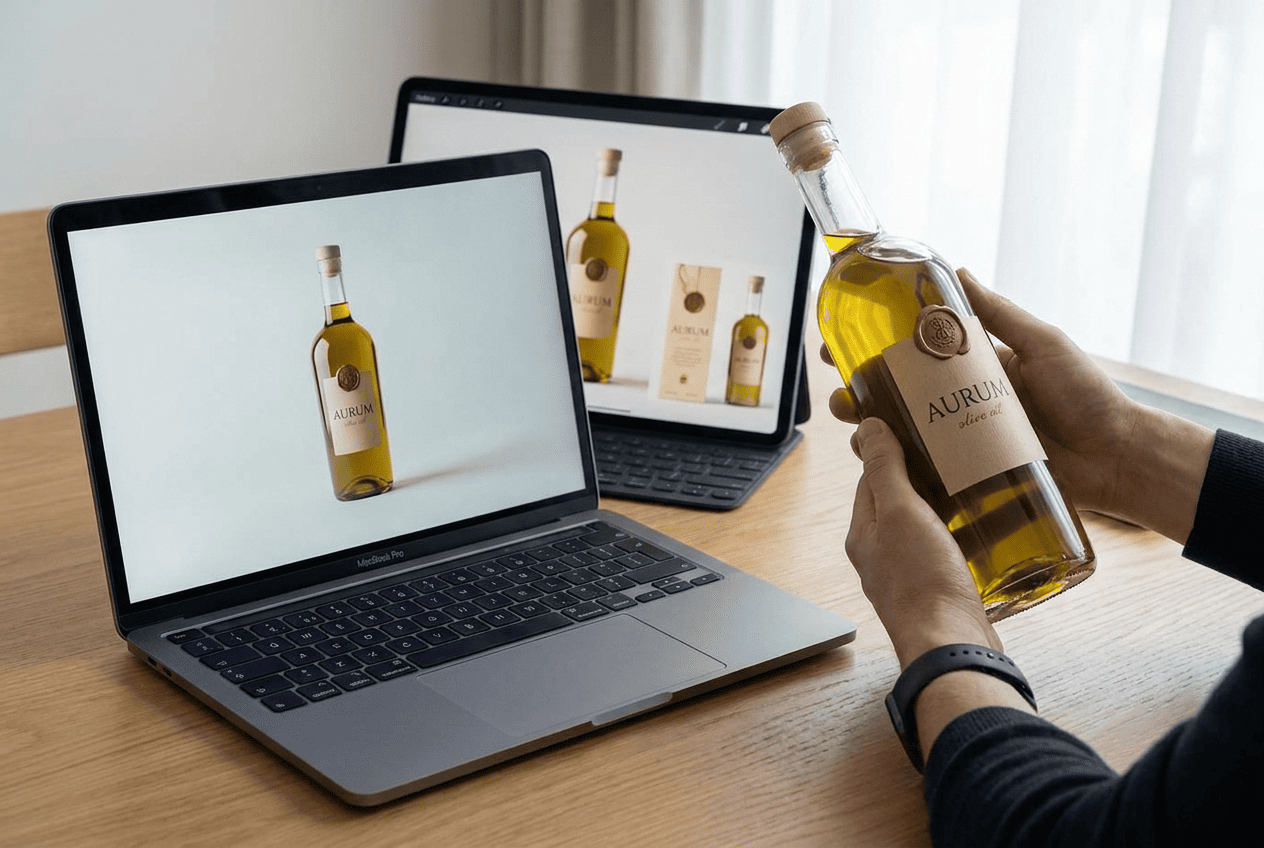
Publishing the first generation is a common mistake. Beautiful motion distracts from defects that the buyer notices right away.
You need to check the shape, color, logo, text, number of details, and the physics of the motion. Review the first and last frame separately. That’s exactly where the model often alters the object most noticeably.
A short checklist:
- the shape and proportions match the product;
- the text and logo are not distorted;
- the color matches the photo;
- no extra elements have appeared;
- existing details have not disappeared;
- the clip doesn’t show a nonexistent feature;
- the background doesn’t pull attention away;
- the format fits the platform;
- the music and graphics are cleared for advertising.
If even one item raises doubt, it’s better to regenerate the clip. In product advertising, authenticity matters more than effect.
When AI video won’t replace a real shoot
The neural network is good at creating promo content, but it shouldn’t stand in for proof.
A real shoot is needed when you have to show a mechanism in action, the exact contents, dimensions, the fit of clothing, a before-and-after result, or a method of use. For a tool, the buyer needs to see the real process. For cosmetics, the real texture. For furniture, the scale next to a person.
In these cases, an AI clip works as a teaser, but not as the only material. That’s an honest limitation. Trying to hide it usually leads to advertising that looks impressive but raises questions about the product.
Common mistakes
The first mistake is an overly complex request. In a single clip, they change the background, the angle, the light, the position of the product, and add hands. The model is given too much freedom.
The second is an active fly-around an object that is shown only from the front. The neural network builds out the unseen side without a technical drawing.
The third is the absence of constraints. The author describes the atmosphere but doesn’t lock down the color, material, text, and shape of the packaging.
The fourth is a single format for all channels. A vertical composition transfers poorly to a wide screen, while a horizontal one loses the product in a mobile feed.
The fifth is a chaotic style. Disconnected clips don’t strengthen the brand, even if each of them looks neat.
How to organize work with a large catalog
With ten products, you can still run generation manually and keep the successful requests in notes. With a hundred items, this approach falls apart. I recommend dividing the catalog by visual type: bottles, boxes, clothing, electronics, furniture, and food. For each group, you create one base movement scenario and a separate list of elements the model must not change.
Then the team saves the source, the prompt, the format, the successful version, and the publication date in a spreadsheet. This makes it clear which clips are already done, which need checking, and which techniques are being repeated too often. For ad launches, it’s useful to additionally note the first frame and the test result. In a few weeks, you’ll have your own base of solutions rather than a set of random experiments.
The principle is not to generate the entire catalog at once. First you pick five products of different shapes. Templates, constraints, and brand presentation are tested on them. After that, the successful scenario is transferred to the remaining items. Such a test costs less than a mass redo and shows faster where the neural network distorts the packaging, text, or geometry. It’s better to assign the person responsible for the final check in advance: the generator creates the video, but the decision to publish always stays with a human.
Frequently asked questions
Can you make a video from a single product photo?
Yes. A single sharp shot is enough for a short clip with a zoom-in, movement of light, or a moving background. For a full view from all sides, you’ll need additional angles or a real shoot.
How do you preserve the packaging and logo?
You need to choose a sharp source, reduce the intensity of the motion, and state directly in the prompt which elements must not be changed. After generation, the clip should be reviewed frame by frame.
Do you need editing skills?
No. A modern AI generator creates the frames and assembles the MP4 automatically. The user uploads an image, describes the idea, and picks the result.
Is this kind of video suitable for advertising?
Yes, if the clip shows the product truthfully and complies with the ad platform’s rules. You can’t publish a version where the neural network has changed the product’s features or contents.
Conclusion
A video made from a product photo solves a practical business task: it gives you more content without a new shoot for every ad, listing, and post. But a good result doesn’t start with a flashy template. It starts with a sharp photo, clear motion, and strict control over the details.
A single photo really does turn into a series of formats. The vertical version goes into Reels and Shorts, the square one into the feed, the horizontal one onto the website, and a few opening frames help test advertising. Once the process is set up, a new product doesn’t kick off the entire production from scratch.
AI doesn’t do away with product photography. It takes on a different part of the work: quick promo clips, variations, and content adaptation. For a small business, it’s not a trendy toy, but a way to put out more materials on your own and avoid paying a specialist for every new idea.