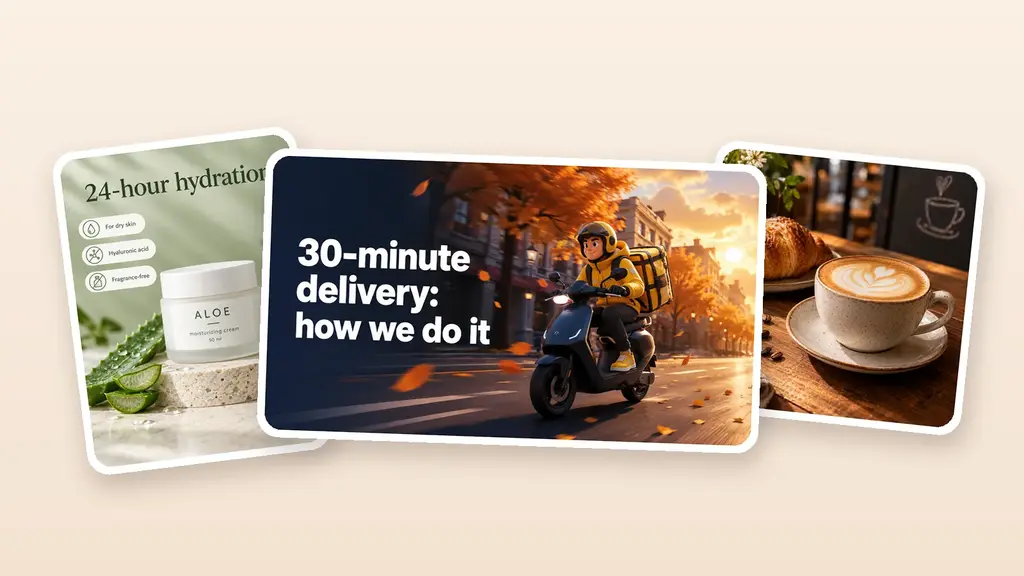
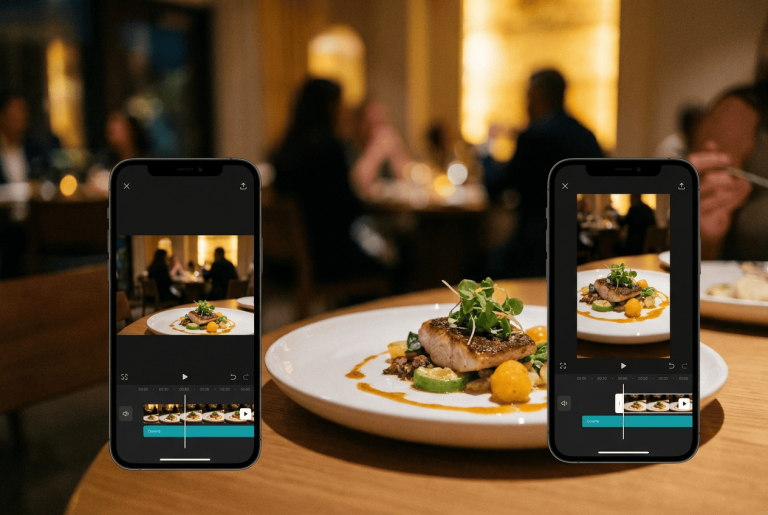
After years of working with visual identity, I’ve noticed a pattern: a restaurant rarely loses because its photos aren’t pretty enough. It loses because guests never get to feel the flavor, the atmosphere, and the personality of the place before they walk in. A still frame shows the dish. Video shows it alive: steam rising, sauce running, crust cracking, light flaring over the bar. In this article I’ll break down how to use AI video for restaurants and cafes without constant shoots, complicated editing, or a separate specialist for every task.
Table of Contents
Why restaurant marketing increasingly speaks the language of video
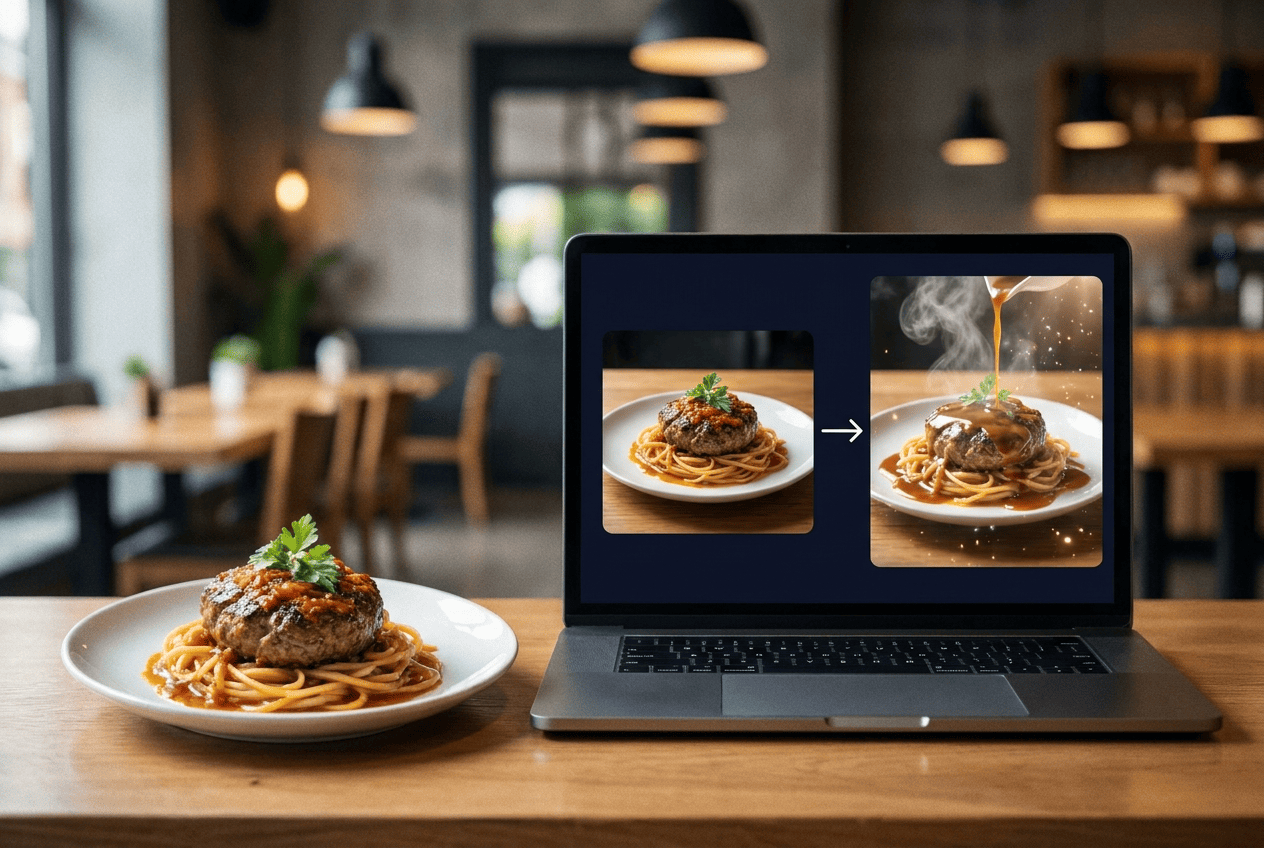
Before picking a cafe, people check more than the address and the menu. They look at how the room feels in the evening, how big the portions are, how the barista pours the milk, whether there are free tables, whether the place works for a catch-up or a family dinner. That’s where the gap opens up. A venue can cook brilliantly and still look quieter in the feed than a competitor who regularly shows the process and the emotion.
Short clips solve this better than static posts. They carry movement and context. A single video can hold the dish, the interior, the plating, a guest’s reaction, and a prompt to book a table. YouTube counts vertical videos of up to three minutes as Shorts and advises creators to pick a posting schedule they can actually keep. For a business, that second part is the important one: not one lucky clip, but a steady flow of content. And that kind of regularity used to be expensive. A shoot meant a camera operator, lighting, editing, music, captions, and several rounds of approvals. A small cafe would usually postpone content until the next professional shoot. The promotion ran for a week, and the video came out after it ended. An AI video generator changes the economics of the process. It doesn’t replace live filming, but it takes over the quick jobs: bringing a photo of a dish to life, making an intro, putting together a seasonal menu promo, or preparing several versions of the same story.
A well-built system starts with the role of the content, not with the neural network. It helps to split your material into three groups: clips for reach, videos that help people choose, and posts that ask for an action. The first group catches attention with unusual movement or an appetizing close-up. The second answers questions about the menu, the price, and the atmosphere. The third drives a booking, a delivery order, or a visit to an event. That approach turns content from an endless stream of ideas into a system you can manage, which is exactly where most of the current digital marketing trends are heading.
Expert tip. Don’t open a clip with your logo on an empty background. A restaurant has two or three seconds to give people a reason to keep watching. Lead with the steam, the crunch, the pour, or an unusual plating. Save the logo for after the visual hook, or for the very end.
What a restaurant can actually do with AI video
The biggest mistake is trying to hand your entire video marketing over to a neural network. Guests need to see real people, a real kitchen, and the actual room. Generated content earns its place where you need speed, variation, or an effect that’s hard to shoot without a full production.
Menu videos and dish showcases
Most restaurants already have good photos. They’re on the website, in the delivery listings, and in the photographer’s folder. That material is enough for image-to-video: the model adds camera movement, a little steam, a shift in the light, depth of field, or a smooth turn of the plate. The dish stays recognizable, and the post gains motion.
This is where restraint matters. Don’t send ingredients flying through the frame if the kitchen serves classic cuisine. Don’t inflate the portion or add products that aren’t in the recipe. An ad has to support the expectation the kitchen can meet, not create an image it will argue with later. Before you start showcasing the menu, it’s worth sorting out the venue’s visual identity first: restaurant and cafe logo design, colors, typefaces. Then carry that same logic into video: the same palette, the same fonts, the same backgrounds, the same style of plating.
Promotions and special offers
A promotion usually appears faster than a shoot can be organized. The chef decides to push a set for two, the coffee shop launches a drink of the week, the bakery discounts an evening box. For that kind of story, a photo, a short description, and a clear CTA are enough.
The structure that works is simple: the product in the first frame, the offer in the second, the deadline in the third, the address or the action at the end. Don’t pack the clip with text. People read slower than the video moves. One price, one benefit, and one call to action is usually plenty.
Seasonal offers
Seasonal content is a natural fit for generation. An autumn latte, a summer terrace, a holiday set menu, or Easter pastries only exist for a limited window. Spending several days producing a single clip doesn’t always add up. AI helps you prepare a whole series: a teaser, a product shot, a reminder, and a closing post.
A coffee shop takes a photo of the drink, adds a soft drift of steam and falling leaves, then exports a vertical version for Reels and a square one for the feed. A bakery animates a croissant shot, shows the layers of dough, and ends on the hours of the morning deal. A restaurant uses a table-setting photo, adds flickering candles, and invites people to dinner. One visual asset works across several scenarios without looking like a copy of itself.
Atmosphere and events
AI video doesn’t have to be about food. It’s just as useful for announcing a live music night, a wine tasting, a breakfast with the chef, or the opening of the terrace. Interior photos, a poster, the logo, and a few frames from past events are enough to build on.
Don’t generate an imaginary packed room if your floor plan looks nothing like it. Animate the real details instead: light on the wall, glasses on the table, a record spinning, the stage, the view from the window. That sets the mood and keeps you honest.
What AI gives you compared with a traditional production
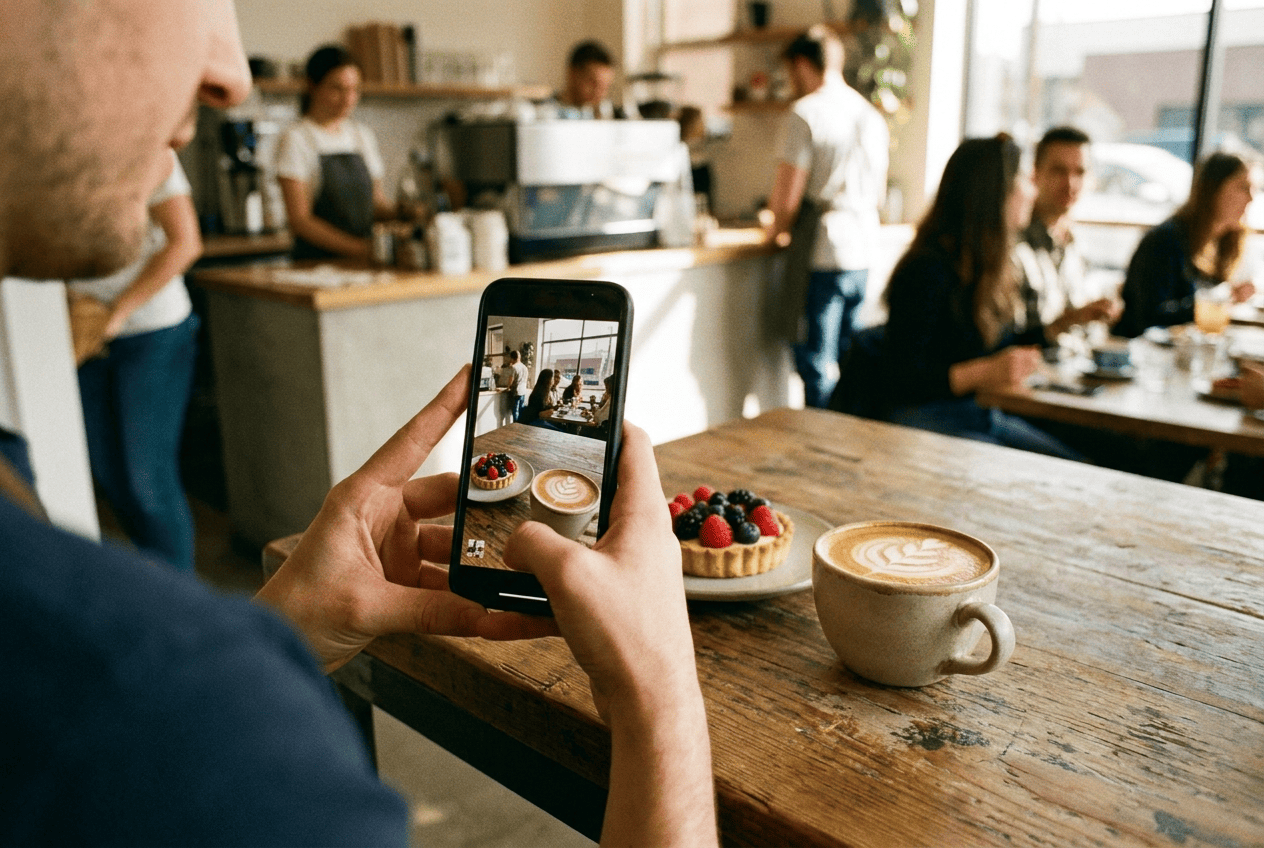
Comparing a neural network with a videographer on price alone misses the point. They’re tools for different jobs. You need a crew for the brand story, an interview with the chef, a big commercial, and anything where documentary accuracy is critical. AI is for everyday content, quick hypotheses, and adaptations.
| Criterion | Traditional shoot | AI generation |
|---|---|---|
| Preparation | Script, crew, location, gear | A photo, a logo, or a text description |
| Speed of revisions | Depends on the editor and the footage | A new generation or a different prompt |
| Series of formats | Needs re-editing and re-cropping | Several aspect ratios at once |
| Repeatability | Requires another shoot | One source gives you a series of clips |
| Best used for | Brand image, people, the real process | Promos, animation, tests, seasonal content |
The savings don’t come from making people redundant. They come from cutting the cost of the repetitive work. A motion designer charges per task, per revision, and per new version. With a service, the owner buys a plan or credits and ships several clips on their own. For a small business, that means video stops being a rare project and becomes a normal part of the working week.
There’s a second effect too: the speed of testing. One clip opens on the dish, another leads with the price, a third sets the mood. Once they’re live, the restaurant compares retention, clicks, and bookings. A/B testing creatives lets you decide based on how the audience reacts, not on the owner’s or the designer’s taste.
How to create a restaurant clip without a complicated prompt
Prompts scare business owners for no good reason. You don’t need technical language to get a good result. You need a clear scene. Describe the subject, the movement, the light, the camera, the mood, and the format. “Animate this pasta photo” leaves the model far too much freedom. “Slow close-up of a plate of pasta, light steam, warm evening light, smooth camera move from left to right, vertical ad” sets sensible boundaries.
Check the source image before you generate. The dish should be sharp, the edge of the plate shouldn’t be cut off, the logo should be legible, and the background shouldn’t fight the product. AI amplifies good material, and it amplifies flaws just as well. An odd-looking fork, a stray hand, or a glare on the packaging will only get more obvious once things start moving.
Then settle on one action. The clip invites people to book a table, try something new, order delivery, or come to an event. Several goals at once blur the composition. After the generation, review the product frame by frame. Watch the shape of the plate, the text on the packaging, fingers, cutlery, and the logo. Generative video sometimes mangles small details, and a file like that should never be published on autopilot.
Expert tip. Save your successful prompts together with the source images. Within a month you’ll have your own library of moves: camera work for desserts, lighting for drinks, pacing for delivery, endings for promotions. That’s worth far more than a random collection of trendy effects.
A month of content without shooting every day
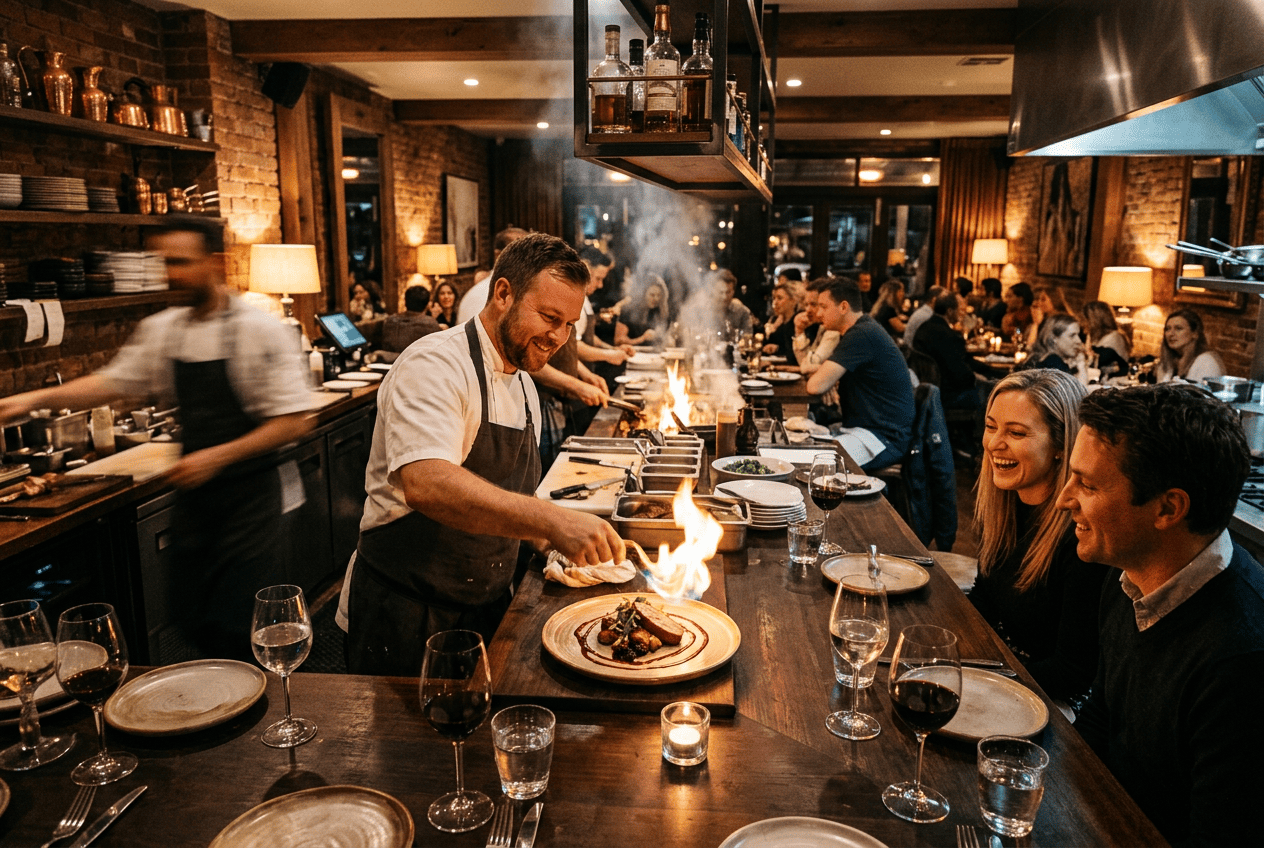
Owners rarely need a single clip. They need a system that doesn’t fall apart after a week. I’d start with five repeatable formats rather than thirty different ideas. The first shows the product in close-up. The second answers a question guests keep asking. The third announces a promotion. The fourth conveys the atmosphere. The fifth reinforces the brand through the logo, the packaging, and the signature details.
Those five formats add up to a calm monthly rhythm:
- four videos of dishes or drinks;
- two clips about seasonal items;
- two announcements of promotions or events;
- two atmosphere videos of the interior;
- two clips for delivery;
- one animated brand intro.
That plan gives you three posts a week and spares you from inventing a concept from scratch every Monday. Some clips come from fresh photos, some from the archive you already have. Live footage of the team and the kitchen goes in between the generated material. The feed doesn’t read as artificial, and nobody has to turn every post into its own production.
Working in series matters for another reason. The restaurant learns faster what actually moves the needle. If every video differs in topic, length, style, music, and call to action, there’s nothing to compare. It’s better to keep the brand colors and the overall composition fixed and change only the first frame or the offer. Then you can see what held attention: the steam over the cup, the cross-section of the dessert, the price of the lunch special, or the chef’s face.
The mistakes that make an AI clip useless
The first mistake is a visual effect with no product in it. The camera spins, lights flash, ingredients fly, and the viewer still has no idea what the place is selling. Pretty movement is not an offer. There has to be a hero in the frame: a specific dish, a drink, an event, or a mood.
The second mistake is an intro that drags. The logo slowly assembles for five seconds, then the interior appears, and only after that comes the food. Barely anyone makes it to the product. In a short format, it makes far more sense to open with your strongest visual argument.
The third mistake is generating text inside the frame. Neural networks handle motion and scenes much better than small typography. The dish name, the price, and the CTA are safer added as a separate layer in an editor or a template. That way the letters keep their shape and your brand font doesn’t change from frame to frame.
The fourth mistake is publishing the first version. A generation will sometimes give you a great overall shot and one strange detail: a spoon dissolving, the rim of a glass wobbling, letters on a label rearranging themselves. Watch the clip several times, including with the sound off and on a small phone screen.
The fifth mistake is losing touch with what’s happening on the floor. If the promotion has ended, the dish is temporarily off the menu, or the event is fully booked, the video stops helping and starts irritating people. The content plan has to be tied to the kitchen, the dining room, and the schedule, not live in a marketer’s separate spreadsheet.
Before you publish, show the clip to a server or the shift manager. They’ll spot a mismatch with the real plating, price, tableware, or interior details much faster than you will. That quick check protects more than visual quality. It lowers the risk of an ad promising a guest an experience the venue can’t deliver that day. It’s an important step, and almost everyone forgets it.
The Turbologo AI video generator for restaurant content
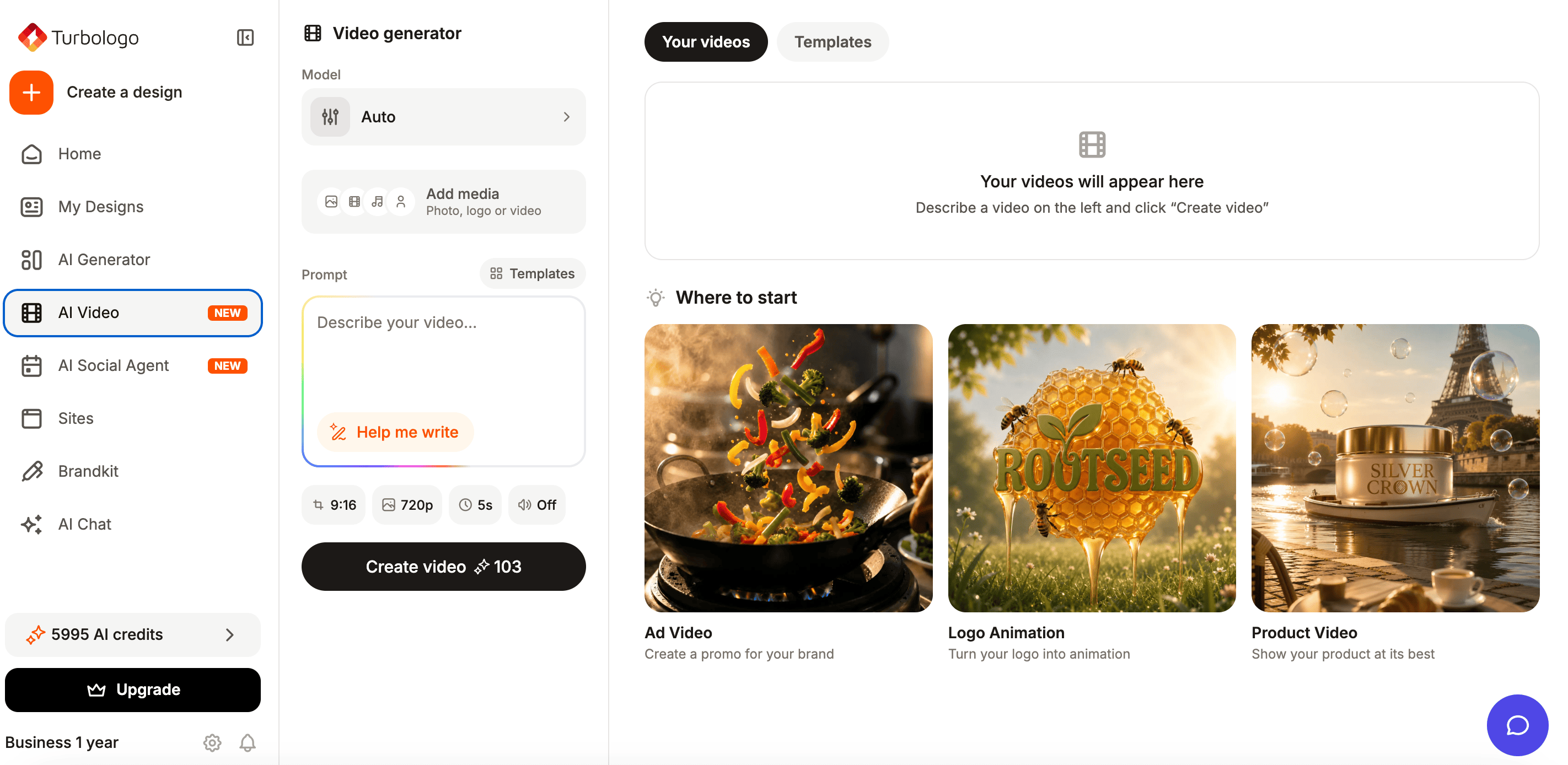
The Turbologo AI video generator turns text, a logo, or a photo into a finished clip. You can start from a template or a blank canvas, and the built-in AI assistant fills out your scene description for you. There’s no prompt engineering to learn and no video model to pick by hand: Turbologo chooses Veo, Kling, or Seedance to fit the story. For a restaurant, that’s about as practical as it gets. Upload a photo of a dish, a product, or your logo. Describe the movement and the goal in plain words. The system builds the video, and you download the file as MP4. Vertical, square, and horizontal ratios are available, along with 720p or 1080p quality. A paid plan lets you use the clips in advertising and download them without a watermark.
The most popular use case is an animated logo. It works for the end of a Reel, a screen inside the venue, a delivery clip, or a short intro. The animation shouldn’t be arbitrary, though. A coffee shop with a soft identity suits slow moves and warm light. A burger joint with a bolder attitude calls for fast pacing, contrast, and a sharp audio accent. There’s a full breakdown of the principles in our guide on how to turn a logo into video.
Turbologo also works well as a single home for the brand. When the logo, the colors, and the assets all live in one place, it’s easier to keep a new clip on style. That reduces the chance of a promo looking like somebody else’s template, or an intro clashing with the menu and the sign above the door. Turbologo covers more than video, so it’s simpler to hold on to the brand colors, the logo, and the restaurant’s overall visual style across everything you publish.
Where to publish and how to measure the result
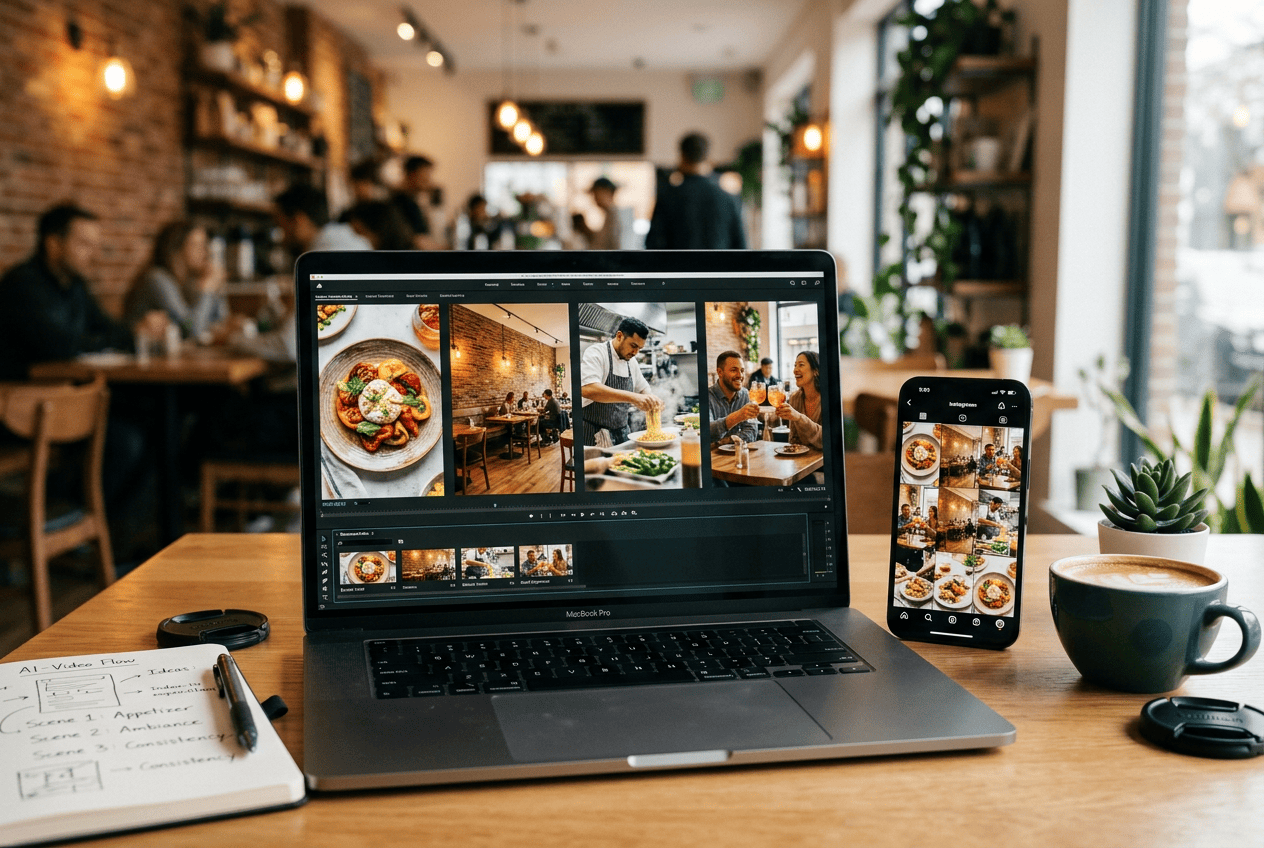
A vertical clip suits Reels, Shorts, and TikTok. The square version works in the feed and in post previews. The horizontal format is for your website, YouTube, and the screens inside the restaurant. Don’t upload one file everywhere without adapting it. Text, safe zones, and viewing pace differ from platform to platform.
The metrics depend on the goal. For a reach video, look at completion rate, rewatches, and saves. For a promotion, clicks, messages, promo code usage, and sales of that specific dish matter more. For an event announcement, it’s bookings and how full the room is. Views on their own prove nothing.
Keep a simple log: date, subject, first frame, offer, format, cost, and result. After ten or twenty posts, patterns start to show. One coffee shop does better with the barista’s hands, another with dessert close-ups. A restaurant with a city view gains more from showing the room, while a delivery business gains more from packaging and speed of service.
Frequently asked questions
Will AI replace professional filming?
No. It covers quick advertising jobs, animation, and tests. People, the kitchen, and the real atmosphere are still worth filming live from time to time.
Will an ordinary photo of a dish work?
Yes, as long as the shot is sharp, the product is well lit, and the important details aren’t cropped out. The cleaner the source, the steadier the motion.
Do I need to know how to edit video?
Not for a basic clip. The service creates the movement and delivers an MP4. You’ll still want to check the details, the text, and the match with the real product before publishing.
Which videos should I make first?
Start with three jobs: a clip of your most popular dish, a seasonal offer, and a short logo intro. That’s the easiest way to test different goals without overloading your content plan.
Conclusion
AI video for cafes and restaurants isn’t a trendy effect. It’s a way to shorten the path from idea to published post. It helps you bring photos to life, announce a promotion quickly, show a seasonal menu, prepare an event teaser, and adapt one story for several platforms.
The core principle hasn’t changed: the technology should amplify the real venue. Not invent a different portion, a different interior, or a different atmosphere, but show more precisely the thing a guest is coming for. When a video is built around the product, one clear action, and a consistent visual identity, AI becomes part of your marketing rather than a toy that lasts a couple of posts.