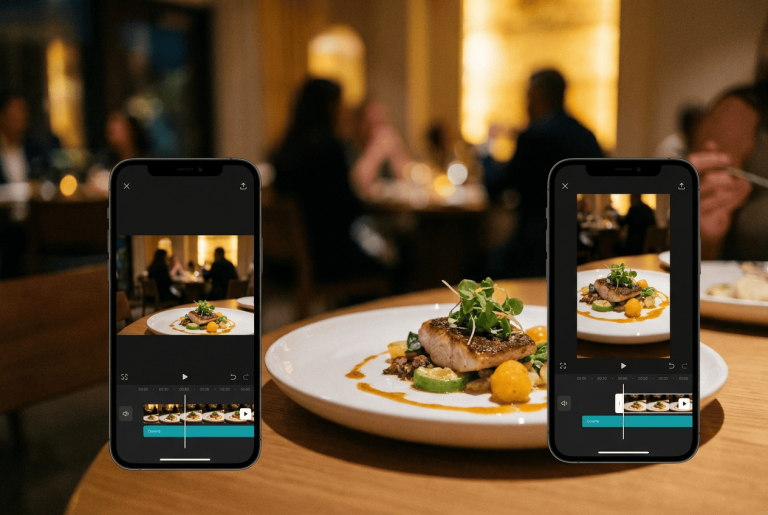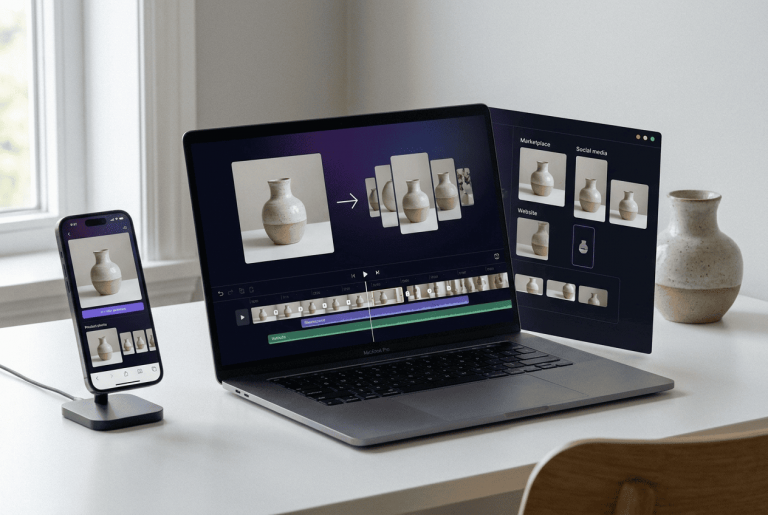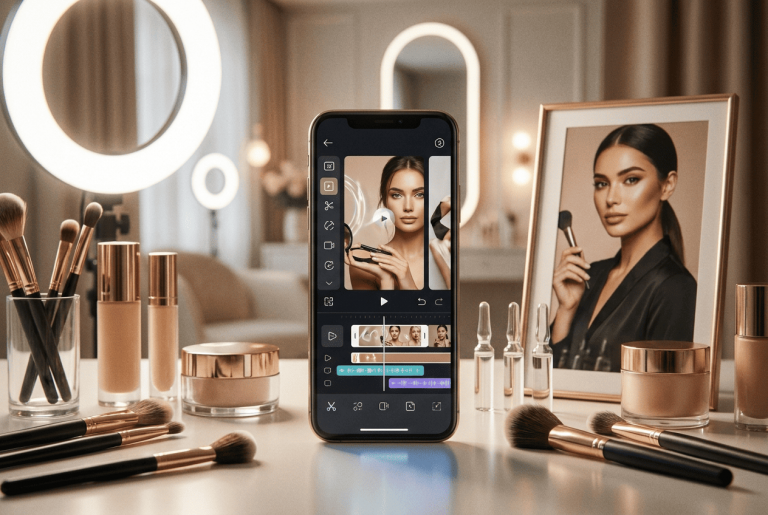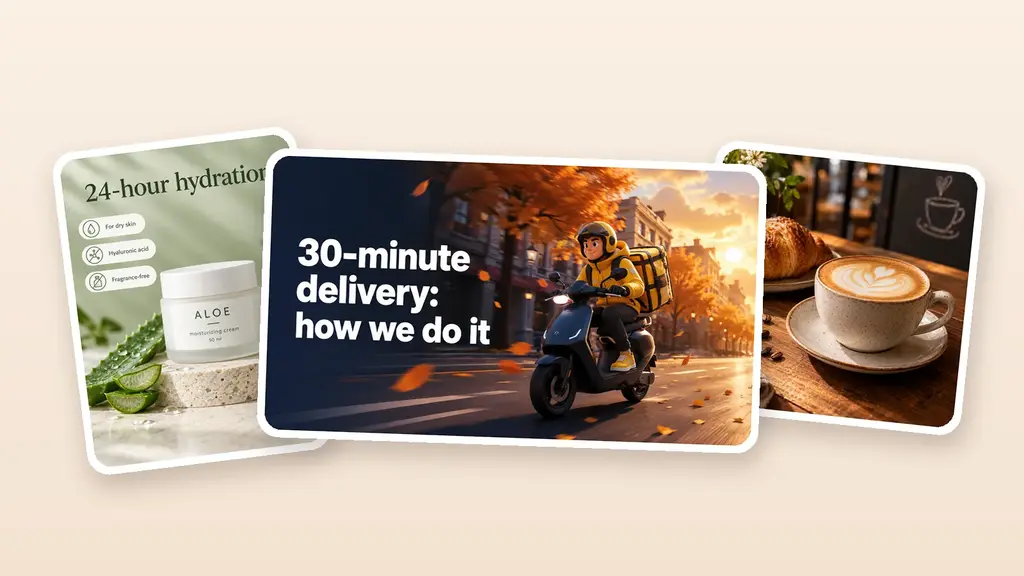
Over more than ten years of working with design, I have seen several moments when the usual content production process changed almost overnight. AI video is one of those shifts.
Not long ago, even a short promotional video required a script, shooting, editing, and a separate budget. Today, part of that process can start with a product photo and a couple of sentences.
The problem has changed too. Creating a video is becoming easier. The harder part is understanding which AI video generator fits a specific business task, what is worth paying for, and why an impressive AI demo can still be useless in real advertising.
That is what I want to break down here.
Table of Contents
What Has Changed in AI Video Generation
Early AI videos were easy to recognize. Hands behaved strangely, faces changed from frame to frame, and objects sometimes appeared out of nowhere. They were interesting experiments, but I rarely wanted to send such footage to a client or use it in an ad campaign.
Newer models work differently.
Google’s Veo 3.1 supports generation from text and images, reference-based workflows, scene controls, and native audio. Runway continues to develop text-to-video and image-to-video workflows around its Gen-4 generation. ByteDance’s Seedance 2.0 combines text, images, audio, and video as possible inputs.
For a business, though, the race between model names is secondary.
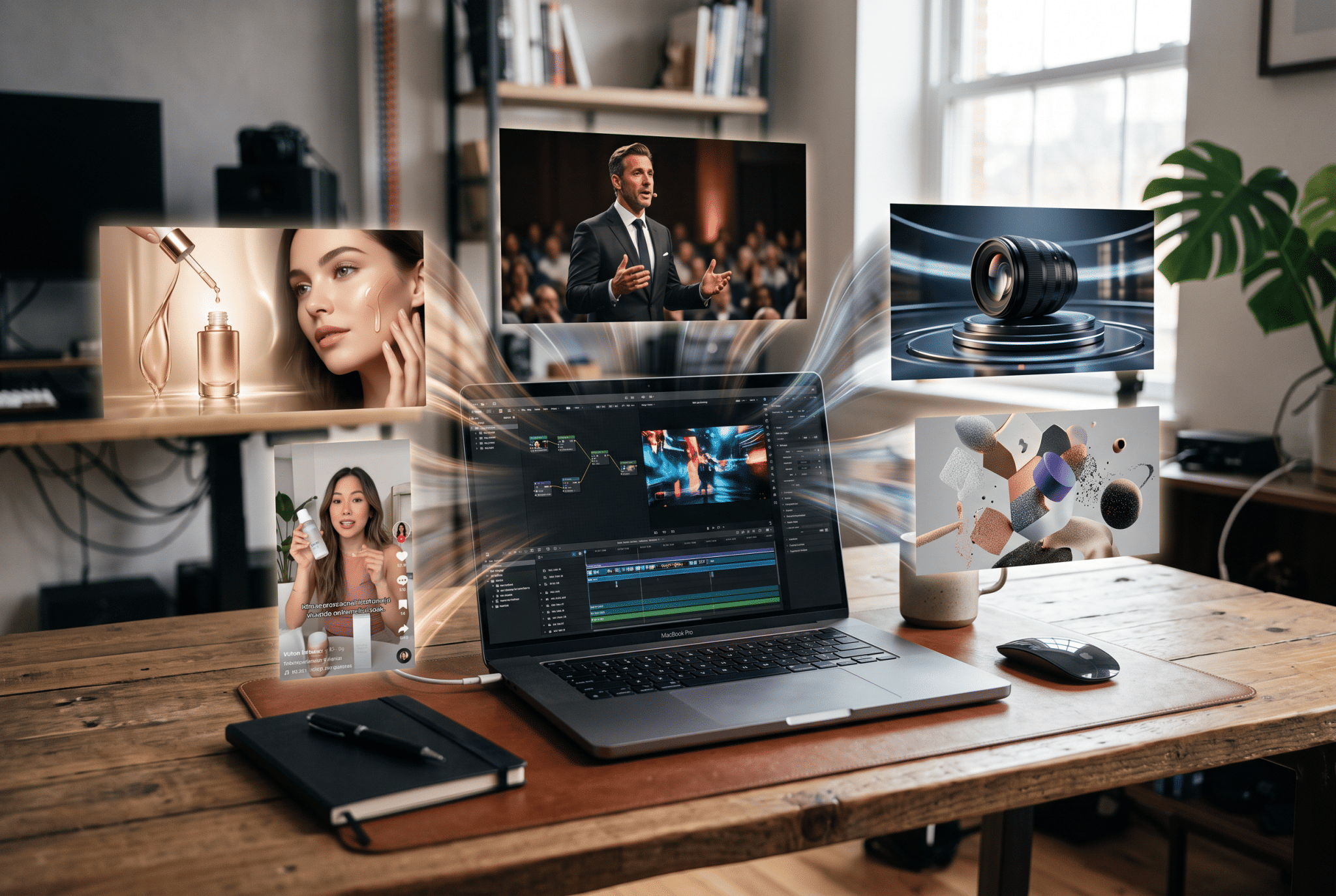
The important change is simpler: a static asset can now become advertising content without arranging a separate shoot.
Have a photo of a perfume bottle? It can become a short product scene with camera movement, light, reflections, and a new environment.
Have a portrait of a beauty specialist? It can become a vertical social media clip.
Have a logo? It can become an intro or branded outro.
Have only an idea? Text-to-video can build the scene from a written description.
AI video generation has effectively become another production layer between an idea and publication.
Text-to-Video or Image-to-Video: Where Should You Start?

This is where I often see the first mistake. Someone opens an AI tool and immediately starts writing a huge prompt.
For business content, a better first question is:
What must remain unchanged in the video?
If the task is to show a futuristic city, the model can have plenty of creative freedom. If the goal is to advertise a specific skincare product, that freedom becomes risky. The bottle shape, cap color, label, and branding need to remain recognizable.
In tasks like that, image-to-video is often a more practical starting point than pure text-to-video. The original image fixes the important visual information, while the model focuses more on motion.
The same logic applies to ecommerce content. A product image already contains the core information. The goal is not to invent another product but to animate the existing one.
This workflow is explored in more detail in our guide to turning a product photo into video for marketplaces and online stores.
Text-to-video makes more sense when no fixed visual exists yet. It works well for advertising concepts, atmospheric scenes, backgrounds, B-roll, and shots that would otherwise be expensive to film.
Expert tip: If the product has to look accurate, do not start with a completely open text prompt. A good reference photo often gives a business more value than three paragraphs of carefully written instructions.
Why There Is No Single “Best AI Video Generator”
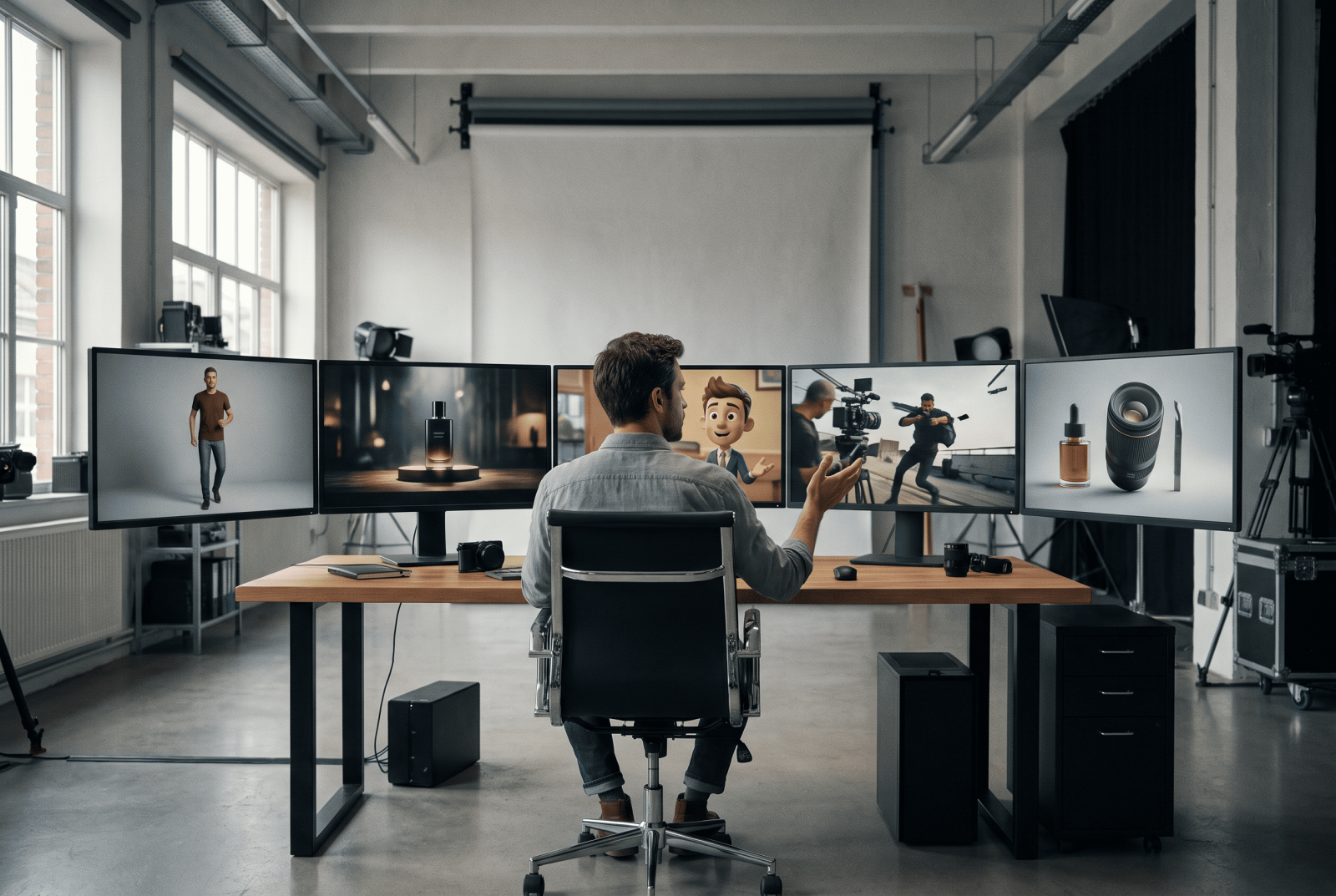
The search for the “best AI video generator” sounds reasonable, but it can lead in the wrong direction.
In design, asking for the best AI video model is a little like asking for the best graphics program. The answer changes depending on whether the task is photo editing, illustration, layout, or animation.
Video models work the same way.
| Business task | What matters most | What to look for |
|---|---|---|
| Product video | Preserve product appearance | Strong image-to-video and references |
| Reels and Shorts | Fast production | Speed and vertical formats |
| Brand campaign | Lighting, camera, atmosphere | Realism and scene control |
| Video with a person | Preserve identity | Character consistency |
| Talking video | Synchronization | Audio generation and lip sync |
| Ad variations | Scale production | Price, speed, repeatability |
| Campaign concept | Fast experimentation | Text-to-video |
Google positions Veo around prompt adherence, physical consistency, references, and synchronized audio-video generation. Runway focuses heavily on controllable generative video workflows. Seedance pushes further into multimodal input and combined visual-audio production.
Even the platforms themselves are moving away from the idea of one universal engine. Products such as Adobe Firefly and Runway increasingly bring several models or workflows into the same environment.
That is an important signal.
The market is gradually shifting from “Which model wins?” toward “Which workflow solves this task with the fewest problems?”
Which Criteria Actually Matter for Business?
Image quality should not be the first thing to evaluate.
There are seven criteria I find more useful.
Input format. Are you starting with text, a photo, a logo, a finished video, or several references?
Object consistency. A product, face, or character needs to retain its appearance across frames. In technical discussions, this is often called temporal consistency.
Prompt adherence. If the prompt says that the camera should move slowly from right to left, the model should follow that direction rather than invent a completely different shot.
Motion quality. Hands, hair, fabric, liquid, facial movement, and interacting objects deserve special attention.
Audio. Some projects only need music added later. Others need speech, environmental sound, sound effects, or lip sync.
Repeatability. One successful generation proves very little. A business needs to know how the tool performs across a series of videos.
Cost of an accepted result. This is where the comparison becomes more interesting.
The real cost of a video is not the price of one generation.
If only one attempt out of ten is usable, the business has effectively paid for all ten. Add employee time, editing, corrections, and additional generation, and the economics change again.
So instead of asking which model produced the prettiest clip, compare how many usable clips each model produced within the same budget.
Why AI Video Changes the Economics of Content
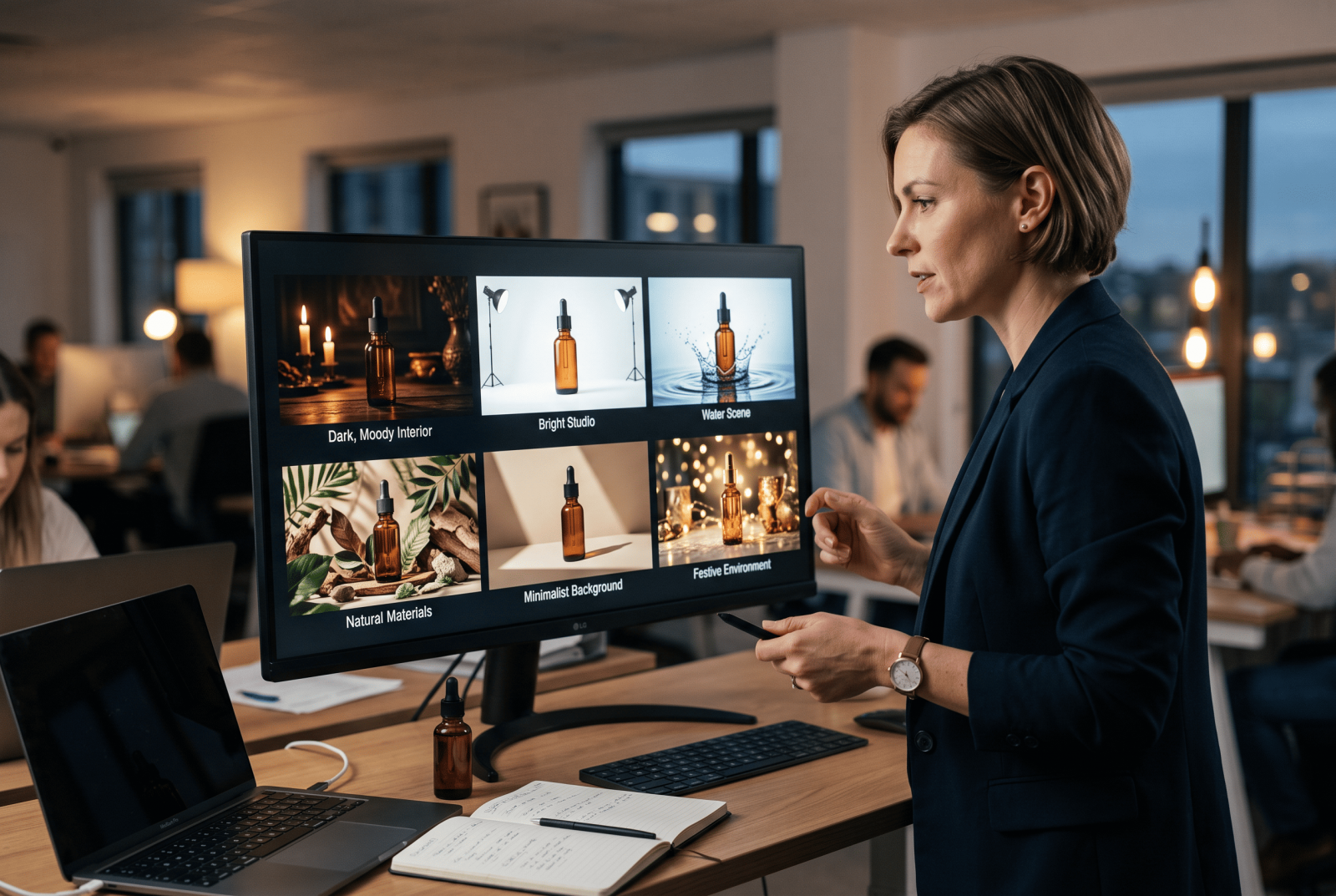
This change matters much more than another visual effect.
Traditional production does not handle rapid experimentation particularly well. If every hypothesis requires a new location, lighting setup, camera operator, and editing session, the number of ideas a business can test quickly hits the budget ceiling.
AI production is iterative.
A cosmetics brand wants to test a bottle surrounded by water. Generate it.
The lighting feels wrong. Change it.
A dark interior might work better. Generate another version.
The same idea is needed for a vertical social format. Create the next variation.
The cost of testing an idea drops before the company commits to a larger production budget.
This is why a neural network for video generation is particularly interesting for small businesses. A company no longer has to organize another shoot every time it wants to test a new presentation of a service or product.
The same approach works well with advertising experiments. Several creatives can be produced first, then the stronger concepts receive more media budget. Our guide to A/B testing creatives looks at this logic in more detail.
Where AI Video Is Already Useful for Business
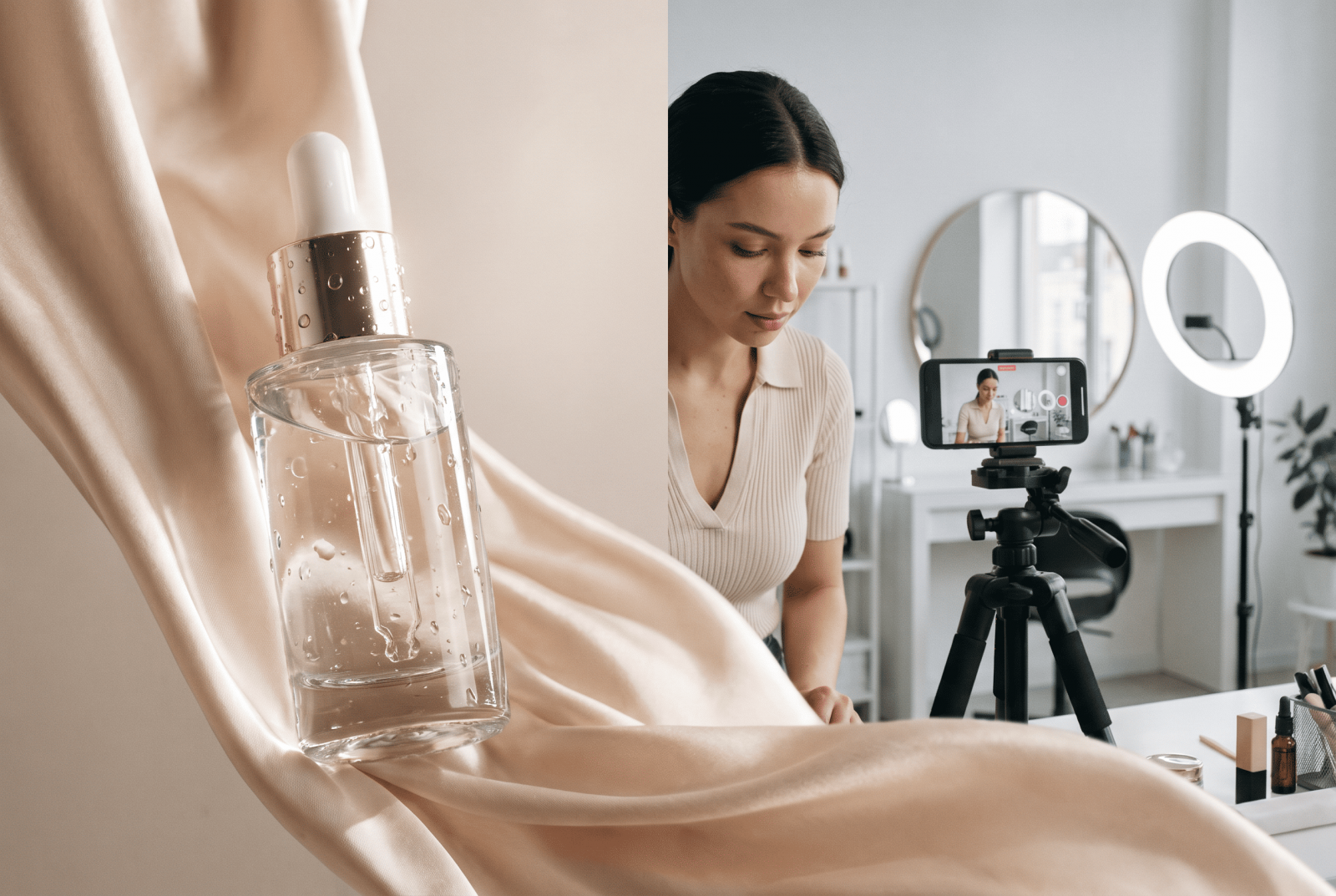
The first obvious use case is social media content.
A nail artist does not need a production crew every week. There are already photos of finished work, the specialist, the studio, and the products. These assets can become short scenes for Stories, Reels, and vertical ads.
Beauty content is particularly suitable for this approach. Light movement, close-ups, product reflections, water, fabric, particles, and controlled camera motion all work well in short formats.
We explore those workflows separately in our guide to AI video for beauty businesses, including salons, cosmetics, and personal brands.
The second use case is launching a new service.
A studio, cafe, consultant, or beauty specialist can prepare several teaser videos before organizing a full shoot.
The third is product presentation. One clean product photo becomes a short promotional scene with motion, lighting, and a new environment.
The fourth is personal branding. Static portraits gain motion and stop looking like another carousel of nearly identical photos.
The fifth is advertising variation. One product can appear in several styles, locations, seasons, and visual concepts.
This is where the business value becomes easy to see.
AI increases the number of ideas a company can test.
Where AI Video Still Needs Human Control
There is one thing product demos rarely emphasize: failed generations.
They still happen.
A model can alter letters in a logo. Packaging can become slightly wider in the next frame. A person’s face can shift. Fingers may look strange. A product may lose its shape for a fraction of a second.
I pay particular attention to branded details.
If an ad sells a specific product, beautiful lighting does not compensate for packaging that suddenly looks different.
Long scenes require even more attention. As more events happen inside one continuous generation, maintaining characters, objects, movement, and cause-and-effect relationships becomes harder.
That is why several shorter clips are often easier to work with than one long generation. A sequence of 5-10 second scenes is easier to control and can later be assembled into a complete video.
There is another useful lesson here: businesses should avoid building their entire content system around one famous model.
Tools change. Versions change. Access rules change.
The workflow should survive those changes.
Expert tip: When choosing a platform, look beyond the model available today. Check how easily you can switch engines, reuse source assets, and continue production without rebuilding your whole process.
Why Several Models Can Be Better Than One

This seems to be where the market is heading.
Instead of searching for one “perfect” model, teams build a chain.
One model creates the source image.
Another handles motion better.
A third generates audio.
The final scenes are then edited together and published.
For a professional production team, this setup makes sense. For a salon owner, ecommerce seller, freelancer, or small agency, managing ten different interfaces quickly becomes annoying.
That is why products that hide part of the technical complexity are becoming more useful.
The Turbologo AI video generator follows this principle. A user can upload text, a photo, or a logo and describe the desired scene. The system works with models such as Veo, Kling, and Seedance, while an AI assistant can help improve the prompt when a detailed prompt feels too technical.
For a small business, the economics are practical.
A motion designer is normally paid for a specific task or project. With a subscription-based tool, a business can produce many related videos independently and regenerate weaker versions without preparing another brief for a contractor.
That difference becomes especially noticeable when video is needed every week.
A broader overview of the product and its intended workflows is available in our article about the launch of the Turbologo AI Video Generator.
How to Connect AI Video With Your Logo and Brand
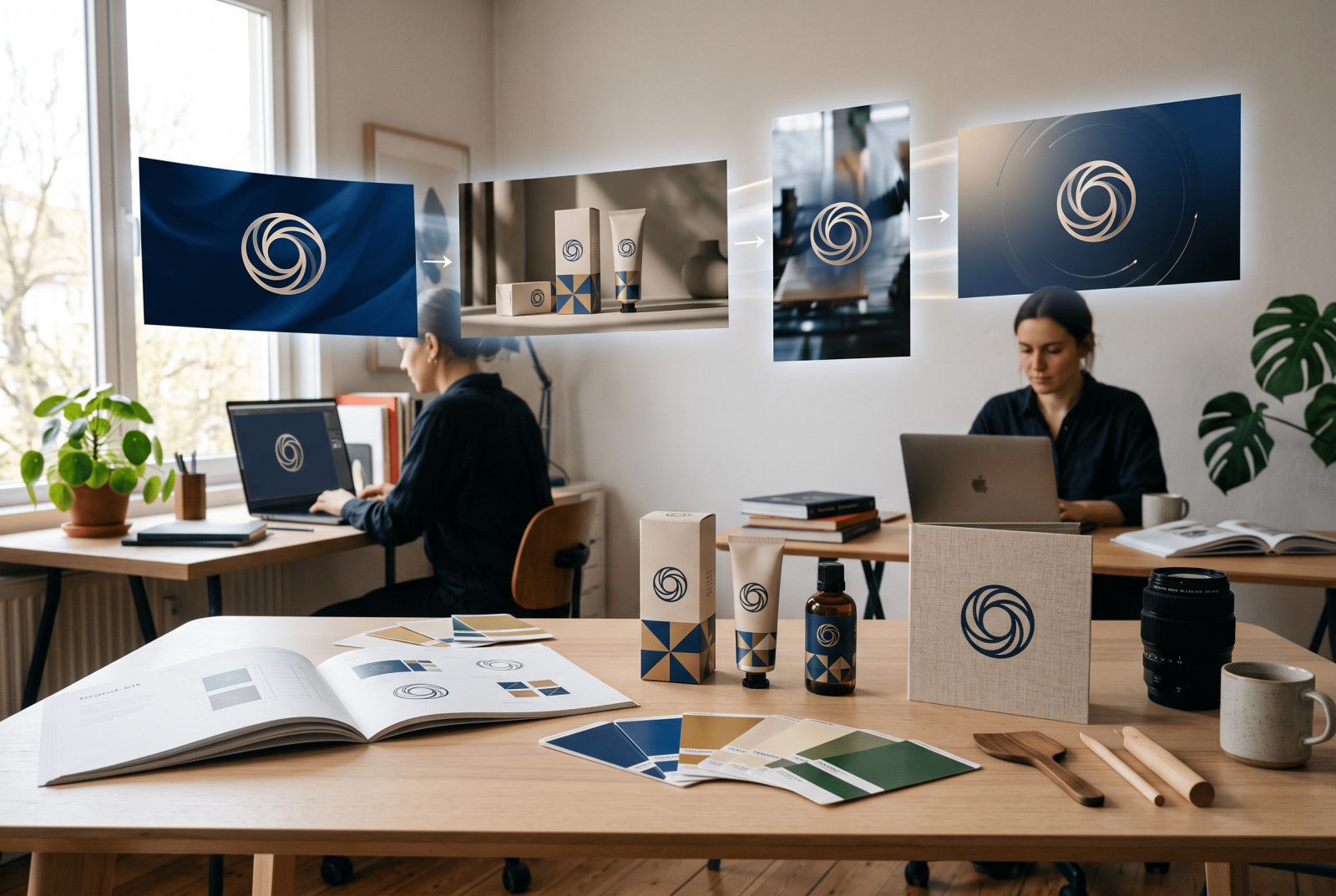
There is another mistake I regularly see as a designer: AI videos are created separately from the brand.
The first video uses bright red.
The next one is pastel.
The third uses another typography style.
The fourth displays the logo in a completely different way.
Individually, each scene might look fine. Together, they create visual noise.
Video should continue the visual identity of the brand.
Before generating content, it helps to have at least a basic system: a logo, color palette, fonts, and several clear visual principles.
If that foundation does not exist yet, it can be created with Turbologo, then the logo and brand assets can become source materials for future content.
Animating the logo itself is another useful scenario. A short logo animation works well as an intro, outro, transition, or branded closing shot. The article on how to turn a logo into video covers this use case in more detail.
In this scenario, AI is no longer generating random attractive imagery.
It extends an existing visual identity.
For a brand, that is much more valuable.
How to Test an AI Video Generator Before Using It Regularly
You do not need a huge comparison spreadsheet.
Start with one real business task.
Take a short promotional video for a new skincare product.
Use the same source image and the same description. Run several generations through two or three models.
Then evaluate four things:
- Did the product and logo remain consistent?
- Does the movement look natural?
- How many attempts were needed before the result became usable?
- How much time and money did the final accepted video cost?
After this test, the decision usually becomes much easier.
The polished demo on a product homepage matters less because you now have your own data.
What Will Happen to the AI Video Market Next?
The biggest change has already happened.
Video is no longer only a separate production project.
It is becoming an everyday marketing asset, closer to a banner, social post, product image, or carousel.
The direction of model development supports this. New systems increasingly combine images, references, sound, motion, editing, and multiple types of input inside one workflow.
The next stage of competition will probably go beyond the quality of an individual frame.
The strongest products will be the ones that reduce the number of actions between an idea and a published asset.
For a business owner, the takeaway is straightforward.
There is no need to memorize every model name or chase every release.
It is more useful to define the production scenario:
What source materials already exist?
Which elements must stay unchanged?
How many videos need to be produced?
How many attempts are acceptable?
What does one usable result actually cost?
Once these questions are answered, AI stops feeling like a toy for impressive experiments.
It becomes a normal production tool.
Frequently Asked Questions
Which AI video generator should a business choose?
Start with the task. For accurate product demonstrations, prioritize image-to-video and reference support. For early concepts, text-to-video is useful. For talking videos, evaluate audio quality and lip sync.
Can AI replace a videographer?
For short advertising scenes, photo animation, concept testing, and regular social media content, AI already covers many tasks. Complex product shoots, long narratives, and projects with strict visual requirements still benefit from human production and control.
Do I need a complex prompt to create AI video?
Not always. Some models respond better to detailed descriptions of the scene, movement, and camera. In Turbologo, the initial request can be written in simple language, while the built-in AI assistant helps refine the prompt.
What matters more when choosing a generator: quality or price?
Calculate the cost of a usable final video. Cheap generation loses its advantage if nine attempts out of ten have to be discarded. For business workflows, consistency is usually more valuable than one impressive result.
Conclusion
AI video generation has moved from an entertaining experiment toward a practical business tool.
The next stage is already visible. Companies will increasingly choose not individual neural networks but convenient workflows where text, product photos, logos, and brand assets quickly become usable content.
That is why the question “Which AI video generator is the best?” is becoming less useful.
A better question is:
Which workflow helps this particular business publish the right videos regularly, preserve its brand identity, and spend fewer resources on each new idea?
That is the criterion worth using.