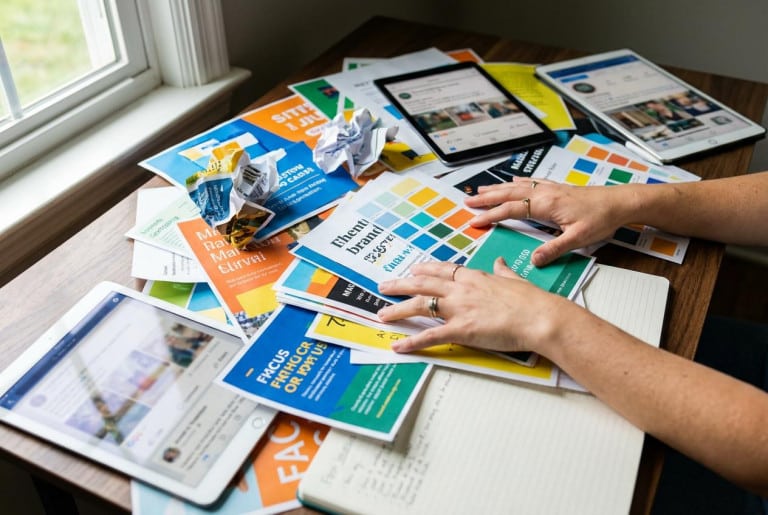
One problem appears again and again in branding projects: companies choose logos based on personal taste instead of practical business needs.
The result may look attractive in a presentation but fail in real-world use. The logo becomes unreadable on social media, blurry on packaging, or too detailed for smaller formats.
This guide focuses on a practical question: which logo maker in 2026 helps businesses create a logo that actually works across websites, ads, packaging, and social media.
The services below are the platforms entrepreneurs genuinely use today. Some focus on AI logo generation, others on editing tools and templates, while some offer complete brand kits with ready-to-use assets.
At the end, you’ll also find a short selection guide and answers to the most common questions.
Table of Contents
How to Choose a Logo Maker Without Redesigning Everything Later
Most business owners want the same thing:
- fast setup;
- affordable pricing;
- professional-looking results.
The issue is that “professional” depends on details many users ignore at the beginning.
1) File formats matter more than most people think
PNG files are usually enough for websites. But businesses eventually need scalable graphics for banners, printing, signage, packaging, and branded materials.
That is why a logo maker should always provide SVG or PDF exports. Without vector files, logos lose sharpness when resized.
2) One logo version is never enough
A proper logo package should include:
- a version for light backgrounds;
- a version for dark backgrounds;
- a simplified icon;
- a favicon or square version for social media.
Many free generators create only one version, which later causes problems across platforms.
3) Licensing can become a hidden problem
Many “free” logo makers in 2026 allow users to create and preview logos without payment.
However, downloading source files or getting commercial rights usually requires buying a package.
Always check licensing terms carefully before using a logo in business.
4) Think beyond the logo itself
Businesses usually follow one of two paths:
- create a quick logo for immediate use;
- build a long-term visual identity with typography, colors, templates, and branding assets.
The second approach almost always saves money later because redesigning everything becomes expensive.
Expert tip: the biggest cost of a weak logo is not the platform itself. The real expense appears later when businesses need to rebuild packaging, ads, banners, social media graphics, presentations, and print materials.
Top 10 Logo Makers in 2026
This ranking focuses on the factors that matter most for business owners:
- usability;
- logo quality without hiring a designer;
- export options;
- customization;
- branding tools;
- transparent pricing.
Quick Comparison Table
| Rank | Service | Strongest Feature | Best For |
|---|---|---|---|
| 1 | Turbologo | AI customization + brand kit | businesses without designers |
| 2 | Canva | templates and editing | DIY creators |
| 3 | Adobe Express | branding ecosystem | teams and marketers |
| 4 | Wix Logo Maker | simplicity and speed | beginners |
| 5 | Looka | premium-style branding | polished visual identity |
| 6 | Design.com | many design variations | testing ideas |
| 7 | Tailor Brands | all-in-one branding | businesses needing brand packages |
| 8 | Namecheap Logo Maker | simple free start | fast projects |
| 9 | Shopify Hatchful | ecommerce branding | online stores |
| 10 | Squarespace Tools | minimalist branding | small websites |
1) Turbologo — Best Overall Logo Maker for Business in 2026
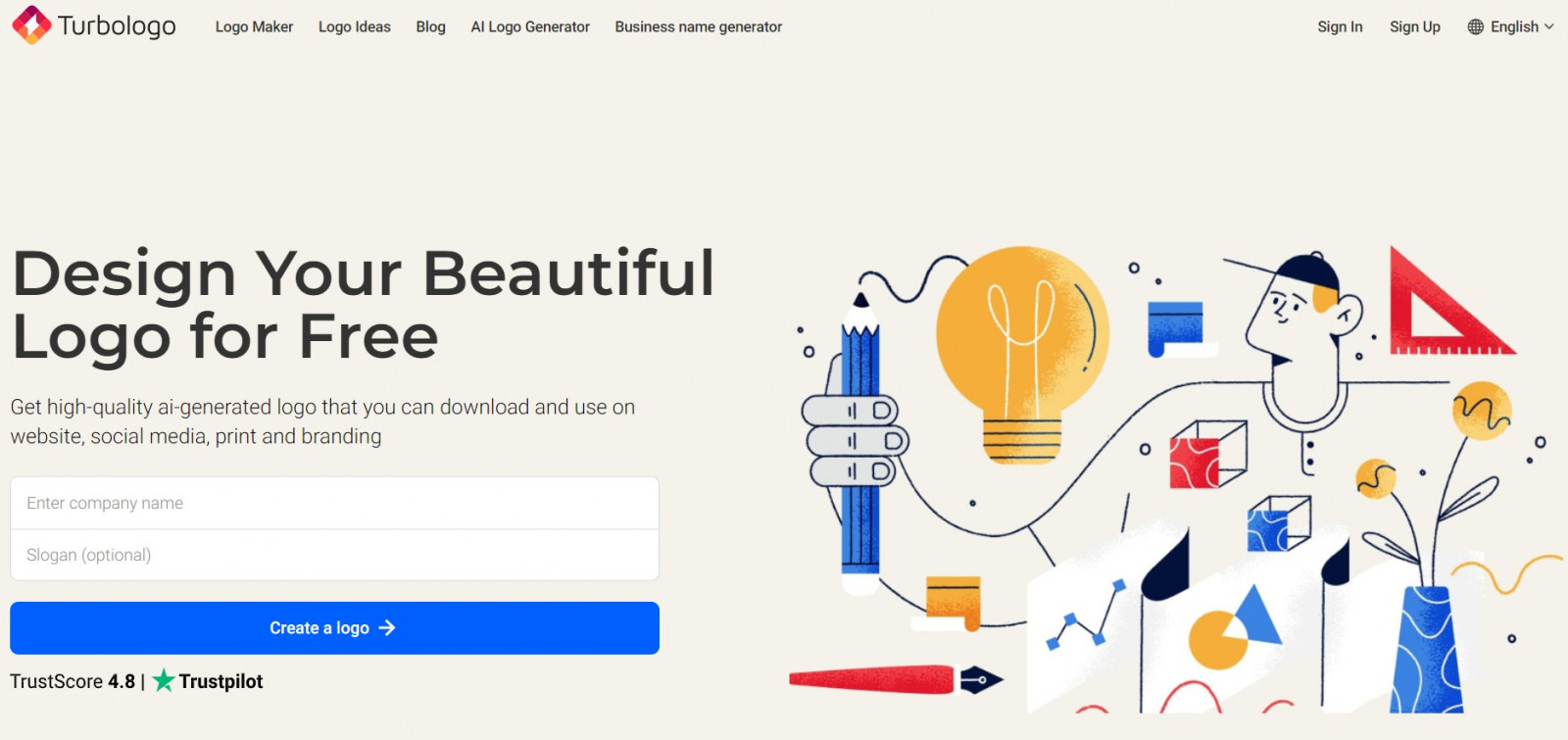
Turbologo is an AI-powered logo maker designed for people who want professional branding without learning complex design software.
Instead of relying entirely on templates, the platform combines AI generation with manual customization.
Users can:
- generate logo concepts;
- adjust typography and colors;
- modify layouts;
- export business-ready files.
The strongest advantage is flexibility. The platform feels more like a guided branding tool than a simple logo generator.
Businesses also appreciate the ability to create logos for free before purchasing downloads.
Why Turbologo ranks first in 2026
- strong customization tools;
- business-ready exports;
- branding workflow instead of random templates;
- multilingual support;
- easy editing without design experience.
Recommended workflow
For the best results:
- Enter your company name and industry.
- Choose several visual directions.
- Customize fonts, spacing, and colors manually.
- Test readability at small sizes.
- Download the final package.
This “create first, pay later” approach reduces risk for startups and small businesses.
2) Canva — Fast and Familiar for Non-Designers
Canva remains one of the easiest design platforms online.
Its logo maker works best for users already creating presentations, banners, and social media graphics inside Canva.
The biggest advantage is speed.
The downside is that many Canva logos still look template-based unless heavily customized.
This becomes especially noticeable on social platforms, where businesses compete visually every day. A logo should fit the broader system of social media branding, not exist as a separate one-time graphic.
3) Adobe Express — Best for Marketing Teams
Adobe Express works particularly well for businesses already using Adobe products.
It offers:
- branded templates;
- shared design systems;
- consistent marketing assets.
Compared to lightweight logo generators, Adobe Express feels more like a professional marketing environment.
4) Wix Logo Maker — Best for Beginners Building a Website
Wix Logo Maker is focused on simplicity.
It works best for:
- first-time entrepreneurs;
- small websites;
- quick launches.
The biggest advantage is integration with the Wix ecosystem. Users can create a logo and immediately apply it to their website.
5) Looka — Stylish Branding With Premium Appeal
Looka is often chosen because its logos look polished immediately.
The platform focuses heavily on:
- premium aesthetics;
- brand kits;
- presentation-ready visuals.
For startups that care about appearance from day one, Looka is often attractive.
The downside is pricing. Full branding packages can become expensive for smaller businesses.
6) Design.com — Strong for Exploring Multiple Directions
Design.com works best when users want to compare many visual ideas quickly.
The platform generates numerous concepts and allows basic editing afterward.
This makes it useful during early-stage experimentation.
7) Tailor Brands — Branding Ecosystem Instead of Just a Logo
Tailor Brands positions itself as a complete branding solution rather than a standalone logo maker.
The platform combines:
- logo creation;
- branding assets;
- business tools;
- marketing features.
For some businesses this is convenient.
For others, subscription pricing becomes a drawback because many entrepreneurs still prefer one-time purchases.
8) Namecheap Logo Maker — Simple and Fast
Namecheap Logo Maker focuses on speed instead of deep customization.
It works well for:
- landing pages;
- MVP launches;
- temporary campaigns;
- quick testing.
Businesses needing advanced branding usually outgrow it quickly.
9) Shopify Hatchful — Ecommerce-Focused Branding
Hatchful is optimized specifically for ecommerce businesses.
It helps online stores quickly create:
- storefront logos;
- marketplace branding;
- social assets.
However, the generated designs often feel temporary rather than long-term brand identities.
If you are launching an online store, it also helps to compare website builders for business before choosing your final branding setup.
10) Squarespace Tools — Minimalism and Website Consistency
Squarespace tools work best for:
- portfolio websites;
- small creative businesses;
- minimalist branding.
The platform prioritizes consistency between websites and branding elements.
For larger companies, however, dedicated branding systems are usually more flexible.
Which Logo Maker Should You Choose?
A simplified recommendation looks like this:
- Need full branding without hiring a designer → Turbologo
- Need quick templates and social graphics → Canva
- Already use Adobe products → Adobe Express
- Building a Wix website → Wix Logo Maker
- Want polished premium visuals → Looka
Many businesses now combine logo makers with broader AI tools for entrepreneurs to speed up branding, content creation, and marketing workflows.
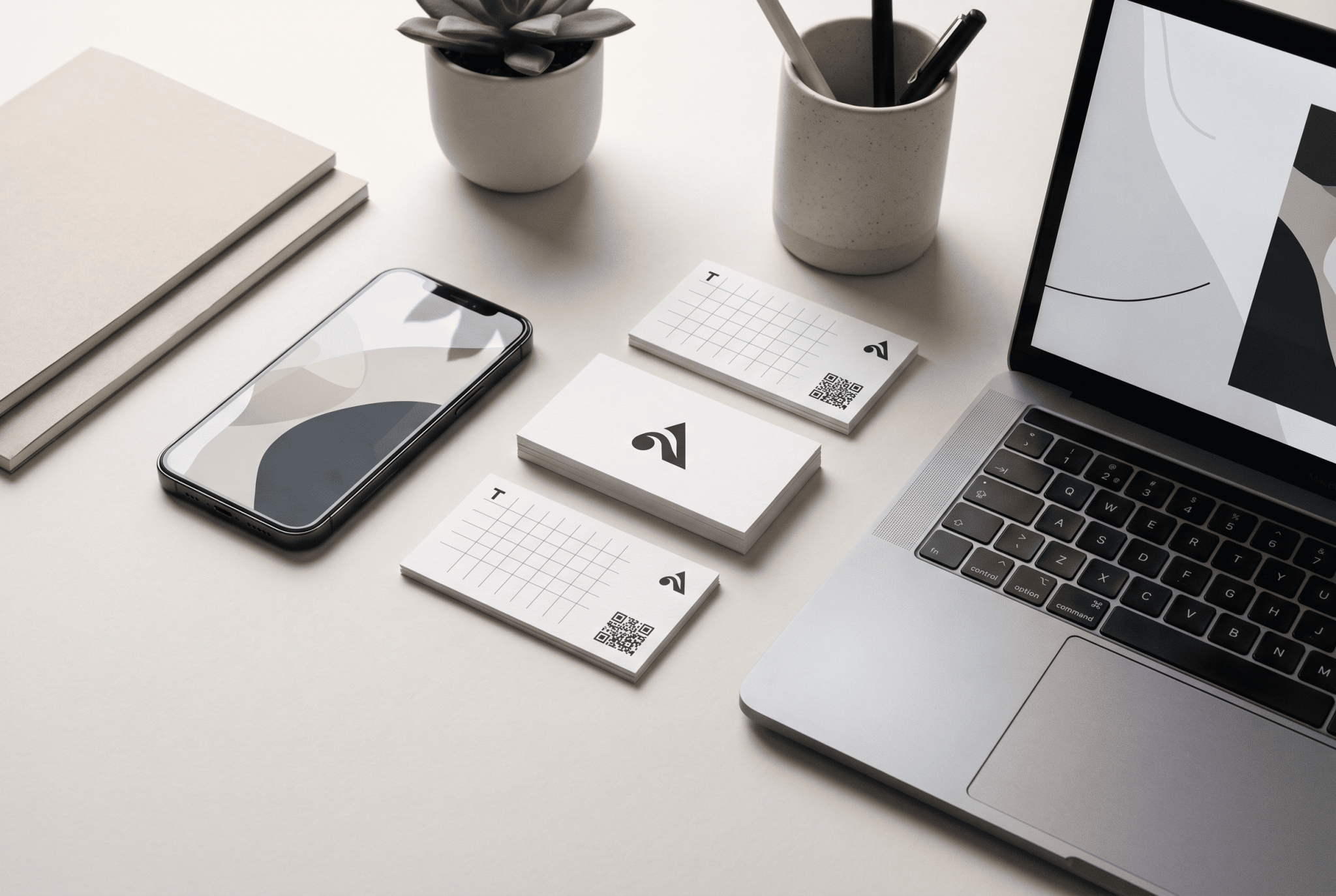
Expert tip: before downloading a logo, preview it on: a mobile screen; a social media avatar; a business card; a website header. If readability disappears, the problem is usually not the generator itself. The structure simply does not fit real-world branding usage.
Frequently Asked Questions
Can you create a logo for free in 2026?
Usually yes — but only partially.
Most platforms allow free generation and previews. Downloading files and commercial rights typically requires payment.
Which file formats should businesses always request?
The minimum recommended set includes:
- PNG with transparent background;
- SVG or PDF vector files;
- dark-background versions;
- square icon versions.
Without vector exports, logos often fail during scaling and printing.
Before buying a package, make sure the platform provides the correct logo file formats for websites, packaging, social media, and future brand materials.
What is the difference between AI logo makers and template-based editors?
AI logo makers automatically generate visual variations based on style preferences.
Template editors provide more manual control but often lead to similar-looking designs unless heavily customized.
Why do many businesses choose Turbologo instead of universal design editors?
Because the platform is built around a practical branding workflow:
- generate;
- customize;
- test;
- export.
The ability to create logos before paying also reduces risk for startups and small businesses.