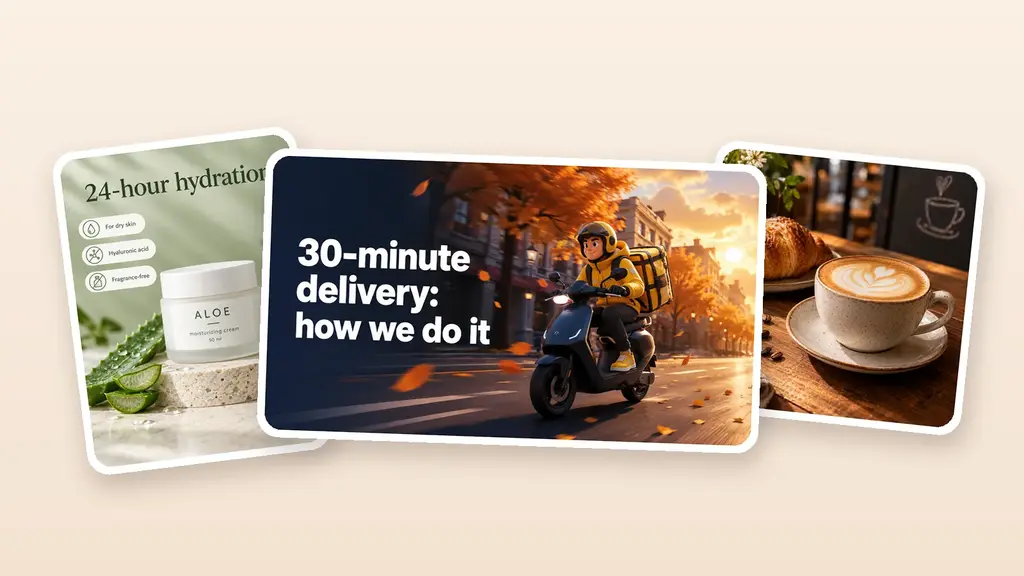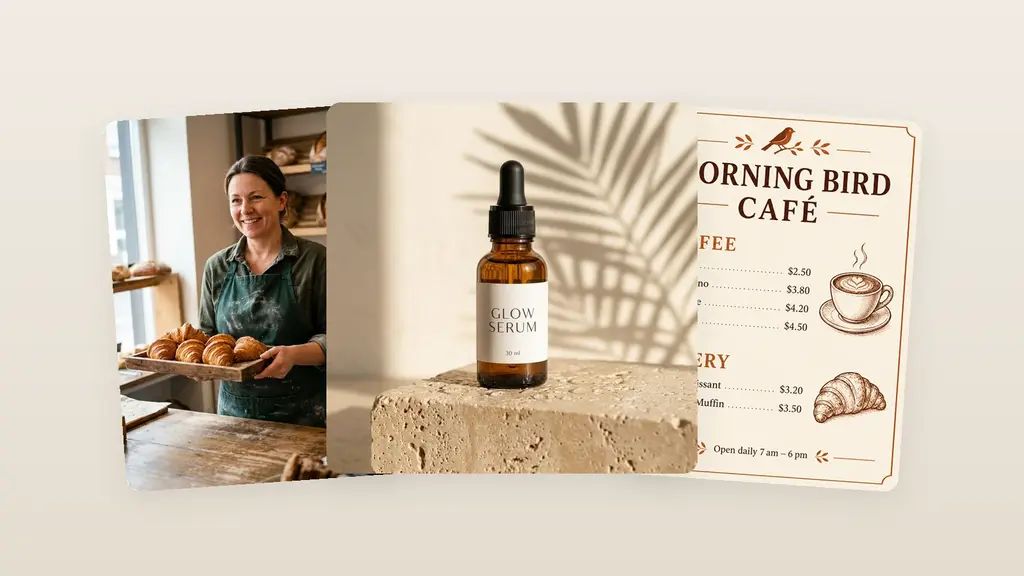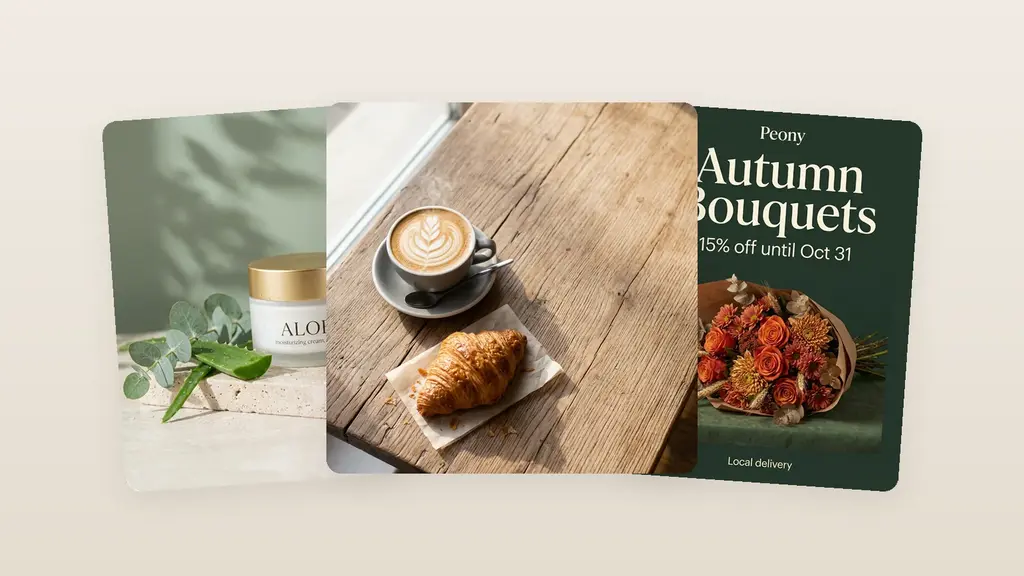
I’m Ilya Lavrov. I’ve been working at the intersection of design, branding, and AI for a long time. Over that time, one thing has become very clear: businesses rarely suffer from a lack of ideas. Usually, the problem is simpler and harsher — there is neither enough time nor enough hands to launch a promo campaign, design social media, banners, and print materials. Below, I’ll explain how to solve this task without chaos and how to build a unified brand identity instead of a set of random pictures.
Table of Contents
Why One Logo Is No Longer Enough for a Business
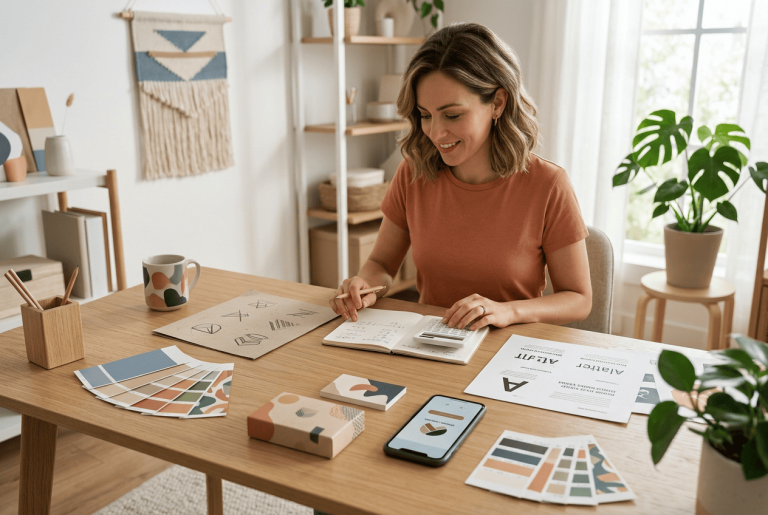
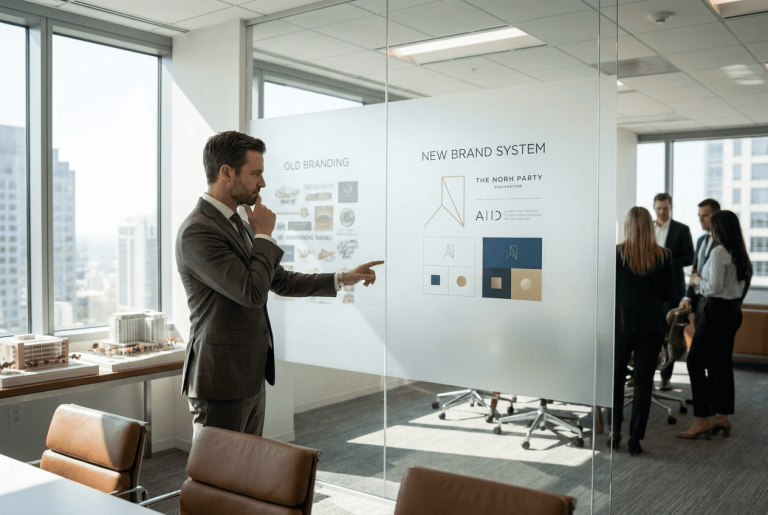
A logo has long stopped being the final point. It has become the starting point. Right after it, you almost immediately need creatives for social media, stories, banners for a website or advertising, flyers for an offline location, mockups for a presentation, and sometimes certificates or branded documents. When all of this is made in different services, the familiar pattern begins: colors drift apart, fonts change, the message becomes fragmented, and the brand looks as if it was assembled piece by piece.
That is why the question is no longer where to get one nice-looking image. The question is different: how to quickly assemble a working set of materials that sells, keeps a unified visual rhythm, and does not require a week of manual assembly.
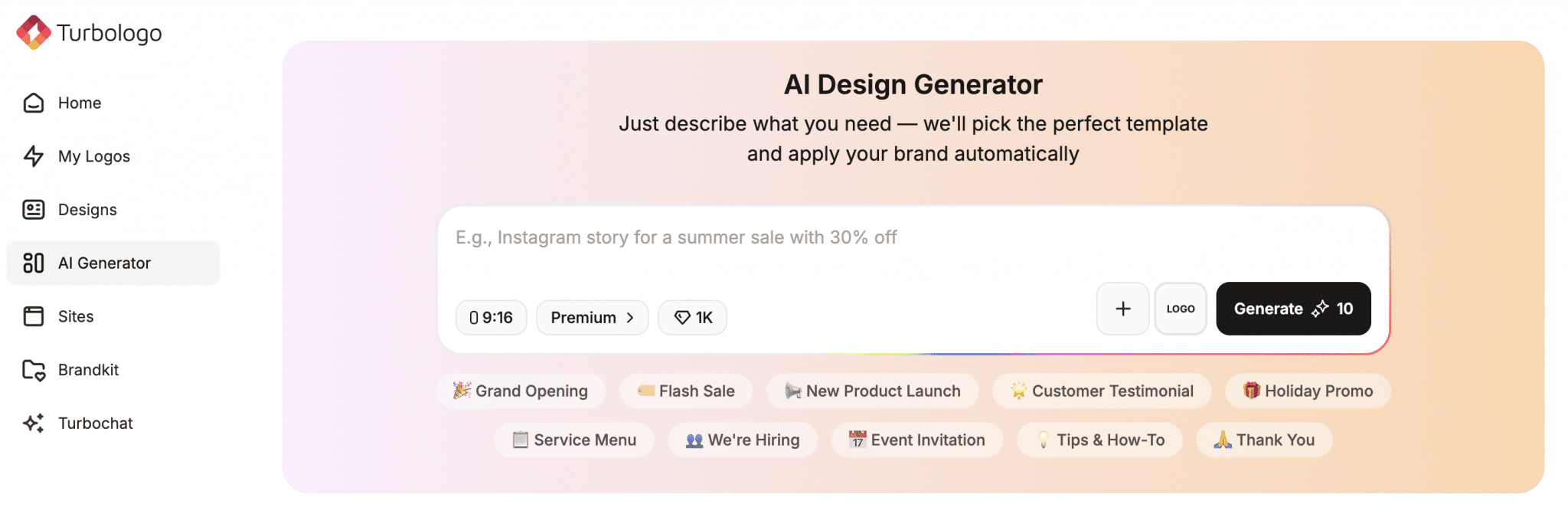
This is exactly where an AI design generator works. It removes the long chain of five different services and turns it into one route: idea, basic style, adaptation for formats, export.
What Creatives a Business Needs First
If you strip away everything unnecessary, a small business has six assets that cover almost all daily marketing.
| Format | Where it is used | Why it is needed |
|---|---|---|
| Posts | Instagram, Facebook | Announcements, promotions, regular content |
| Stories | Instagram, Facebook | Fast reach, warming up the audience, reminders |
| Banners | Website, ads, marketplaces | Traffic, offer, campaign launch |
| Flyers | Offline locations, events | Local promotion, discounts |
| Mockups | Presentations, product cards | Show the design in a real environment |
| Certificates | Education, services, events | Confirm status and strengthen trust |
The problem is that each of these formats lives by its own rules. Somewhere the safe zone matters, somewhere readability on a phone matters, somewhere print readiness matters. When an entrepreneur tries to solve this manually, the day is spent not on marketing, but on fighting sizes, margins, and fonts.
What Turbologo Can Do and Why It Matters for Business
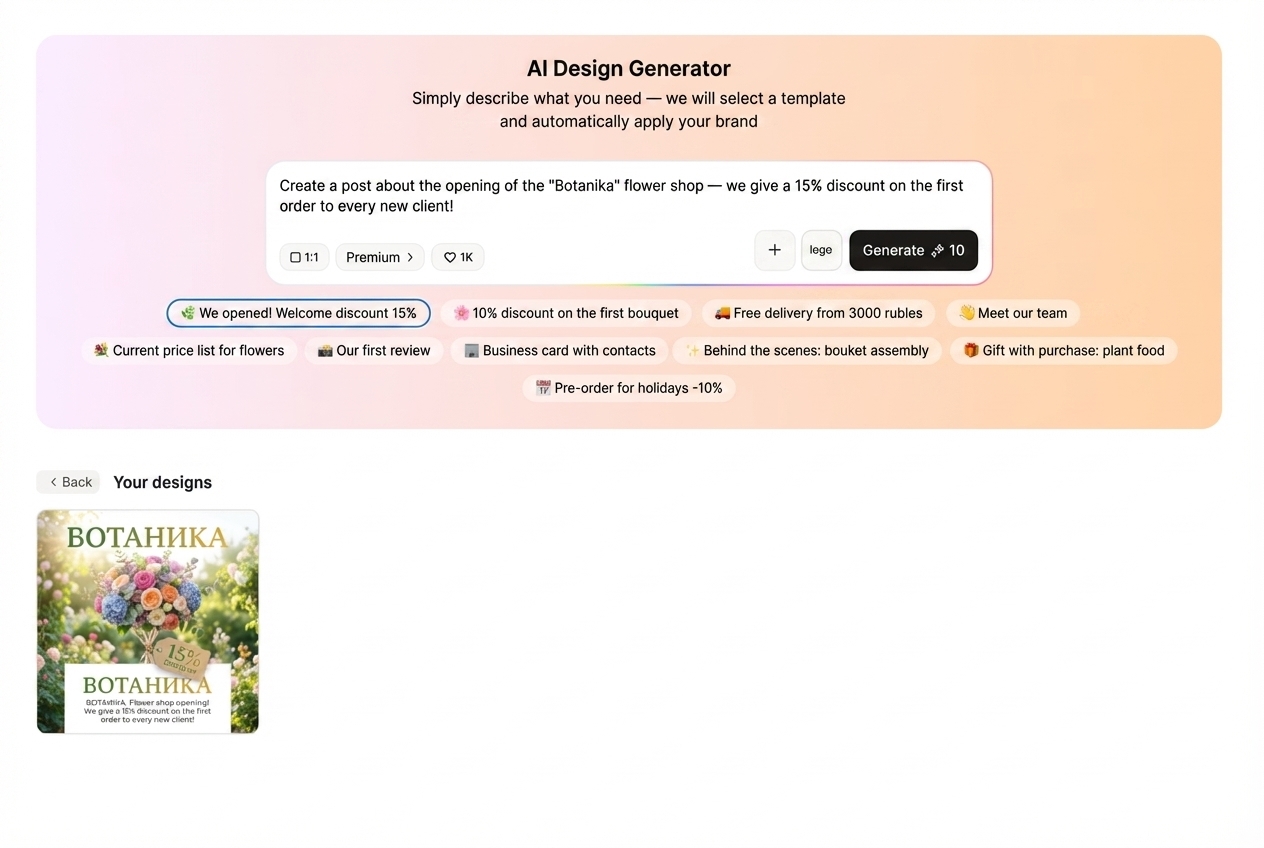
On the Turbologo page, the service is still presented as an AI logo maker, but the ecosystem has long gone beyond a single logo: there is a generator for social posts, stories, banners, flyers, and other brand assets. On the social design pages, Turbologo directly states that the user chooses the format — post, story, or banner — and then works with a template or creates a layout from scratch through an AI-based tool. In the editor, you can add your own images, logos, icons, and also crop and resize the layout.
For a business owner, this matters for one reason: the service does not force you to first invent the perfect design and then painfully transfer it across formats. It gives you a foundation that is easy to scale further. That is the difference between a nice picture and a working visual package.
A separate note about flyers. On the Turbologo flyer layout page, the platform promises fast creation and print preparation, which means the tool covers not only digital tasks but also offline promotion. This is a rare and useful point, because many services lack exactly this bridge between screen and print.
Expert tip: The first mistake when working with AI design is trying to make it “look nice” right away. A different order works better: first the offer, then the format, then the visual. When a business starts with the picture rather than the message, even a good template will not save it.
How to Build a Full Creative Package in 10 Minutes
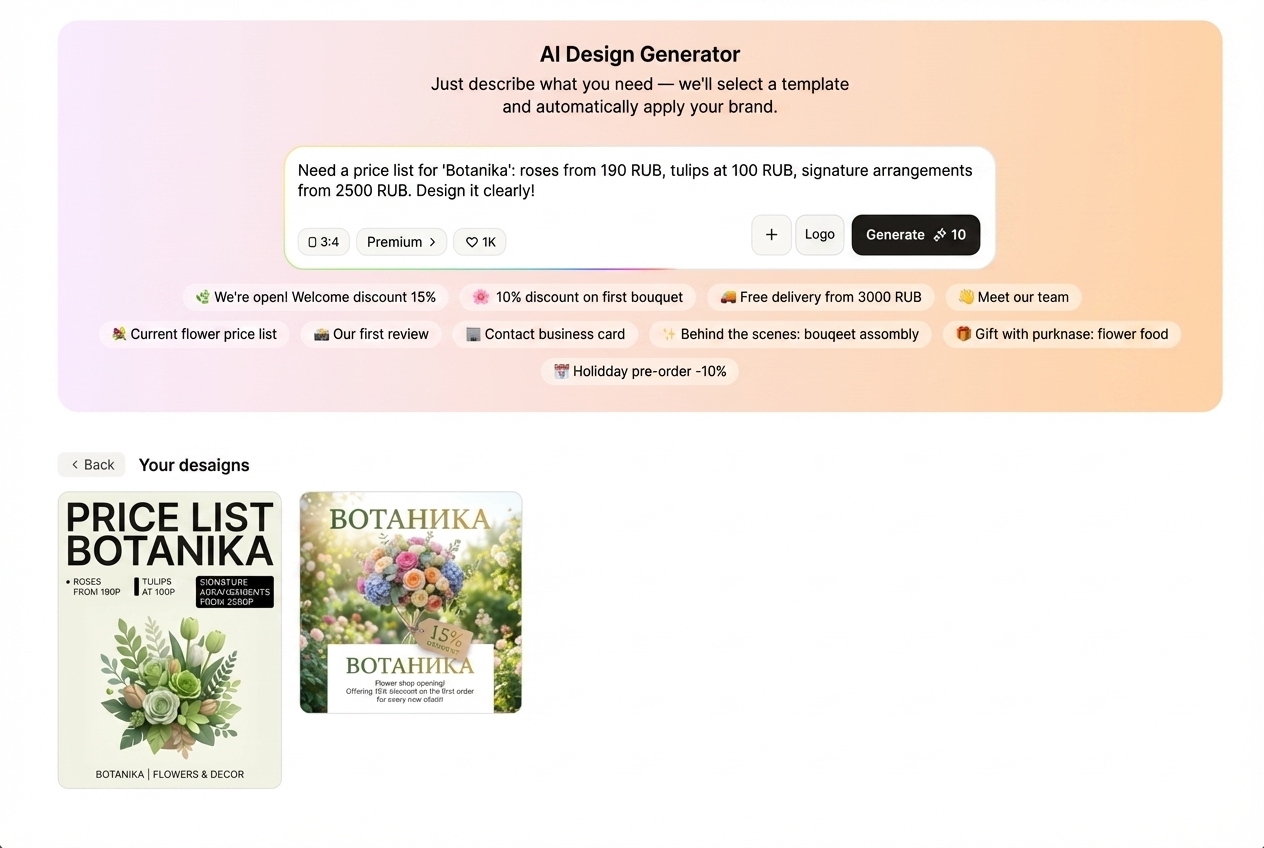
To be honest, the main time saving does not come from AI itself. It comes from the sequence. If you follow the right route, the task really does fit into a short cycle.
1. First, Define One Goal
One creative package should sell one idea. Not three. Not five. If a coffee shop launches a seasonal menu, the main offer is stated in one sentence. If an online school opens enrollment, the whole package is built around the start date, the value, and the call to sign up. If a salon launches a promotion, one offer remains at the center, not the entire price list.
This is how the core meaning appears. Without it, even brand identity will not save the result.
2. Then Build the Foundation of Your Brand Identity
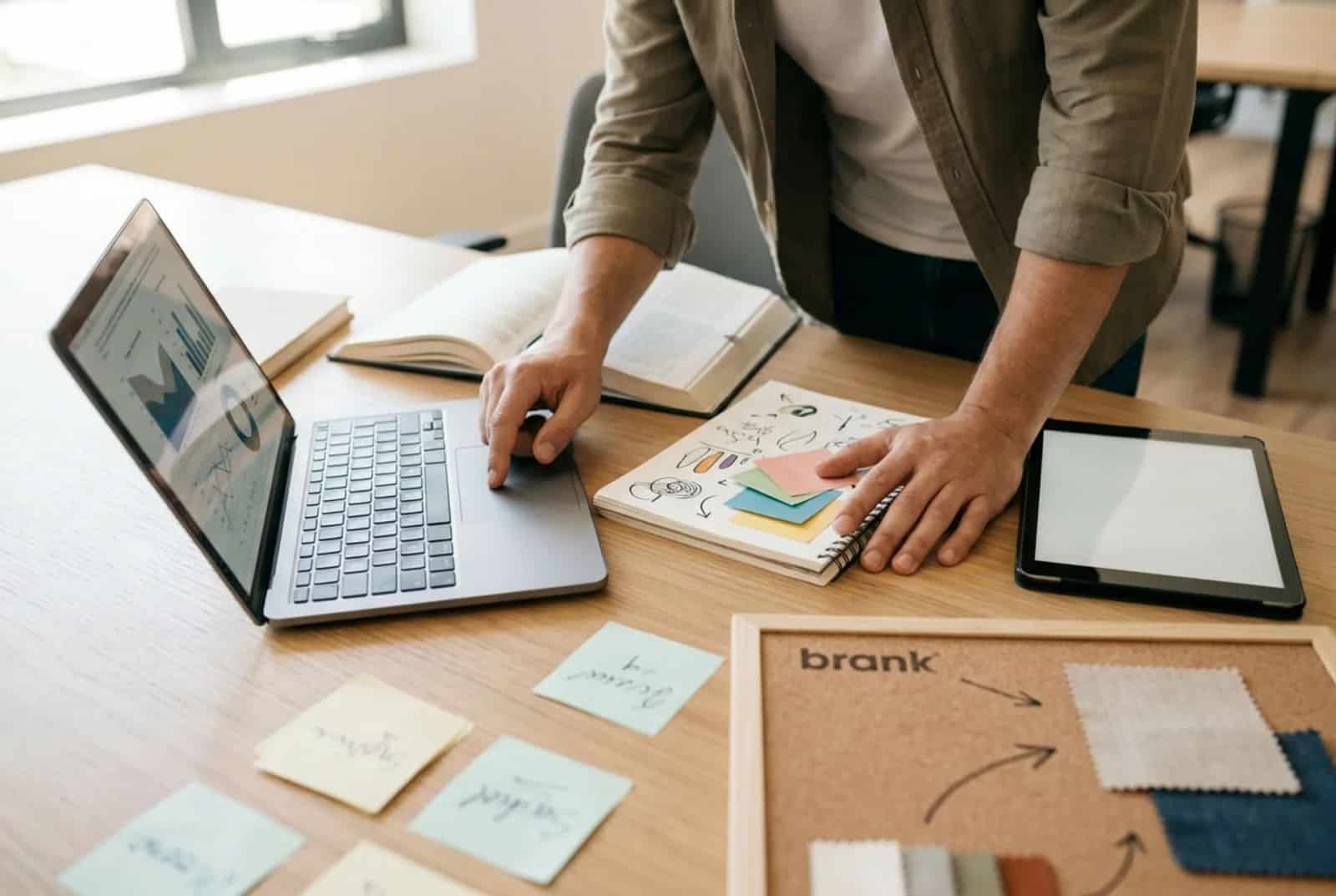
Here you need the logo, colors, font, icons, and the overall character of the brand. Historically, Turbologo is especially strong in this area: the service does not just produce a mark, but stores data on colors and fonts and helps build the brand image within one unified logic. On the Turbologo homepage, this is presented as a move from a logo maker to a brand identity toolkit.
Once the foundation is assembled, creating a design online becomes easier. You no longer need to remember every time which blue was “the one” and which font was used in the previous banner. For a small business, that is not a minor detail. It is a way not to lose recognizability from one publication to the next.
3. Build the Key Layout
Next, you need one main layout. Usually, this is a post or banner that already includes:
- the offer,
- the main visual accent,
- the logo,
- the CTA,
- contacts or a link, if the format requires it.
Everything else grows from this one layout. This approach removes the feeling that every format requires reinventing the design from scratch. In practice, that is not the case. Most often, you need one visual center and several correct adaptations.
4. Expand It Into Posts, Stories, Banners, and Flyers
This is where an AI design generator saves the most nerves. Turbologo already has the logic for choosing a format for social media and banners, and the pages of separate sections show that the templates are adapted to platform standards. This matters because the same image is read differently in a feed, in stories, and in a wide banner.
A good scenario looks like this. A post carries the main message. A story strengthens urgency. A banner emphasizes the click or the purchase. A flyer transfers the same idea into print. As a result, the brand identity does not fall apart but works as one unified series.
How to Make Sure AI Design Does Not Look Templated
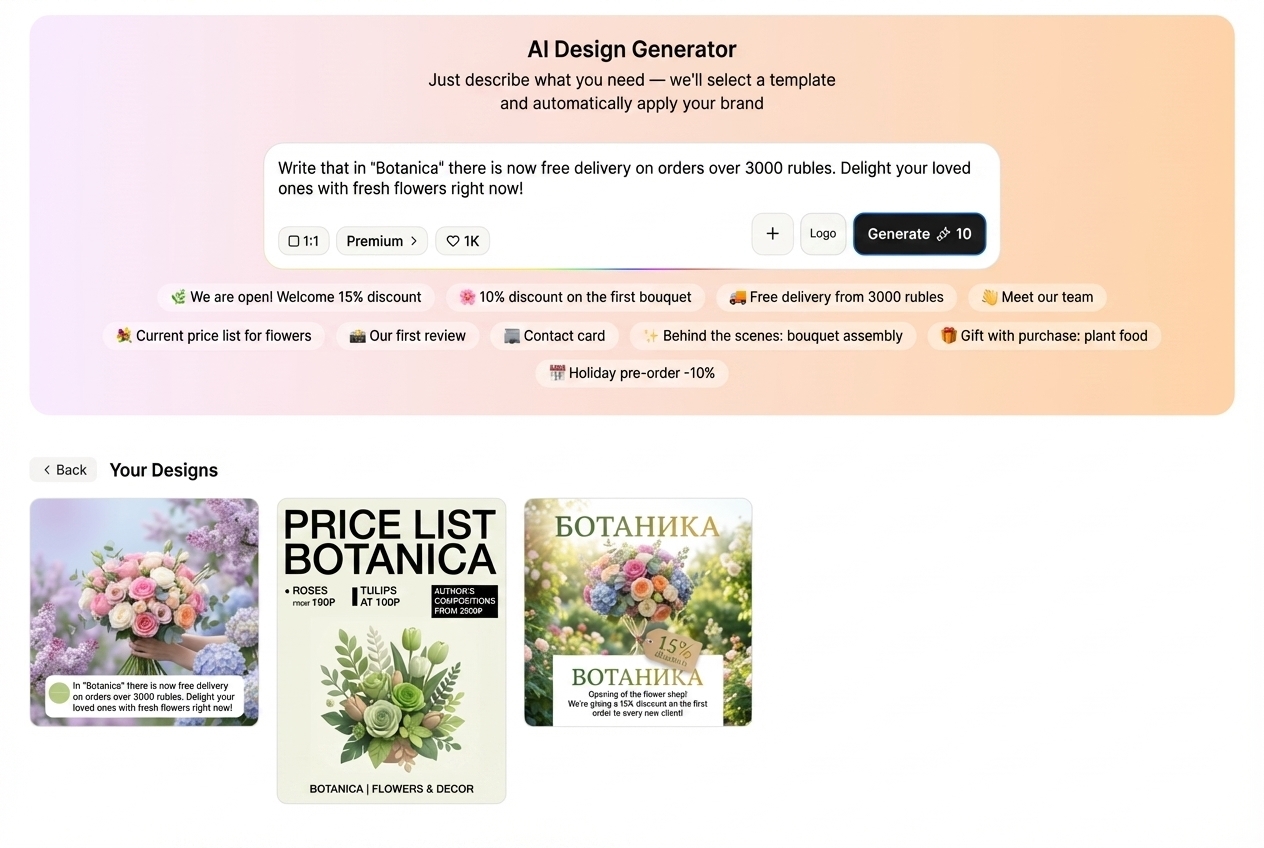
This is where even good templates often break down. AI speeds up the start, but it does not cancel editing.
First — do not put in too much text. When a banner contains five different meanings, the creative does not sell, it creates noise.
Second — do not overload it with color. If the brand already stands on two colors and one accent, a third gradient rarely helps.
Third — do not forget about hierarchy. The viewer must understand in one second what matters most: the discount, the date, the new product, the gift, or the sign-up.
Expert tip: If the layout looks “cheap,” the problem is often not the template. Usually, it is caused by an error in priorities: an offer that is too small, a bad line break, a random icon, a weak CTA. This is fixed faster than most people think — it is enough to restore one center of attention.
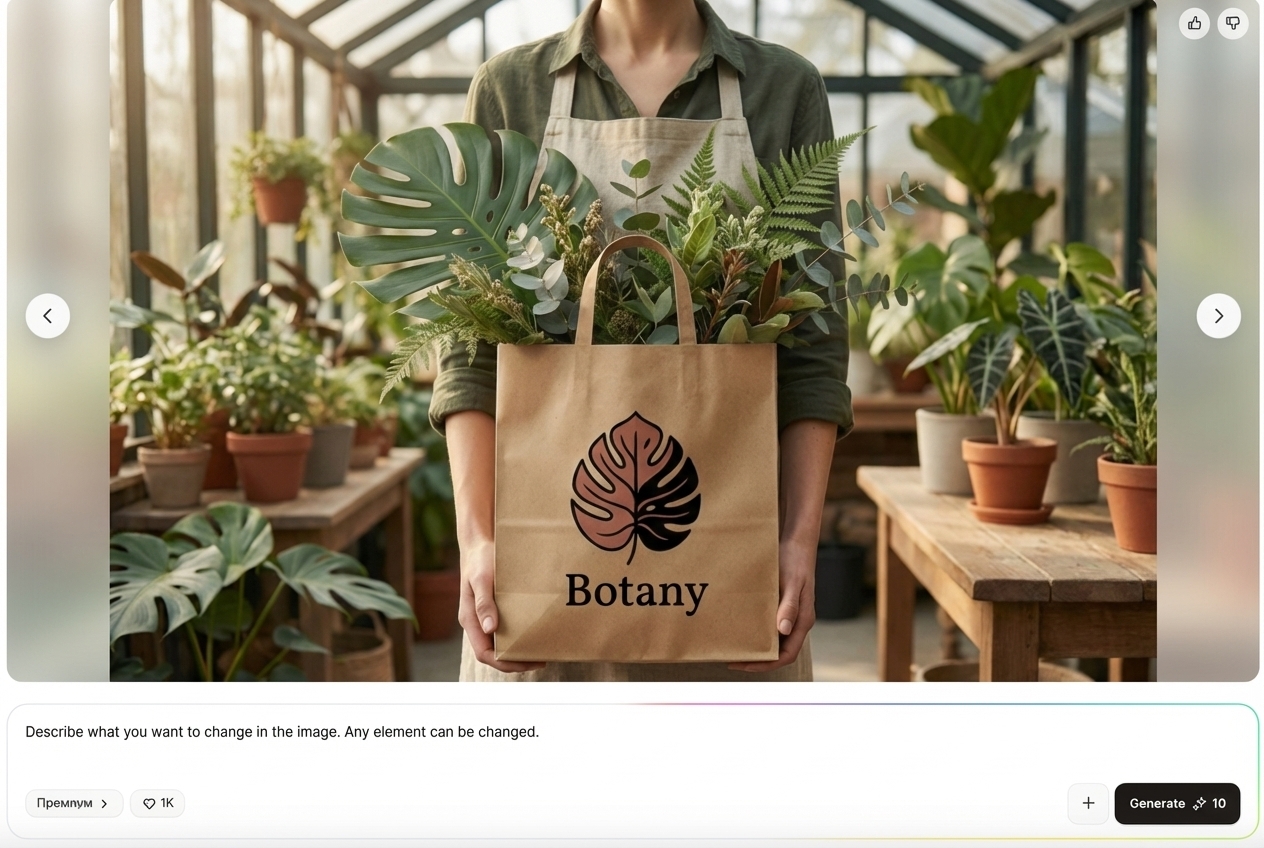
One more point — mockups. They are often used decoratively, although their real strength lies elsewhere. A mockup shows how the design lives on packaging, a mug, a signboard, a certificate, or a phone screen. For an online store, this is useful in a product card; for a coffee shop, in a presentation of a new cup; for a school, in demonstrating a certificate after a course. On competitor pages from Canva and Picsart, mockups are presented not as decoration, but as a way to show the idea faster in a real context.
When Such a Tool Is Especially Useful
Turbologo shows its strength most clearly in three scenarios.
The first — there is no in-house designer, but content is needed constantly.
The second — a product or promotion is launched quickly, and there is no time to wait through a long approval cycle.
The third — the business already has a logo, but no unified system that turns it into creatives for social media, banners, flyers, and other assets.
For SMM specialists, there is one more obvious advantage. When several projects are in progress, it is more convenient to manage them in one workspace rather than collect the base across folders, editors, and message threads. In tasks like these, not only beauty matters, but also pace.
Frequently Asked Questions
Does an AI design generator replace a designer?
No. It removes repetitive and initial work. For a small business, this is often more than enough. For complex identity systems, packaging, or a large campaign, a designer is still necessary.
Which formats should be created first?
Start with a post, a story, and a banner. If the business works offline, add a flyer immediately. If it is important to show a product or merchandise, add a mockup.
Is a brand identity necessary if the business is just starting?
Yes. Even in a basic form: a logo, two colors, one font, simple usage rules. Without this foundation, creatives fall apart and are not memorable.
Are certificates and mockups really not needed by everyone?
Not by everyone. But when a business sells education, services, merchandise, or packaging, these formats quickly strengthen brand perception and make the offer more convincing.
The conclusion is simple. Businesses rarely need “yet another editor.” They need a tool that turns creatives into a system. If the logo, posts, stories, banner generator, flyer generator, and mockups all work within one logic, marketing moves faster and the brand looks coherent. That is exactly why today the winner is not the one who polishes one layout for longer, but the one who turns an idea into a full package of materials faster.