Can I upgrade to a higher plan later? How do I do it?
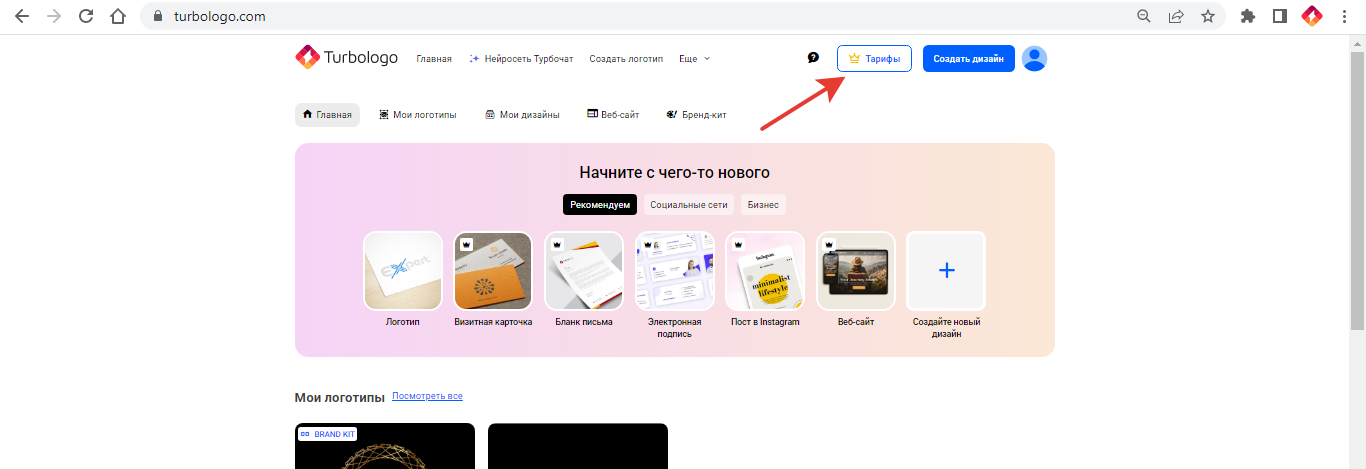
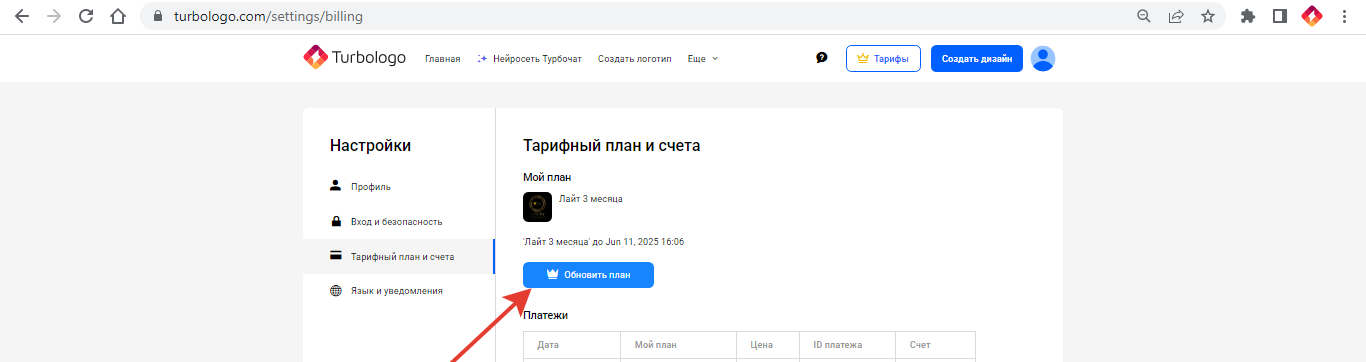
Yes. You can upgrade from Lite to Standard or Business, from Standard to Business, and on the Business plan — from 3 months to a year. The additional payment is the price of the new plan minus the full price of the current one. The new term is calculated from the day of the additional payment: unused days of the old plan are not added. You can upgrade in Settings → Billing and plans → “Upgrade plan” or by clicking the “Plans” button.
How to pay the difference
- Click the “Plans” button at the top of the main page.
- Or open Settings → Billing and plans and click “Upgrade plan”. Direct link: turbologo.ru/settings/billing
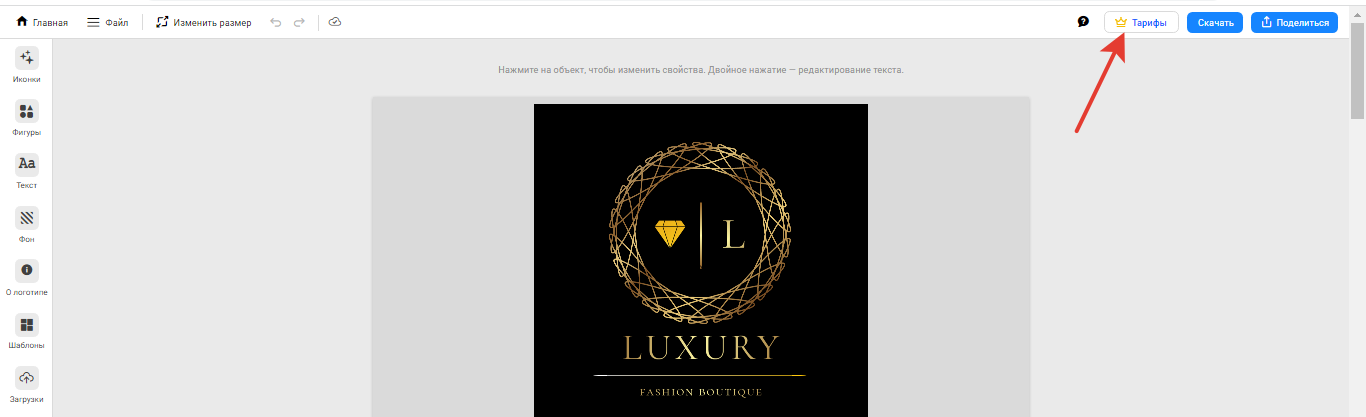
- Or click “Plans” on the logo page.
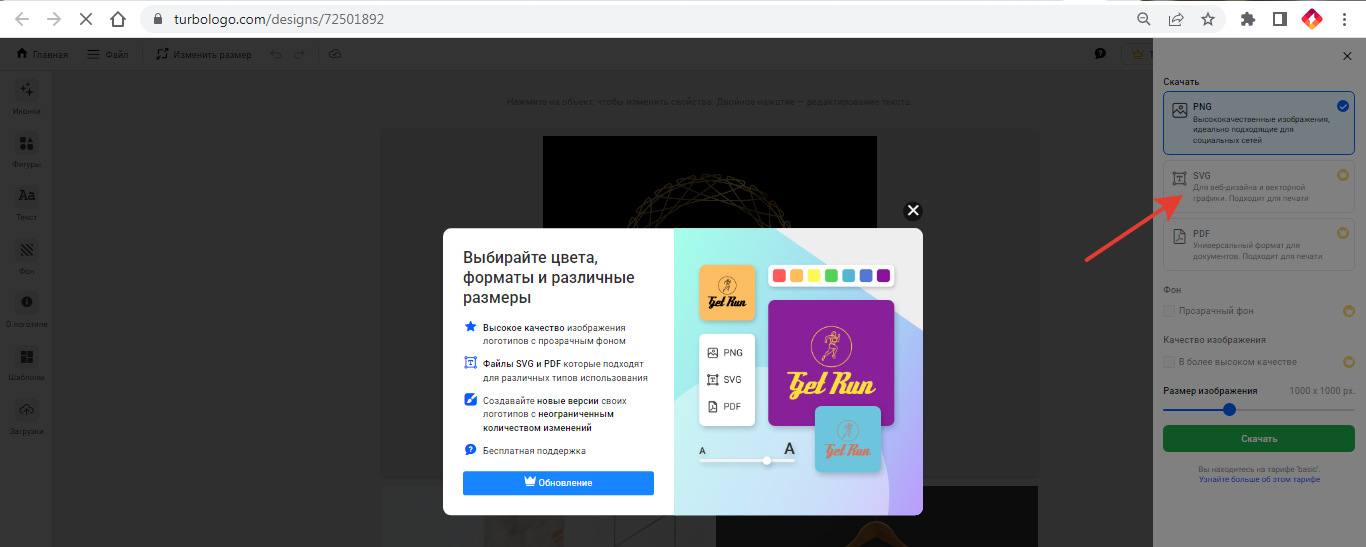
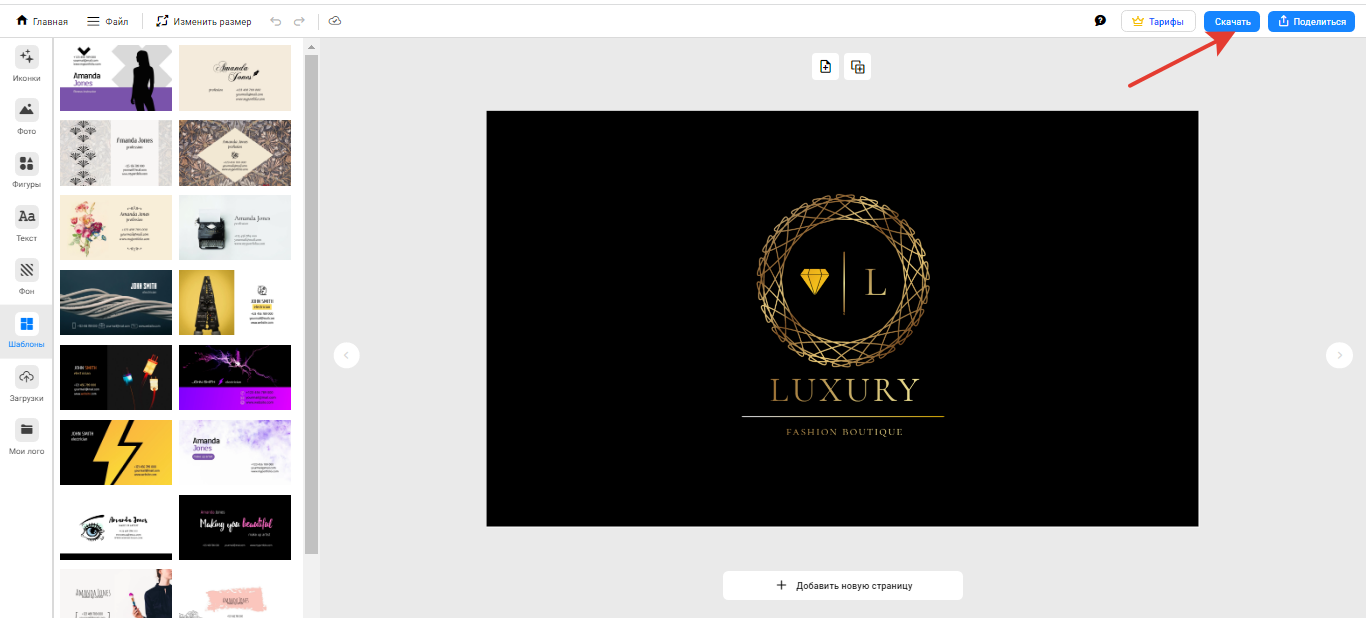
To upgrade to Standard, click “Download” and select an unavailable format (SVG or PDF). To upgrade to Business, open a business material template and click “Download”.
FAQ
Can I pay for the same plan in advance while the current one is active? No — you can only upgrade to a higher plan (or to Business for a year from Business for 3 months). When the plan expires, you can buy it again.
Does upgrading to Business include a free domain? No, a free domain is only provided with the annual “Site Pro” plan. → How to buy a domain for a website