How to connect Microsoft Clarity to a Turbosite website
Microsoft Clarity is a free service from Microsoft that records visitor behavior on your site: heatmaps of clicks, scrolls, and session recordings as videos. Unlike Yandex Metrica and GA4, there are no limits on the number of sessions and no paid plans are required. Connection takes 5 minutes.
What you will need
- A Microsoft, Google, Facebook, or email account — register at clarity.microsoft.com
- A published website on Turbosite
- 5 minutes
Step 1. Create a project in Microsoft Clarity
- Open clarity.microsoft.com and sign in to your account.
- Click ”+ New Project”.
- Fill in the fields:
- Name — project name (e.g., your website name).
- Website URL — your website address.
- Site category — category (choose the most relevant one).
- Click “Create”.
📷 Screenshot: project creation window with filled-in fields.
Step 2. Copy the tracking code
- After creating the project, the Setup page will open.
- Choose the installation method “Install tracking code manually”.
- Copy the entire code shown — this is the
<script>block.
📷 Screenshot: Setup page with the tracking code and a copy button.
⚠️ Check for updates: the Clarity interface may change slightly. Look for keywords like “Setup”, “Get tracking code”, “Install manually”.
Step 3. Insert the code into Turbosite
-
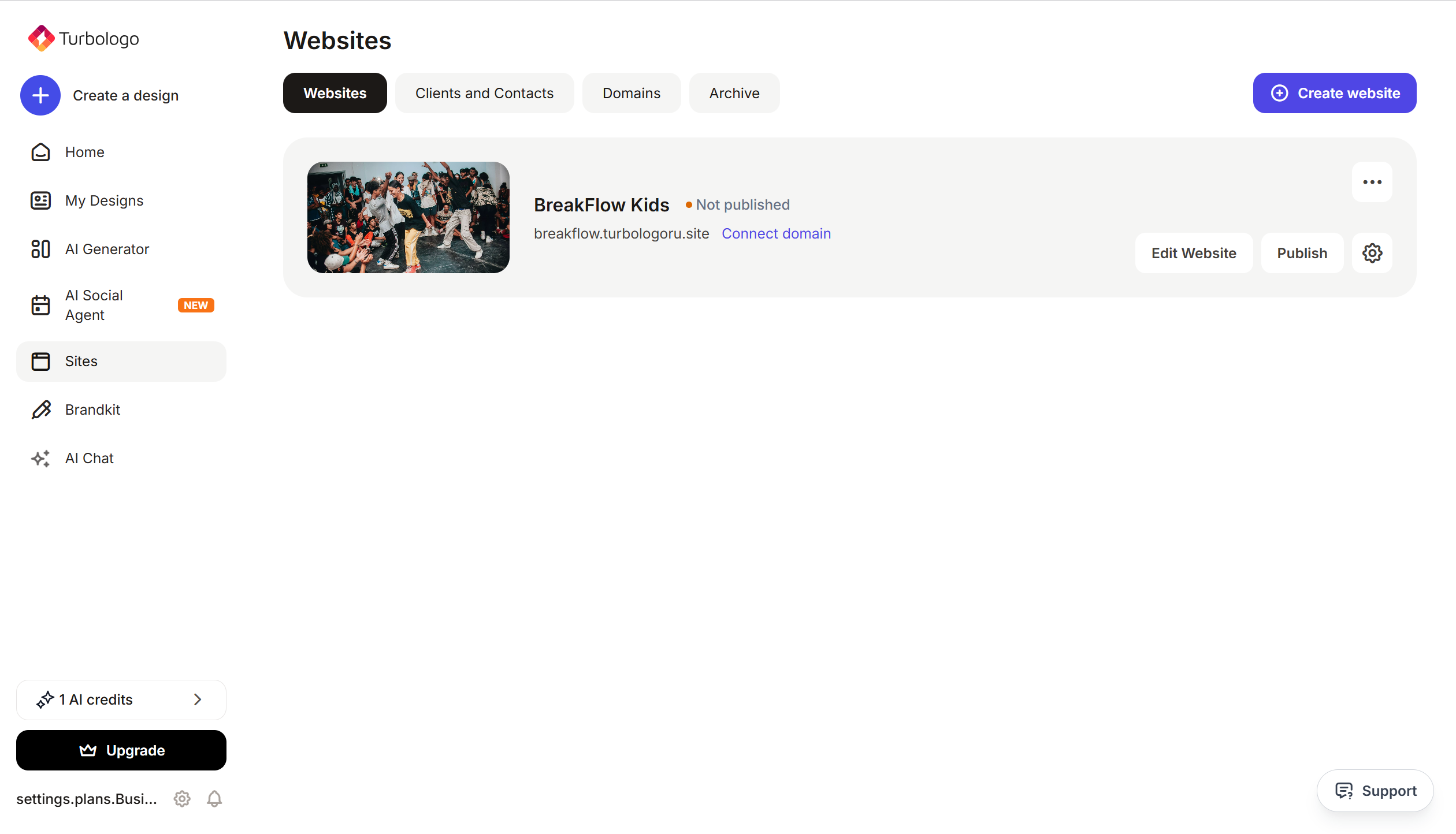
Open your website in Turbosite.
-
Go to Site settings → Integrations → HTML code in
<head>(this is a service part of the page — visitors do not see it, but scripts from there are loaded when the site is opened).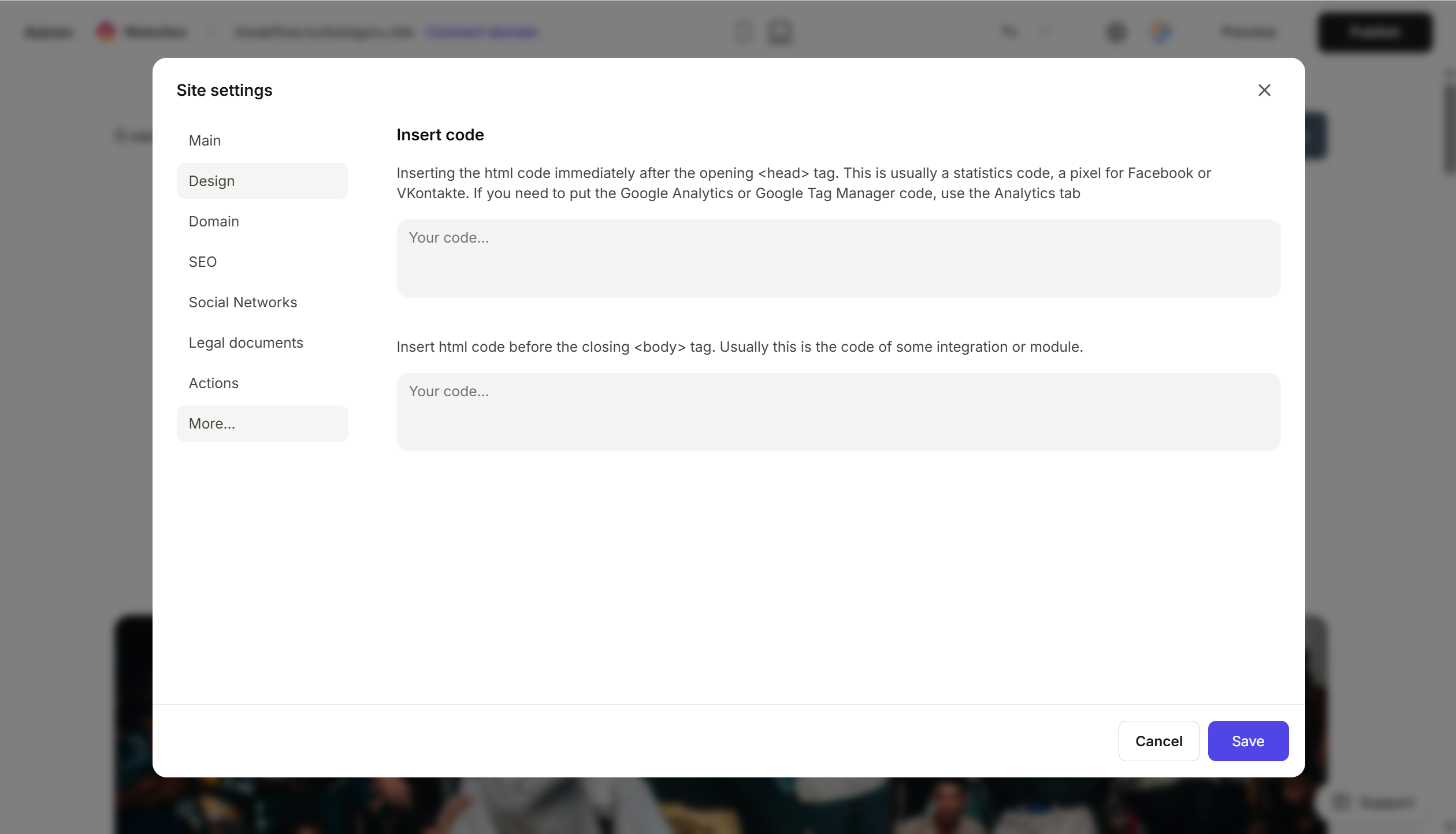
- Paste the copied Clarity code into the field.
- Save the changes.
- Publish the site.
Step 4. Verify that Clarity is working
- Open your published site in a new tab. Browse it, scroll, and click on something.
- Return to Microsoft Clarity → “Dashboard”.
- Data will appear within 2 hours. Session recordings and heatmaps usually appear within 30 minutes.
If there is no data, check the site publication, the completeness of the code, and any ad blockers.
FAQ
How does Clarity differ from Yandex Metrica or GA4? Clarity does not count traffic and conversions (you need Metrica or GA4 for that). Its strength is deep behavioral analysis: session recordings and heatmaps. Often, all three services are used together.
Does the Clarity script slow down the site? No, the script loads asynchronously and has almost no impact on speed.
Are passwords and card details recorded?
No. By default, Clarity masks sensitive data (passwords, card numbers, fields with type password). You can additionally configure masking for other fields.
Can I link Clarity to GA4? Yes, there is an integration in the Clarity project settings: connect GA4, and you will be able to jump from GA4 reports directly to session recordings in Clarity.
How long is data stored? 30 days by default for session recordings. This is sufficient for behavioral analysis.
Where to look next
- Microsoft Clarity Documentation — official documentation
- Configuring data masking — for privacy protection
- Clarity Integrations — with GA4, GTM, etc.