How to connect CookieYes to a Turbosite website
CookieYes is a popular alternative to Cookiebot. It provides a cookie banner for compliance with GDPR, CCPA, LGPD, and other laws. A strong competitive advantage is its generous free plan for low-traffic websites. Paid plans start at $10/month. Installation takes 5–10 minutes.
What you will need
- A CookieYes account — register at cookieyes.com (free for small websites)
- A published Turbosite website
- 5–10 minutes
Step 1. Add your site to CookieYes
- Register at cookieyes.com.
- In your dashboard, click “Add new site” and enter your URL.
- CookieYes will launch an automatic site scan to identify cookies and trackers.
- Customize the banner design: position, color, text, and languages.
📷 Screenshot: CookieYes add site panel.
Step 2. Get the installation code
- In your dashboard, go to Site Settings → Installation (or Get the code).
- Copy the CookieYes script — this is a compact JavaScript snippet.
📷 Screenshot: Installation page with the code and Copy button.
⚠️ Check for updates: The CookieYes interface is updated frequently. If sections are named differently, look for “Installation”, “Site code”, or “Embed”.
Step 3. Insert the code into Turbosite
The CookieYes script must load before all other scripts on the site to correctly manage consent.
-
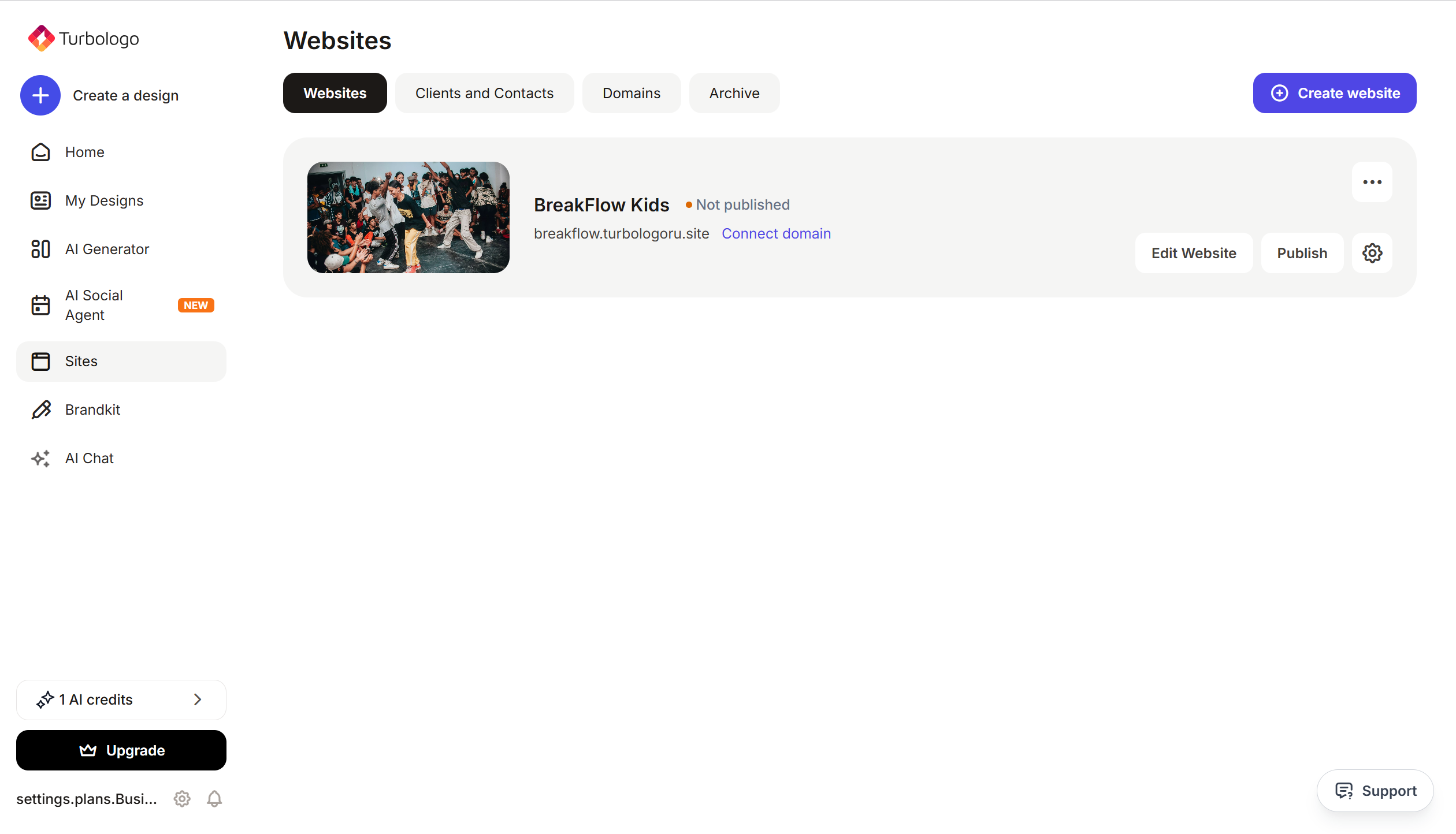
Open your website in Turbosite.
-
Go to Site Settings → Integrations → HTML code in
<head>(this is a service part of the page — visitors do not see it, but scripts from there are loaded when the site is opened).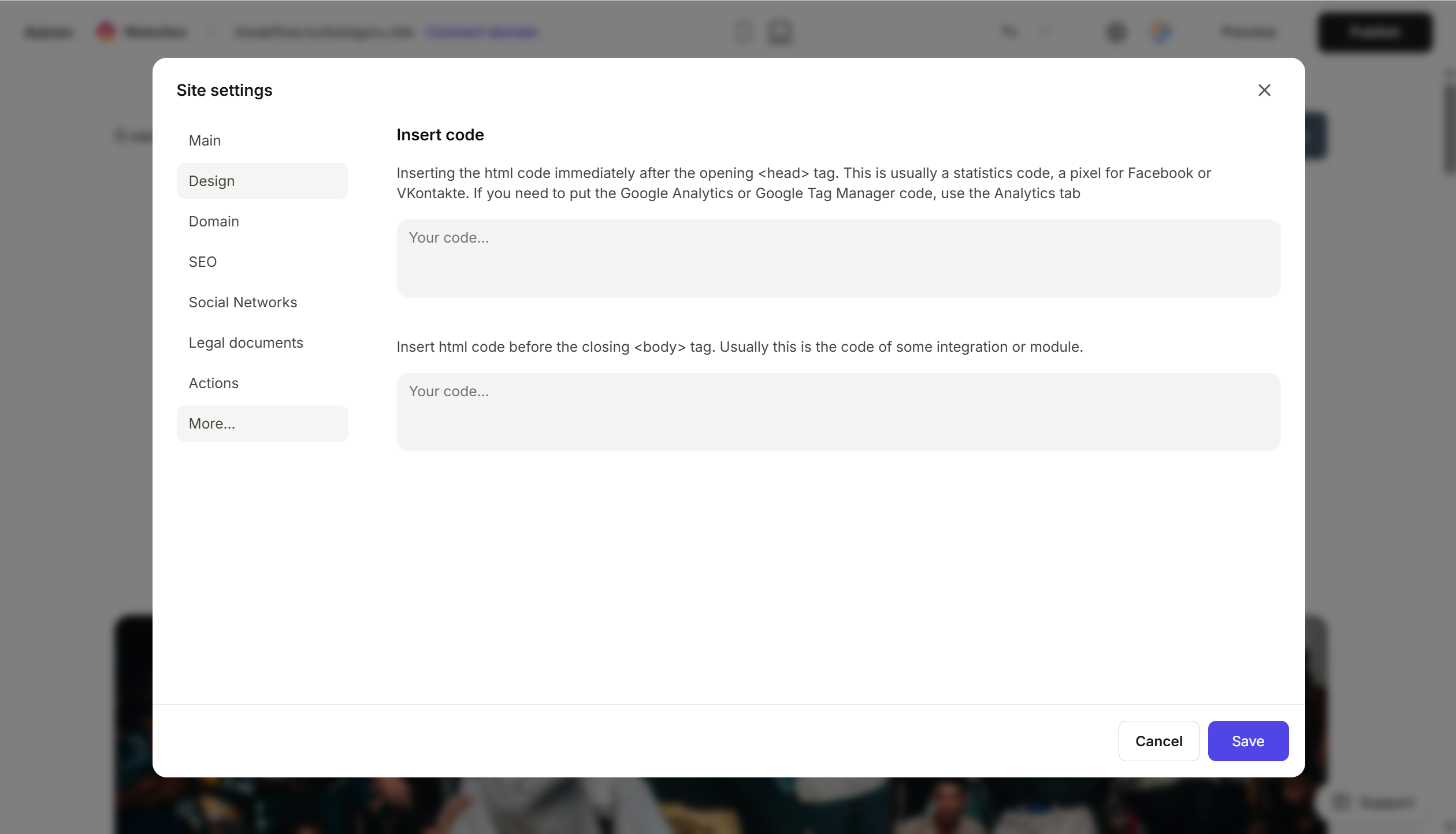
- Paste the CookieYes script at the very beginning of the HTML code field, before all others.
- Save and publish.
Step 4. Verify that the banner is working
- Open your published site in incognito mode.
- The banner should appear at the bottom or side of the screen.
- Test the buttons: “Accept All”, “Reject”, “Settings” — they should all work.
- Data will appear in CookieYes → Consent Log after a few hours.
FAQ
How does CookieYes differ from Cookiebot? CookieYes is cheaper, simpler, and has a more generous free plan. Cookiebot is more “corporate,” better known in Europe, and offers slightly deeper automation.
How much does it cost? Free — up to 25,000 cookie sessions per month. Basic — $10/month. Pro — $20/month. Ultimate — $55/month. Pricing.
Does CookieYes block Google Analytics until consent is given? Yes, with proper Consent Mode configuration. This is fully supported on paid plans.
Can I style the banner? Yes, you can customize colors, fonts, text, and buttons in Banner Customization. CSS is available on paid plans.
Are regional laws (CCPA, LGPD) supported? Yes, on paid plans. CookieYes automatically detects the visitor’s region and displays the appropriate banner version.
What to look at next
- Knowledge Base CookieYes — official documentation
- How to install CookieYes — step-by-step guide
- Pricing — current prices