How do I reset my password? How do I change or update my password?
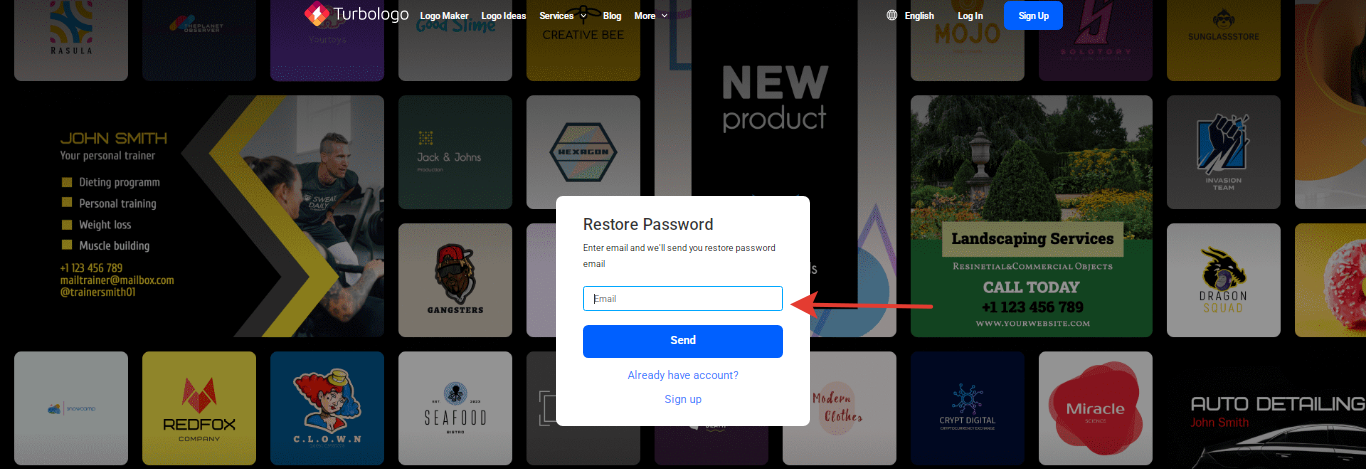
Click “Log in” in the top right corner, then “Forgot password”, enter your email, and open the email from Turbologo. In the “Password recovery instructions” email, click “Change password” and set a new password twice — after this, your personal dashboard will open. If you did not receive the email, check your “Spam” folder and ensure the email address is correct.
Resetting a forgotten password
- Open the website and click “Log in” in the top right corner.
- Click “Forgot password” in the login form.
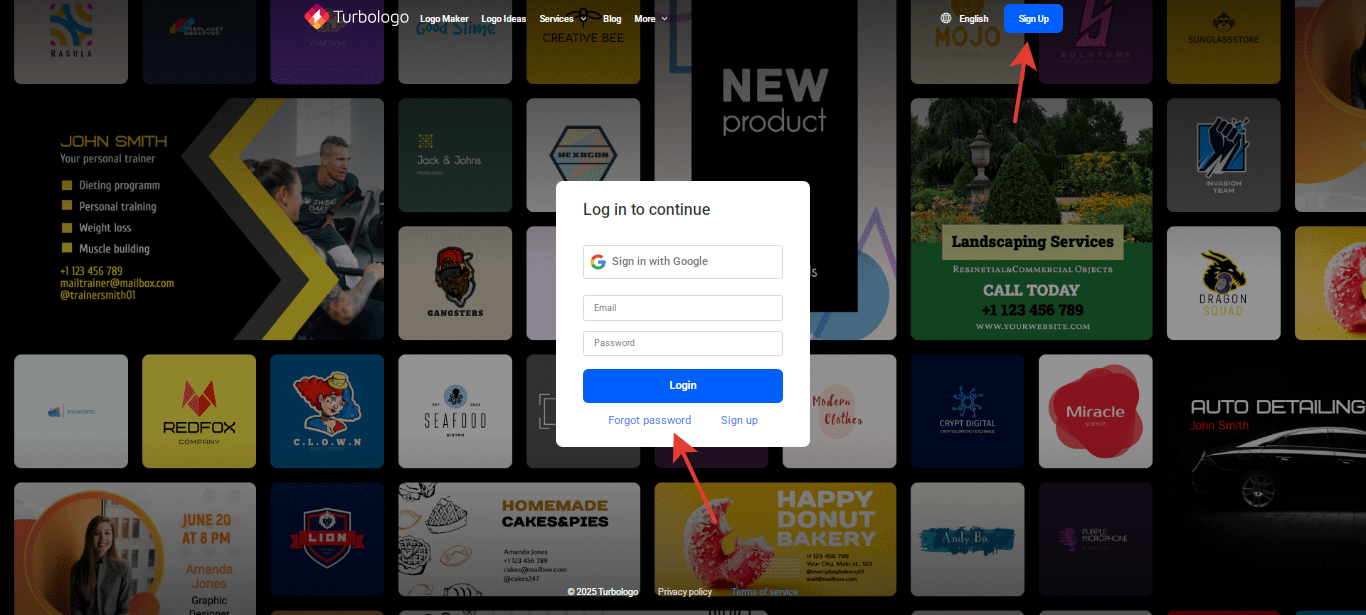
- Enter the email address you used to register on the site and click “Send”.
- Open the “Password recovery instructions” email and click “Change password”. A form will open — enter your new password twice and click “Change password”.
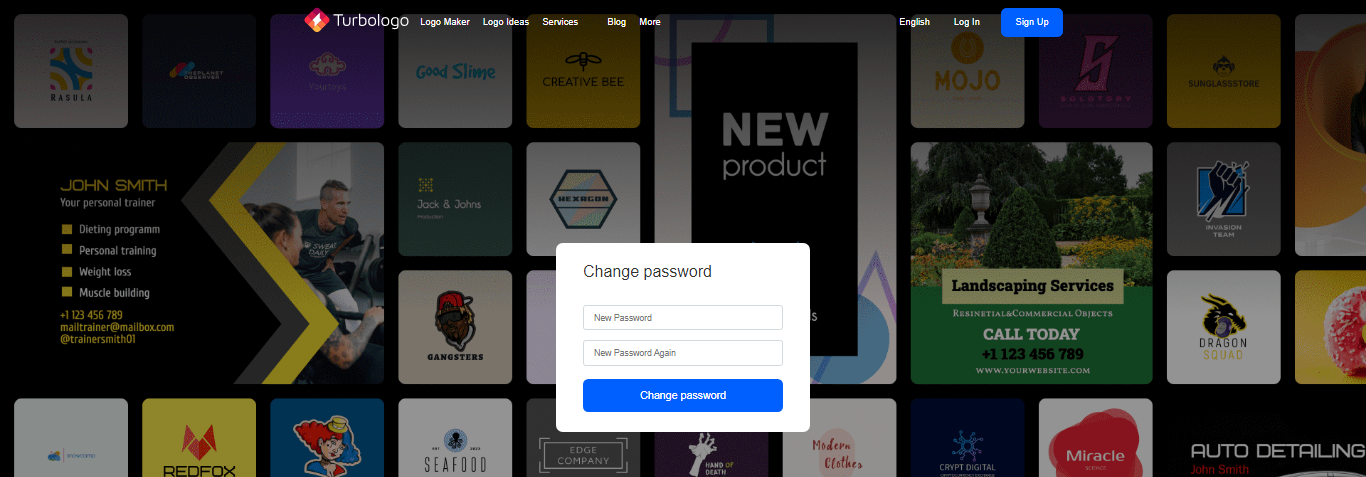
- After entering the new password, your personal dashboard will open.
The reset email is not arriving
- Check your “Spam” and “Promotions” folders.
- Check that the email address was entered correctly, without spaces.
- Wait a couple of minutes and request the email again.
- If you registered via Google, enter the same Gmail address — after resetting, you will be able to log in using your email and password.
The link from the email does not work or is “expired” — request a password reset again and open the new email.
How to change your password to a new one
- Log in to the site with your current password.
- Open the menu in the top right corner and select “Settings”.
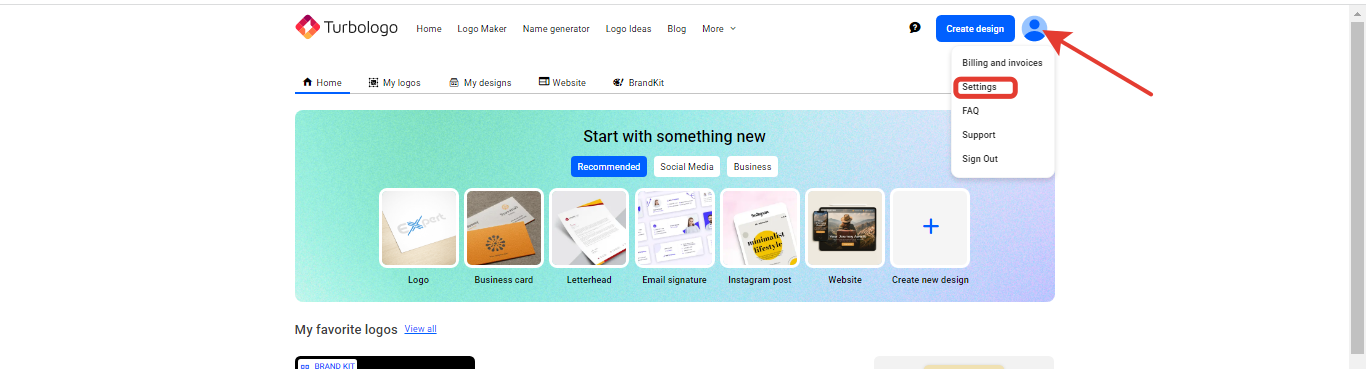
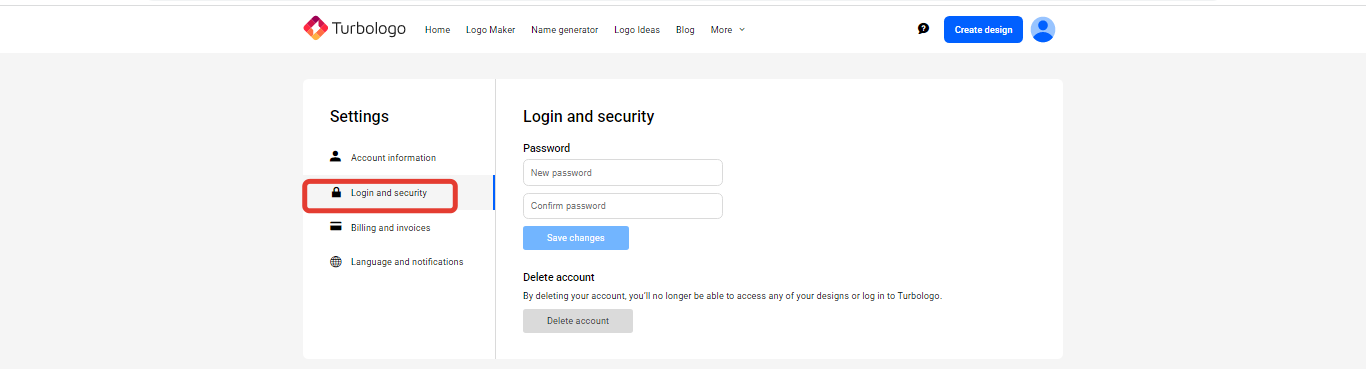
- Open the “Login and security” section, enter your new password twice, and click “Save changes”, then confirm with your current password. After changing your password, you will be logged out of your account — log in again with the new password. Direct link: turbologo.ru/settings/security
How to log out of your account
Open the menu in the top right corner and click “Log out”.