How to group logo elements?
| The Group function is available from a computer or laptop. |
To use this feature, hold down the Shift key and click to select all the elements that need to be grouped. A “Group” option will appear at the top of the design page.
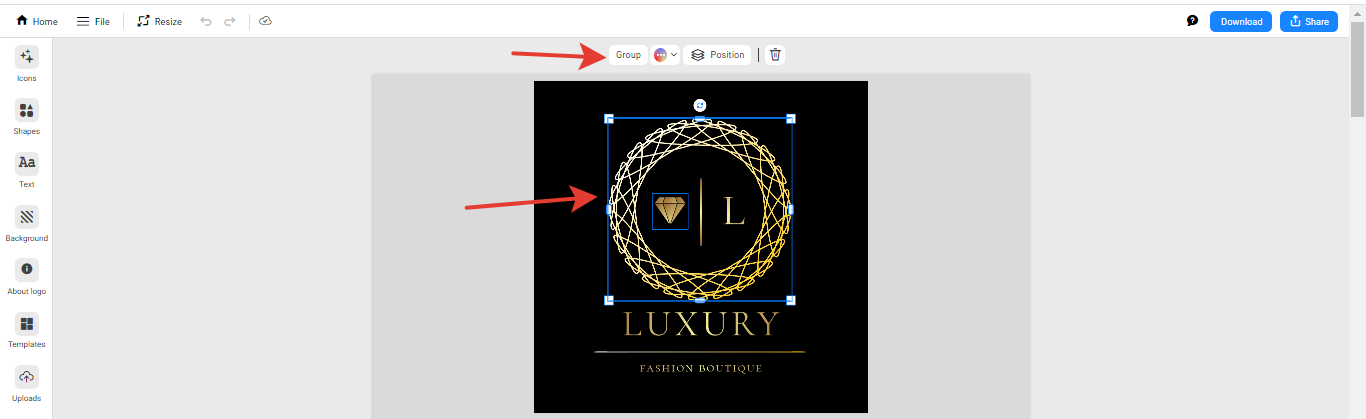 |
| On the same panel, you can change the color of a group of logo elements or move them to a lower or higher layer. |