How to download a logo to your mobile phone?
How to download a logo to your mobile phone:
-
Log in to the site with your login and password
-
Open the logo you want to buy from the My Logos section on the main page
-
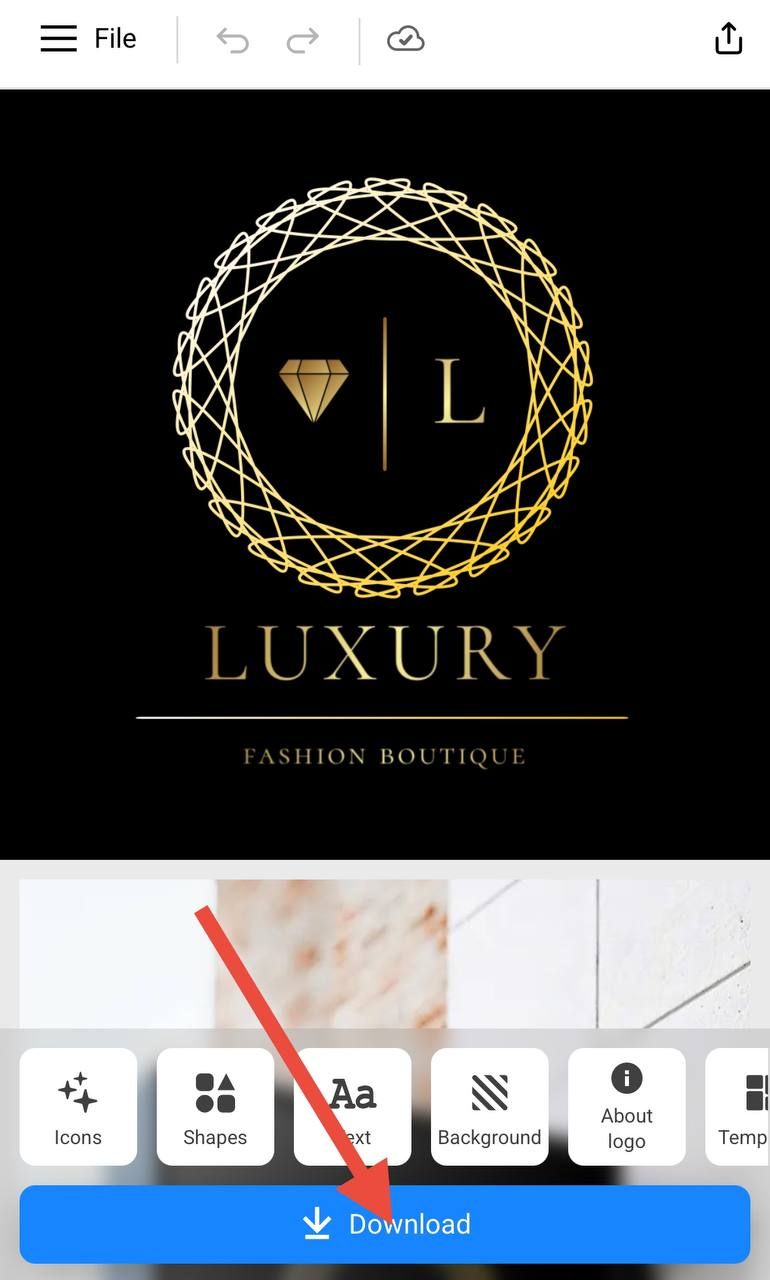
Click the Download button. On the page that appears, you need to select a tariff and then select a payment method
-
After purchasing, return to the main page of the site in your personal account and from the My logos section, open the logo
-
On the page with the logo, click the blue Download button again
-
Select the logo format in the menu PNG, SVG, PDF. In the same menu there is a checkbox for transparent background. Click download again.
| The logo format available for download depends on the selected tariff. |

- The logo download will start automatically.
| Note: on some devices such as iPhone, iPad and some others, the download may not start automatically. |
If you cannot find the downloaded logo in the gallery or Files, you need to do the following:
-
On the page with the logo, click the blue Download button
-
Select the logo format in the menu and click download again

- On the page a pop-up window will appear: “Your file is ready, if the download does not start, click here”
You need to click on the blue link inscription Click here

- The logo will open in a new tab.
In the new tab, at the bottom of the browser line, click the square icon with an arrow and select the path to save the logo