How to connect Outgrow to a Turbosite website
Outgrow is a powerful interactive content builder: cost calculators, quizzes, polls, recommendation tests, and ROI assessments. It is suitable for lead generation and educational websites. It is a paid service (starting from $14/month) with a trial period available. Installation takes 10–15 minutes.
What you will need
- An Outgrow account — register at outgrow.co (a trial period is available)
- A published Turbosite website
- 10–15 minutes
Step 1. Create a calculator or quiz in Outgrow
- Register at outgrow.co and log in to your account.
- Click «+ Create» → select the content type (Calculator, Quiz, Poll, Survey, etc.).
- Choose a template or start from scratch.
- In the visual editor:
- Add questions and fields.
- Configure calculation formulas (for a calculator).
- Configure transition logic and results.
- Connect a form to collect email/phone numbers before displaying the result.
- Configure the design.
- Publish the project.
📷 Screenshot: Outgrow visual editor with a configured calculator.
Step 2. Get the embed code
- After publishing, go to the «Share & Embed» section of the project.
- Select the format:
- Standard embed (iframe) — the simplest option.
- JavaScript embed — for asynchronous loading.
- Popup — opens on click.
- Inline embed — embedded directly into the page.
- Copy the code.
📷 Screenshot: Share & Embed window with code options.
⚠️ Check for updates: the Outgrow interface is updated regularly. If the sections are named differently, look for “Embed”, “Publish”, or “Get code”.
Step 3. Insert the code into Turbosite
For Standard embed / Inline:
- Open your website in Turbosite.
- Add an “HTML code” block to the desired location on the page.
- Paste the Outgrow code.
- Save and publish.
For Popup:
-
Open your website in Turbosite.
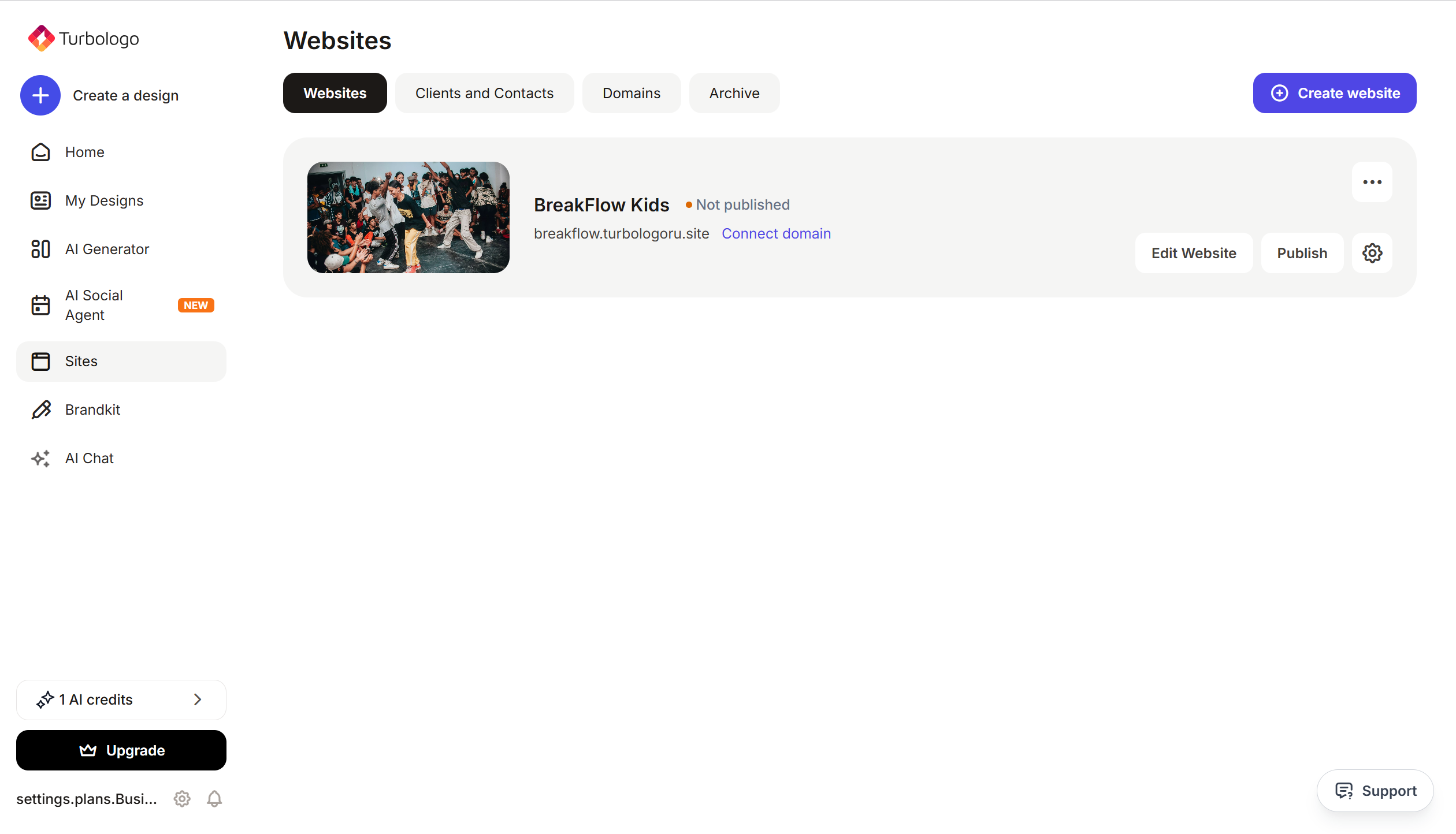
-
Go to Site Settings → Integrations → HTML code in
<head>(this is a service part of the page — visitors do not see it, but scripts from there are loaded when the site is opened).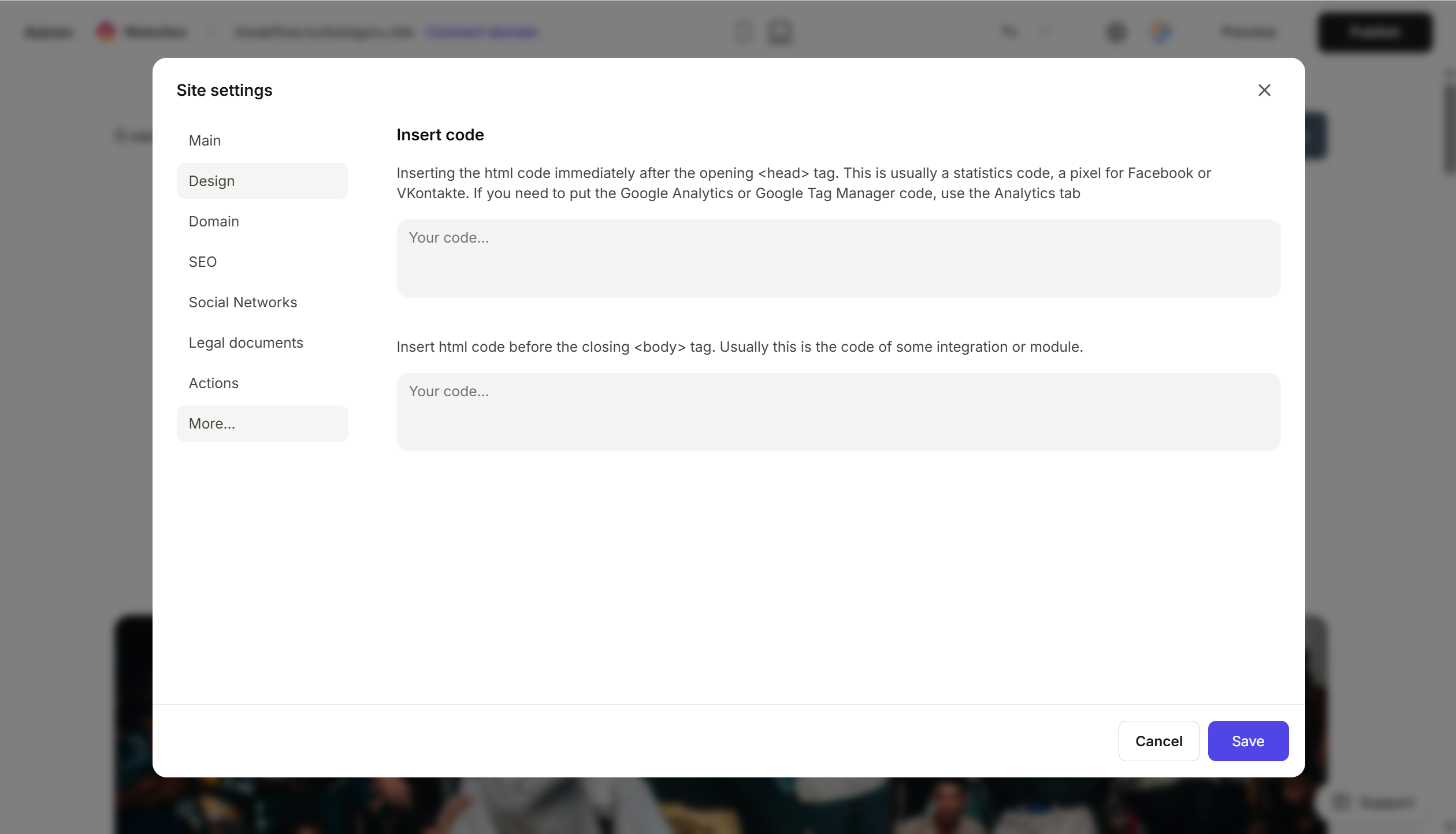
- Paste the Outgrow code.
- Save and publish.
Step 4. Verify that it works
- Open the published website.
- Find the calculator or trigger the popup.
- Complete the quiz/calculator: answer the questions, leave your contact details, and get the result.
- In Outgrow → Leads, a record with your data should appear.
FAQ
How much does it cost? Freelancer — $14/month. Essentials — $25/month. Business — $95/month. Enterprise — custom pricing. Pricing. There is no free version, only a trial.
How does Outgrow differ from uCalc/Involve.me? Outgrow has more templates and advanced analytics, but is more expensive. uCalc is a Russian service, cheaper and simpler. Involve.me is a European alternative to Outgrow in the mid-price segment.
Can I send leads to a CRM? Yes, there are ready-made integrations with HubSpot, Salesforce, Mailchimp, Active Campaign, and via Zapier — to anywhere you need.
Is multilingual support available? Yes, on paid plans. You can create one project in multiple languages.
The calculator is not loading. Check that the code is complete, the site is published, and there are no ad blockers. For iframe, check that the HTML block was added correctly.
Where to look next
- Outgrow Knowledge Base — official documentation
- Embed your content — step-by-step guide
- Pricing — current prices