How to connect Involve.me to a Turbosite website
Involve.me is a European alternative to Outgrow. It is a builder for interactive funnels: quizzes, calculators, forms, surveys, and landing pages. It features a user-friendly visual editor, an AI content generator, and ready-made templates. It is a paid service (starting from $19/month) with a free tier that has limitations. Installation takes 10–15 minutes.
What you will need
- An Involve.me account — register at involve.me (a free tier is available)
- A published website on Turbosite
- 10–15 minutes
Step 1. Create a project in Involve.me
- Register at involve.me and log in to your account.
- Click «+ Create New Project».
- Select a type: Quiz, Calculator, Form, Survey, Landing Page, or start from scratch.
- In the visual editor:
- Add questions, fields, and calculation formulas.
- Configure the logic for transitions between pages.
- Connect a contact form.
- Configure the results page.
- Customize the design (colors, fonts, background).
- Publish the project («Publish»).
📷 Screenshot: Involve.me visual editor with a configured quiz.
Step 2. Get the embed code
- After publishing, go to the «Share» → «Embed» tab.
- Select the embed type:
- Inline — embedded directly into the page.
- Popup — opens on click.
- Slider — slides in from the edge.
- Sticky bar — a fixed bar at the top/bottom.
- Copy the generated code.
📷 Screenshot: Embed tab with options and code.
Step 3. Insert the code into Turbosite
For Inline:
- Open your website in Turbosite.
- Add an “HTML-code” block to the desired location on the page.
- Paste the Involve.me code.
- Save and publish.
For Popup / Slider / Sticky bar:
-
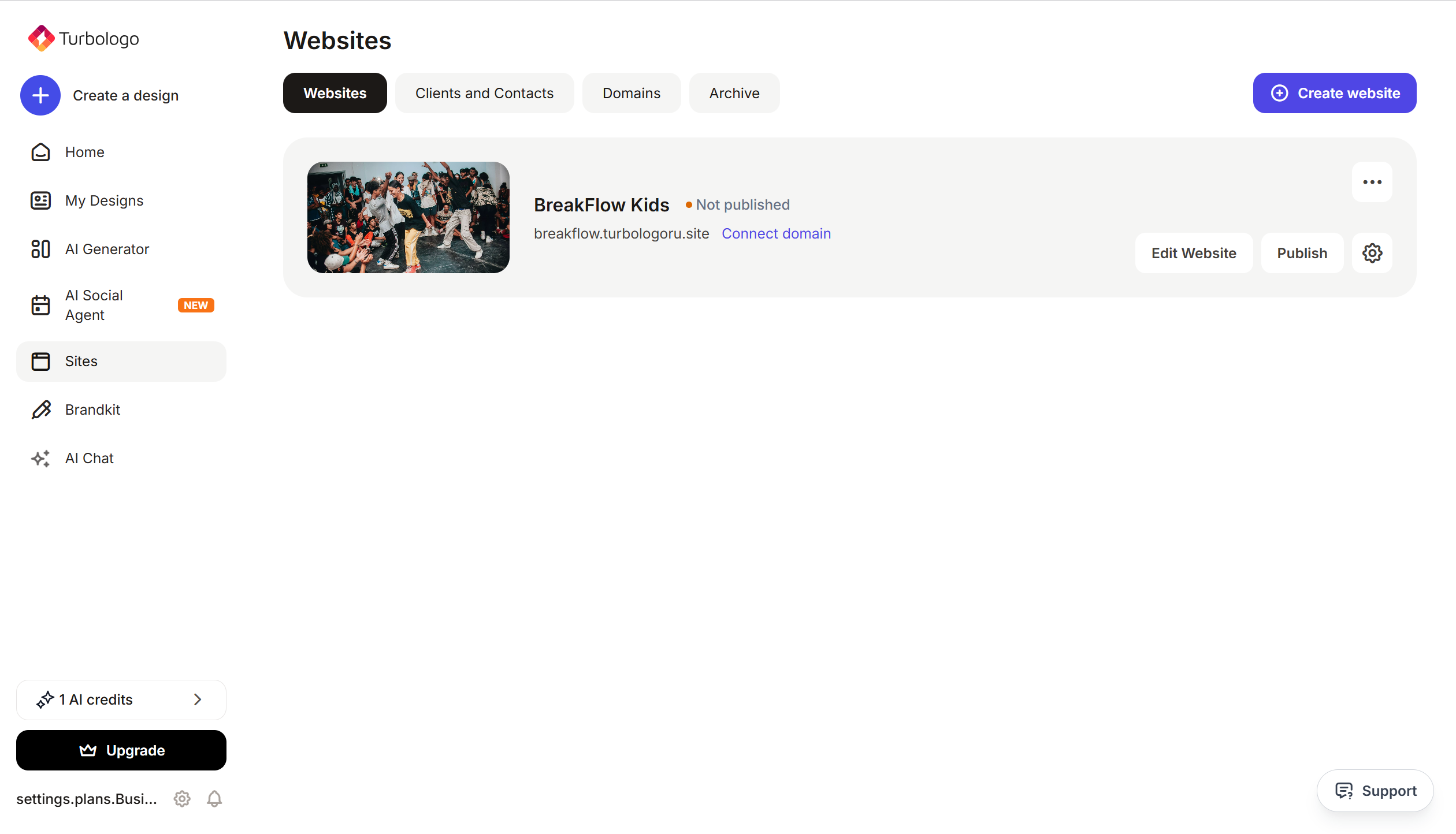
Open your website in Turbosite.
-
Go to Site Settings → Integrations → HTML-code in
<head>(this is a service section of the page — visitors do not see it, but scripts from there are loaded when the site is opened).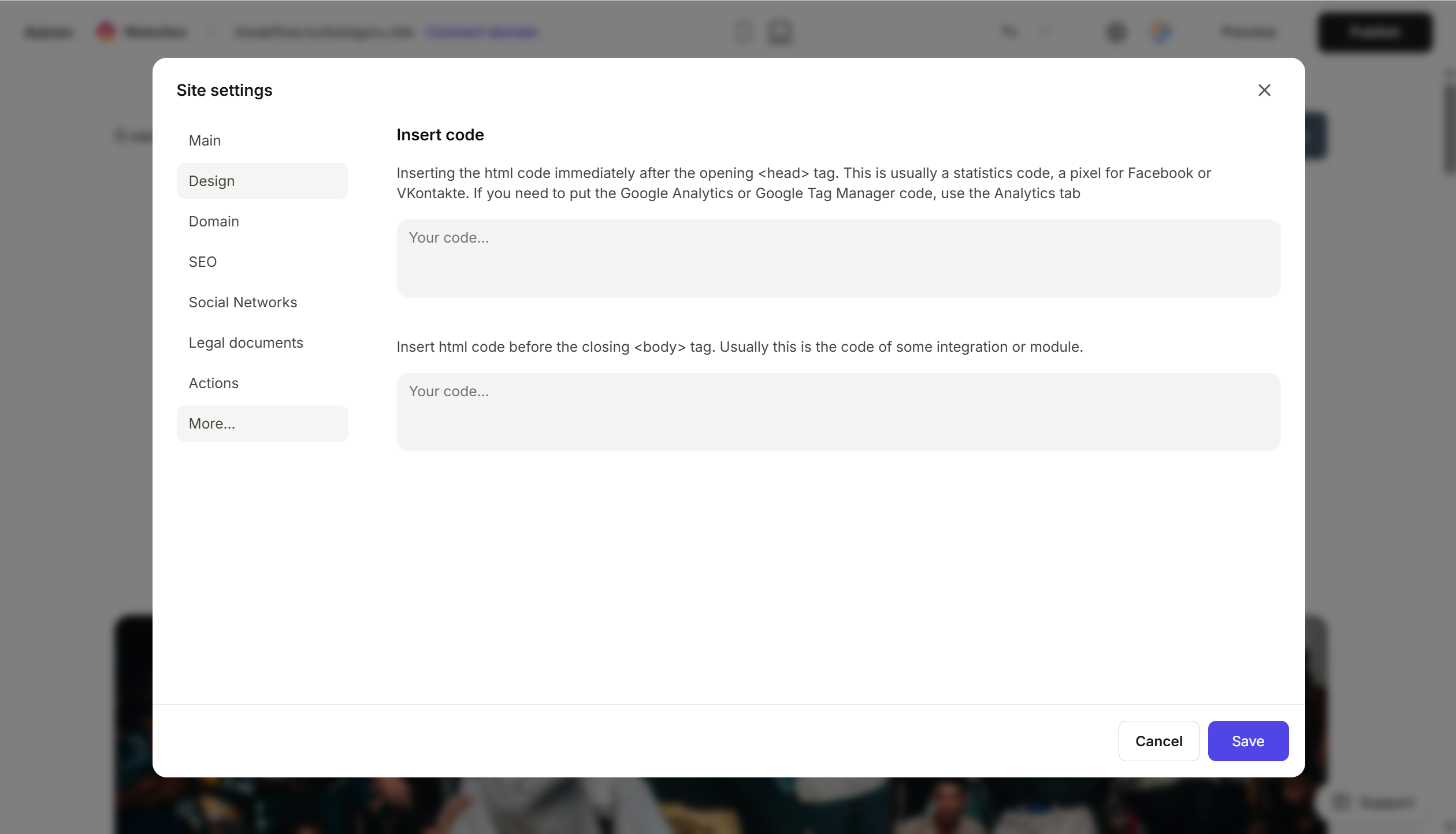
- Paste the Involve.me code.
- Save and publish.
Step 4. Verify it works
- Open your published website.
- Find the project or trigger the popup.
- Complete the quiz/calculator: answer the questions and get the result.
- In Involve.me → Submissions, a record with your data should appear.
FAQ
How much does it cost? Free — up to 100 responses per month, 1 project. Starter — $19/month (1000 responses). Pro — $49/month. Business — $99/month. Pricing.
How does Involve.me differ from Outgrow? Involve.me is European, mid-range in price, and convenient for various tasks (quizzes, calculators, landing pages). Outgrow has more advanced analytics features and is more expensive.
Can I send leads to a CRM? Yes, via integrations with HubSpot, Mailchimp, Pipedrive, Salesforce, and through Zapier and Make.
Is GDPR supported? Yes, Involve.me is a European service and is GDPR compliant by default. You can add a data processing consent block to every project.
Can I remove the Involve.me branding? On paid plans — yes. On the free plan, there will be a “Made with Involve.me” label.
Where to look next
- Involve.me Help Center — official documentation
- Embed your project — step-by-step guide
- Pricing — current prices