
Seedream 5.0 Pro
ByteDance image generator for designs
Seedream 5.0 Pro by ByteDance inside one generator: describe the scene, attach your logo and references and get a finished image.




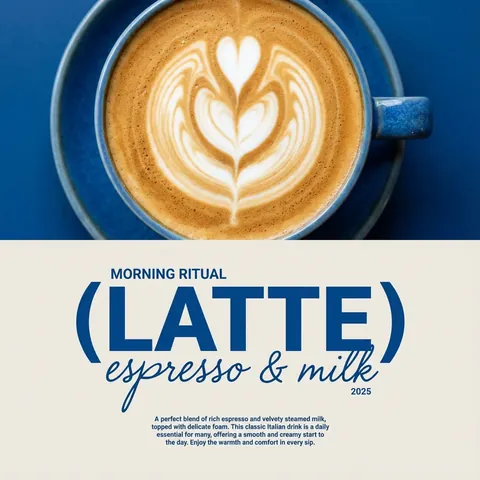
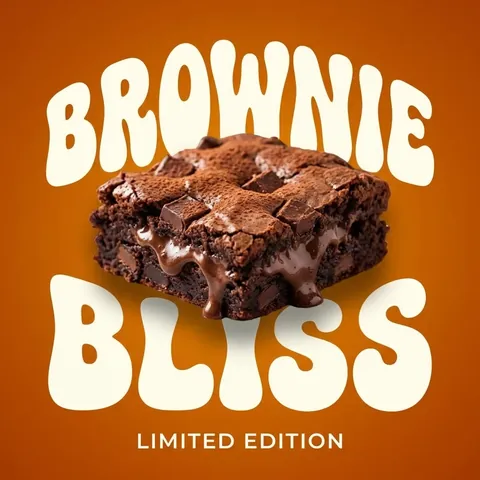
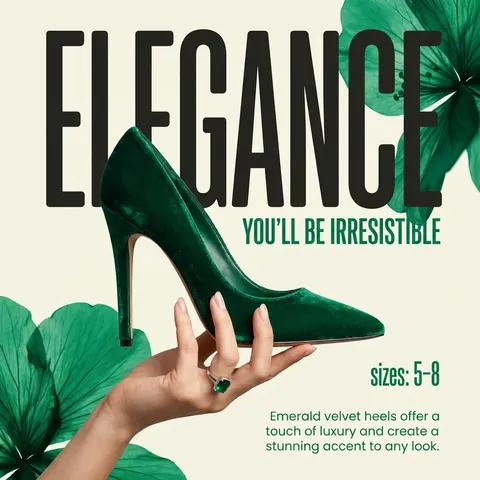



Seedream 5.0 Pro on Turbologo: what you get
Seedream is ByteDance’s model for creating and editing images from a prompt. On Turbologo, Seedream 5.0 Pro is built into the generator, so you do not need a separate account for it.
-
Seedream 5.0 Pro
ByteDance’s model for images and layouts. You pick it in the generator’s model list: GPT Image 2.5 is the default, and you switch to Seedream by hand.
-
Up to 10 reference images
Attach your logo, product photos and images in the style you like: Seedream takes up to 10 references in one request and builds on them.
-
Every format
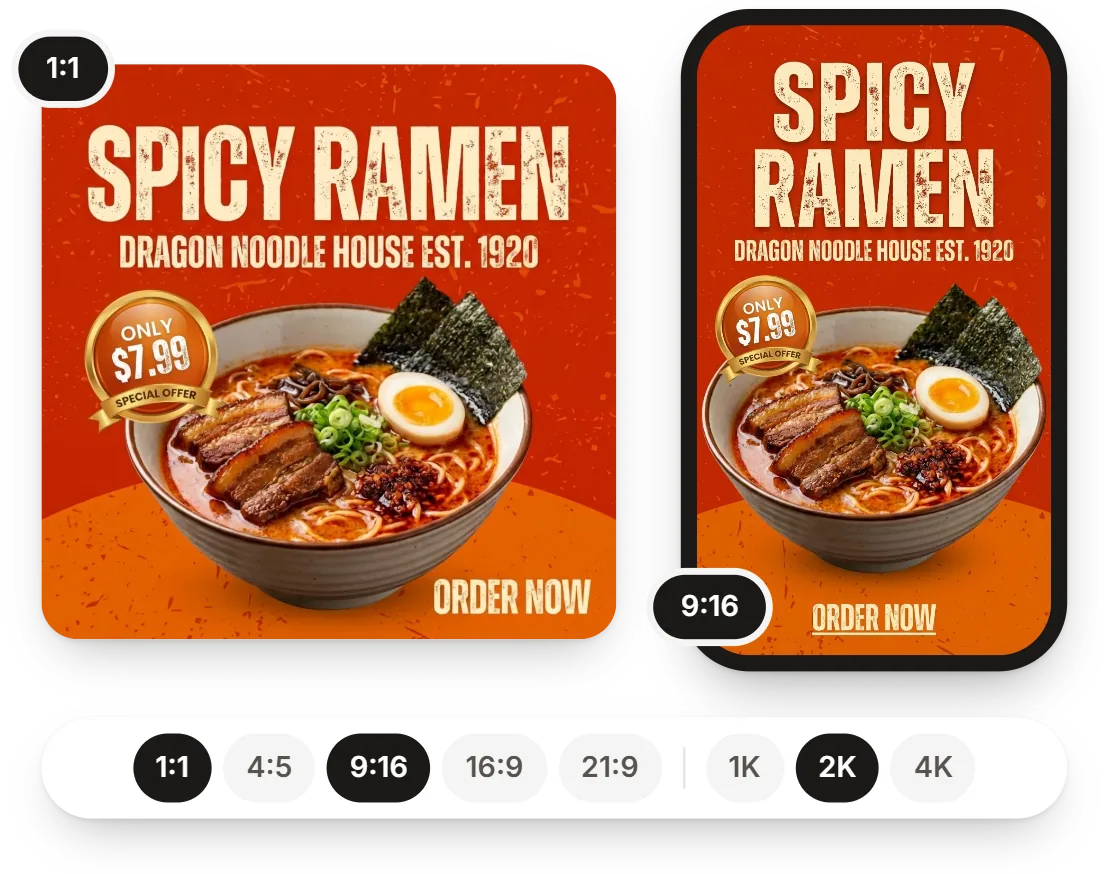
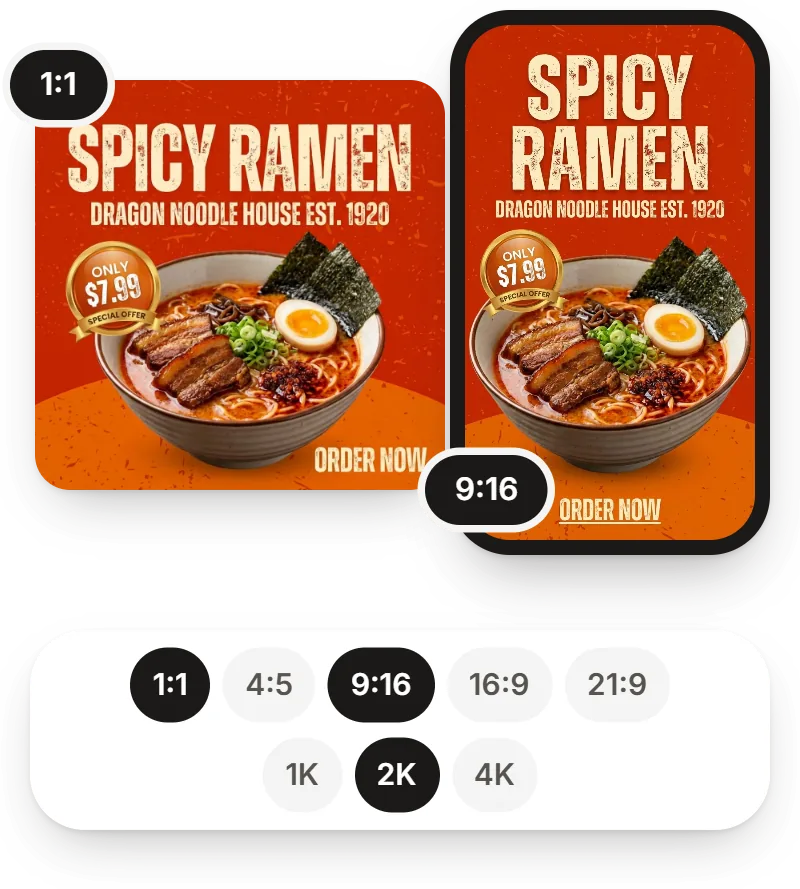
Seedream works with all 10 of the generator’s aspect ratios, from 1:1 and 9:16 to 21:9, at 1K or 2K quality.
-
One balance for every model
You pay for Seedream with the same Turbologo AI credits as for the other models, so there is no separate subscription to buy.
What people make with Seedream
Posts, banners, posters and price lists. The button under each example opens the generator with a ready prompt.
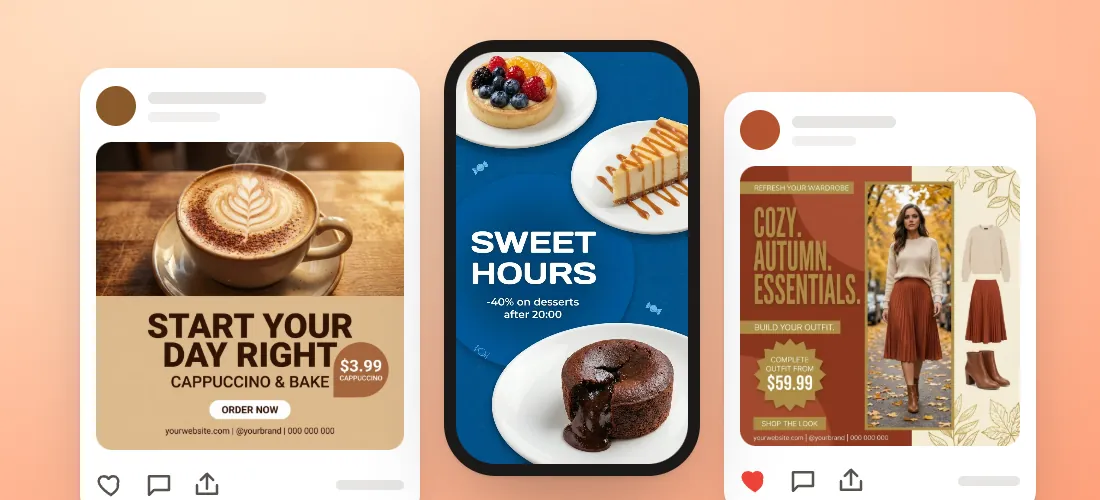
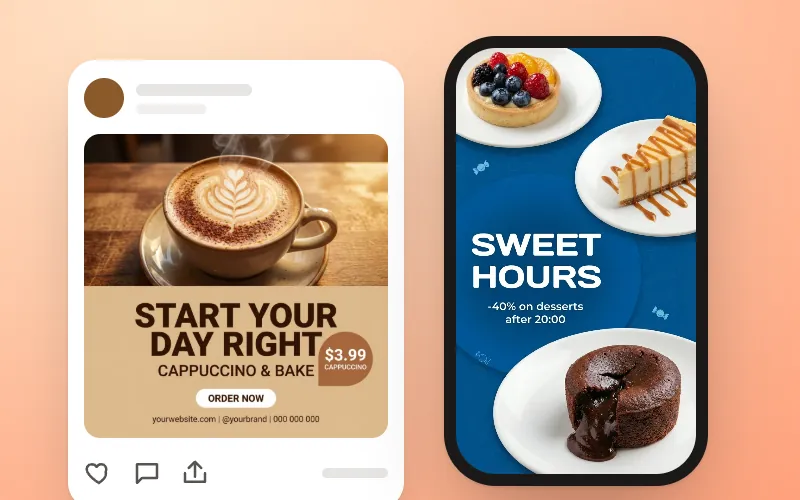
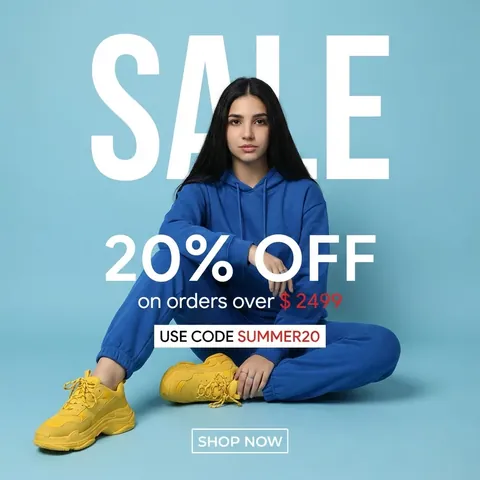
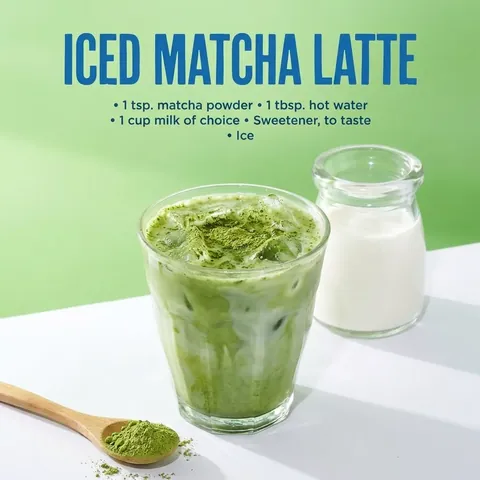
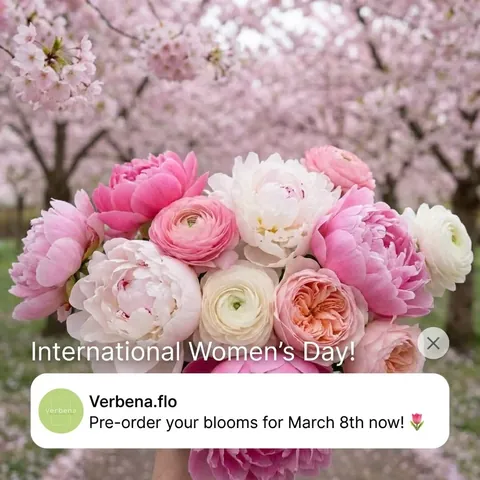
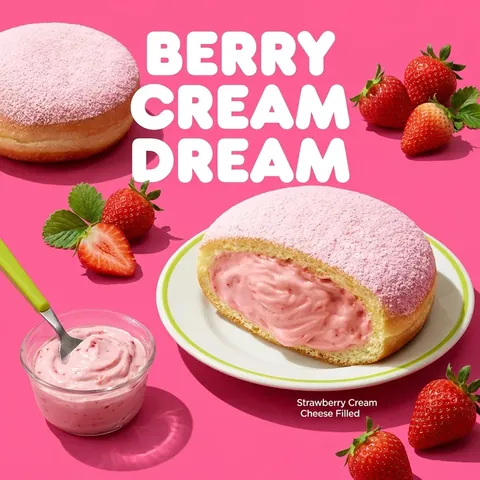
Instagram and Facebook posts and stories
— openings, offers and new services, sized for the feed and stories.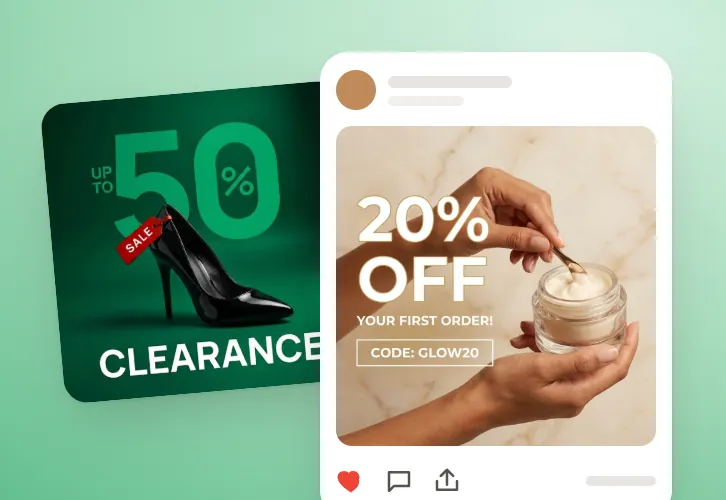
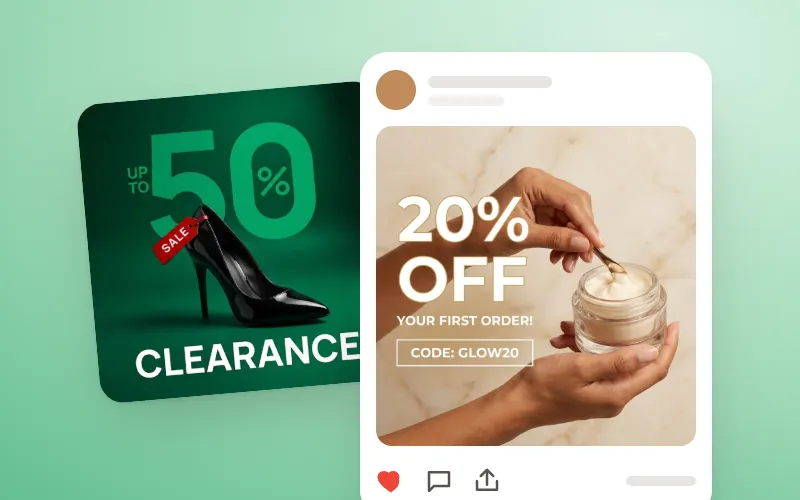
Ad banners and promotions
— an AI banner generator for ad creatives: discounts, referral offers and job ads.

Posters and flyers
— an AI poster generator for workshops, concerts and parties: with the date, address and phone, in print quality.

Price lists, menus and gift cards
— list the items and prices, and the AI lays them out on the design.Seedream with your logo and wording
The model itself gives you an image. Turbologo adds the headline, price and contacts, your logo, your colors and the platform size.
-
AI image generator
Just a picture — you add the text and logo yourself.
-
AI design generator
Headline, price, logo and contacts already on the layout.


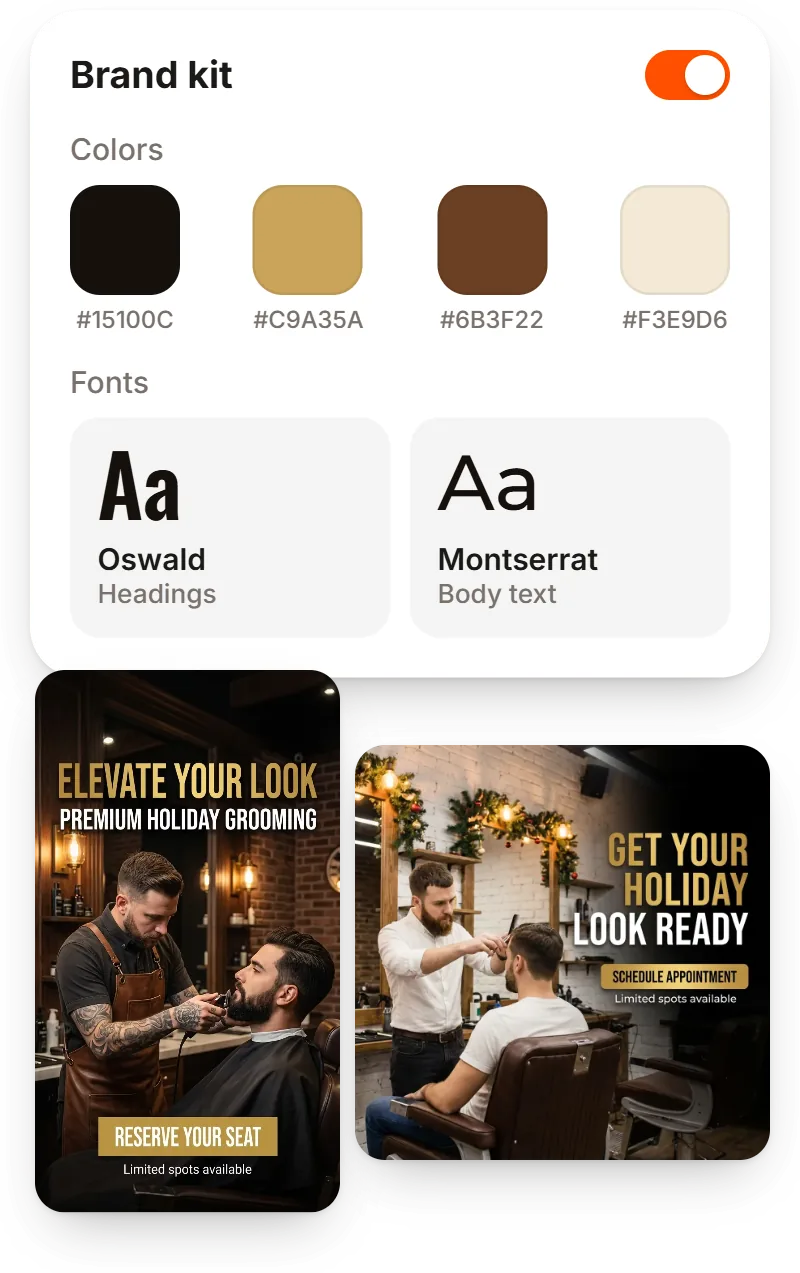
Seedream in your brand style
Your logo, edits in plain words and the right size, no designer needed.
On-brand designs with your logo, colors and fonts
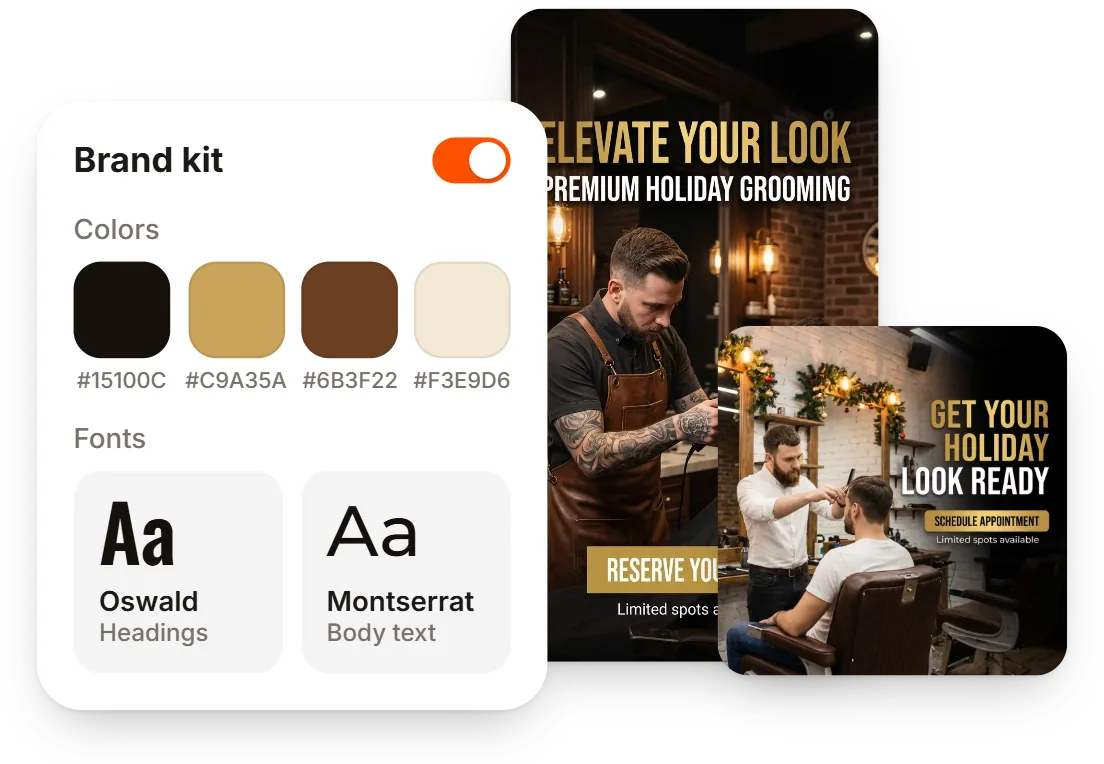
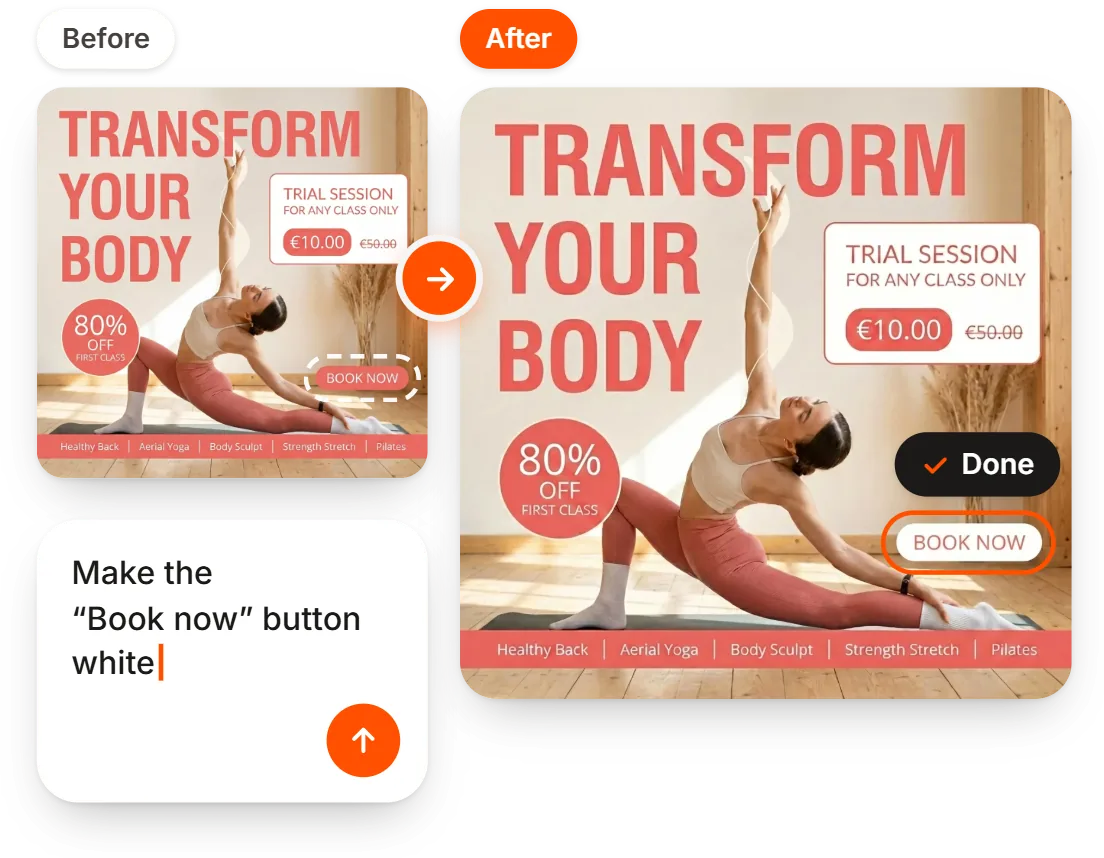
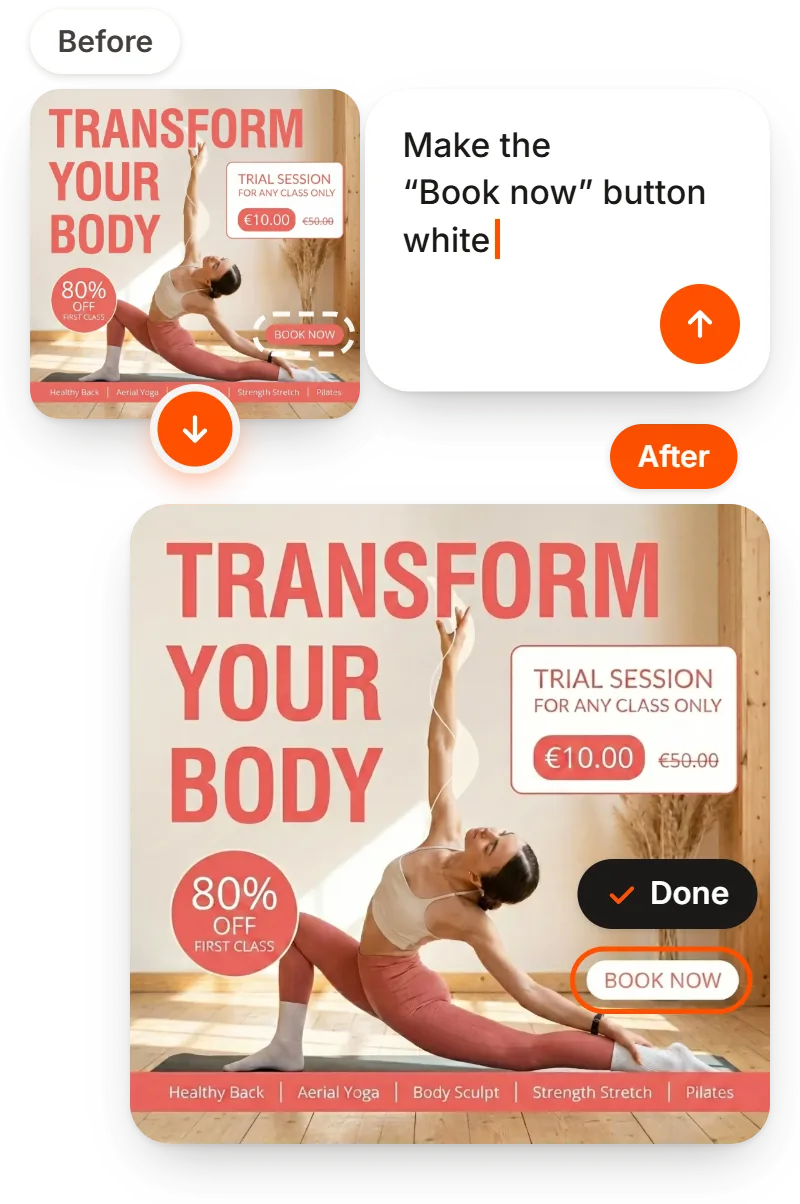
Edit by typing: text, color, background, size
Sizes for social media, ads and print
How to create an image with Seedream: 4 steps
No separate account or subscription.
Open the generator
Log in or sign up to Turbologo.
Pick Seedream 5.0 Pro
Choose it in the generator’s model list.
Describe the task
What is in the image and what it says. You can attach up to 10 references.
Edit and download
Edits in plain words: “change the headline”, “make the background lighter”.
How much does Seedream cost on Turbologo
You pay with AI credits from a one-time pack, and each model uses its own amount. The calculator opens on Seedream 5.0 Pro at 1K and 2K, since it has no 4K: switch to another model to compare.
- Your first design on the default model is free
- One-time payment, no auto-renewal
- Credits never expire
What people say about Turbologo
Reviews from Turbologo users about logos, designs and the service overall.
Jordan M.
Side-hustle founder
Sara P.
Brand manager
Marcus T.
Café owner
Elena V.
Founder
James O.
Small-business owner

Eva Williams
Seedream FAQ
Create designAI image, photo and model generators
The same generator for different tasks: pick the page that matches yours.
-
AI Design Generator
Posts, banners and posters with your text and logo.
-
AI Image Generator
Images from a text prompt, with your own wording.
-
Nano Banana on Turbologo
Nano Banana 2.1 and Pro in one generator.
-
GPT Image on Turbologo
OpenAI models for images and layouts.
-
AI Photo Generator
Photos from a description, or from your own picture.
-
FLUX.2 Pro on Turbologo
Flux AI in your browser, nothing to install.
More tools from Turbologo
Logo, video, website and business cards — in one account and one style.
-

AI Logo Generator
A logo from your business name and industry.
-

AI Video Generator
Video ads and logo intros from a prompt.
-

AI Website Builder
A ready business website from a short description.
-

AI Business Card Maker
Business cards with your logo, ready to print.
-

Business Name Generator
Business name ideas in one click.
-

Brand Kit
Colors, fonts and contacts for every design.
Try Seedream 5.0 Pro
Your first generation on the default model is free when you sign up.
You pick Seedream 5.0 Pro in the generator.

Logotypes, websites, socials, marketing kit. AI tools you need to shine.


- Business Card Generator
- Email Signature Generator
- Business name generator
- AI logo generator
- AI Design Generator
- PostPost.ai — AI social media manager
- About Us
- How it works
- Pricing
- Support
- Help Center
- Reviews
- Services
- FAQ
- Logo maker
- Affiliate program
- Logo Templates
- Blog
- Privacy policy
- Cookie policy
- Terms of service